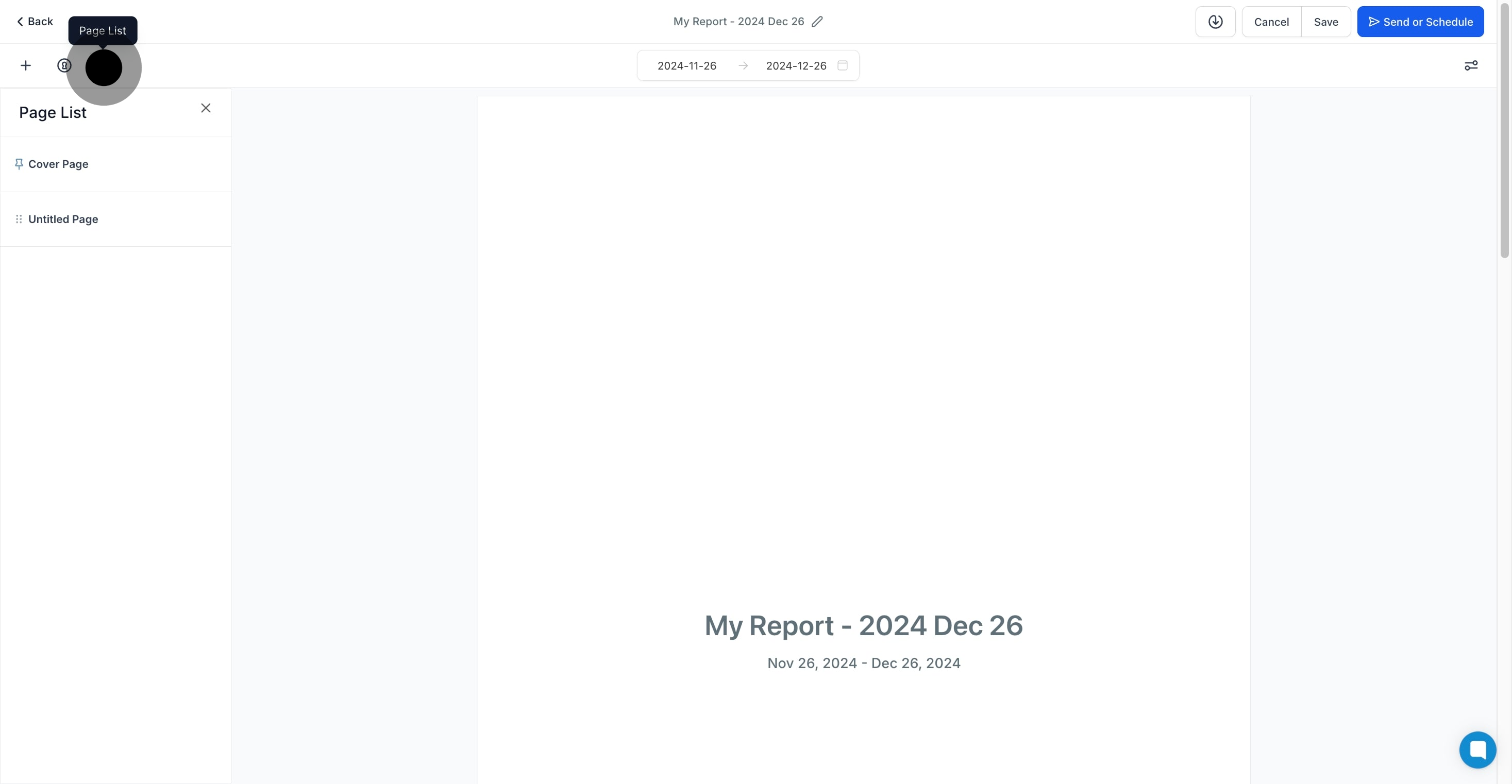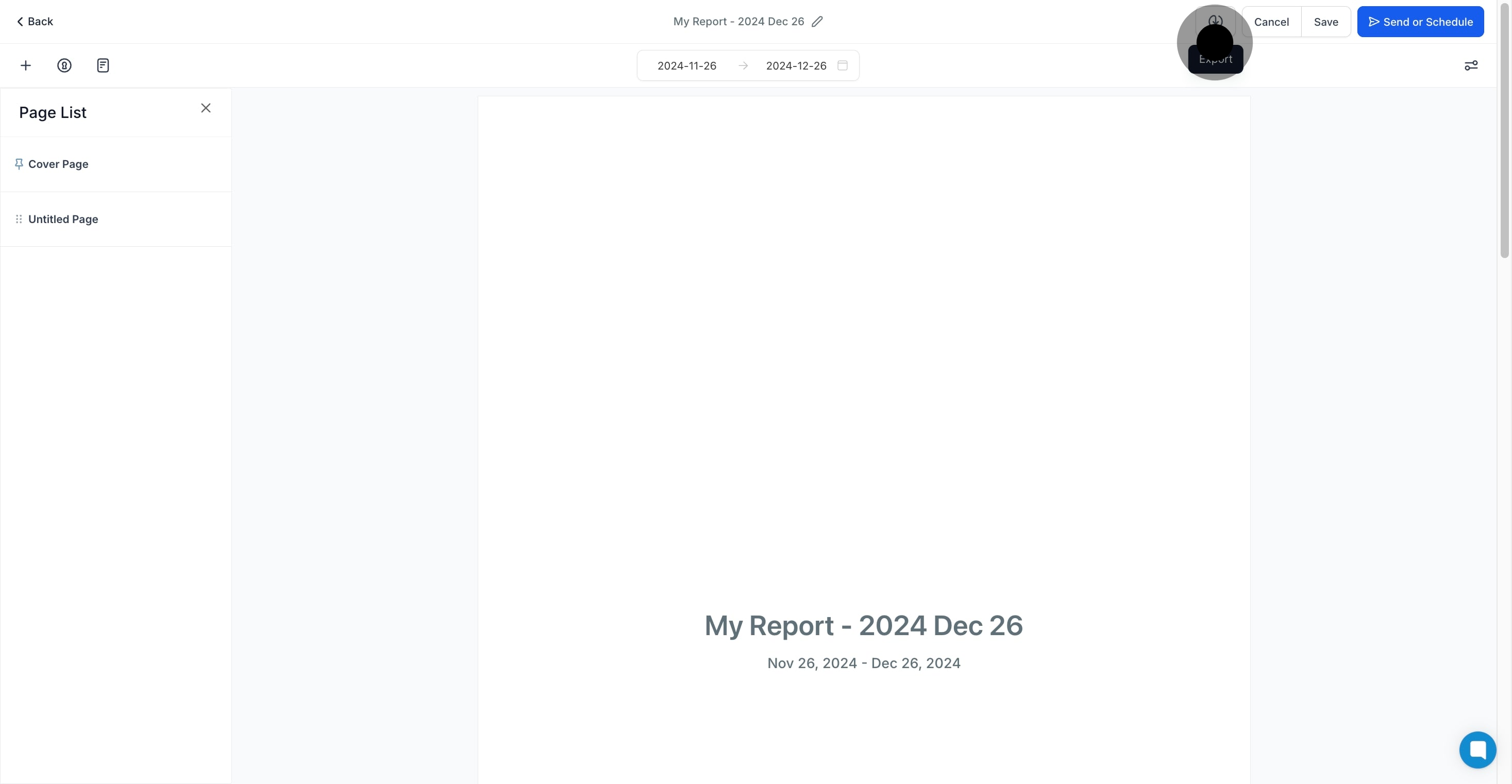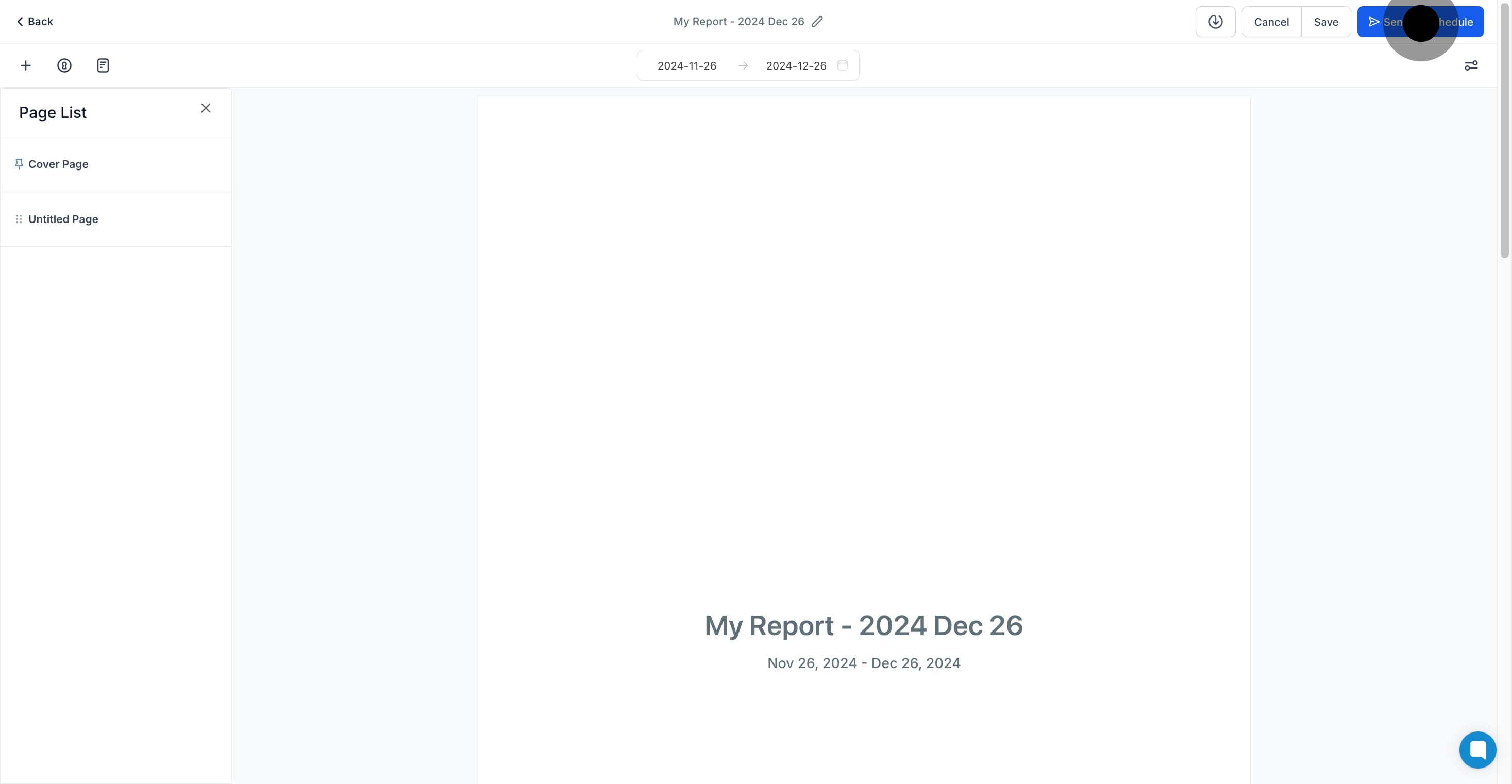
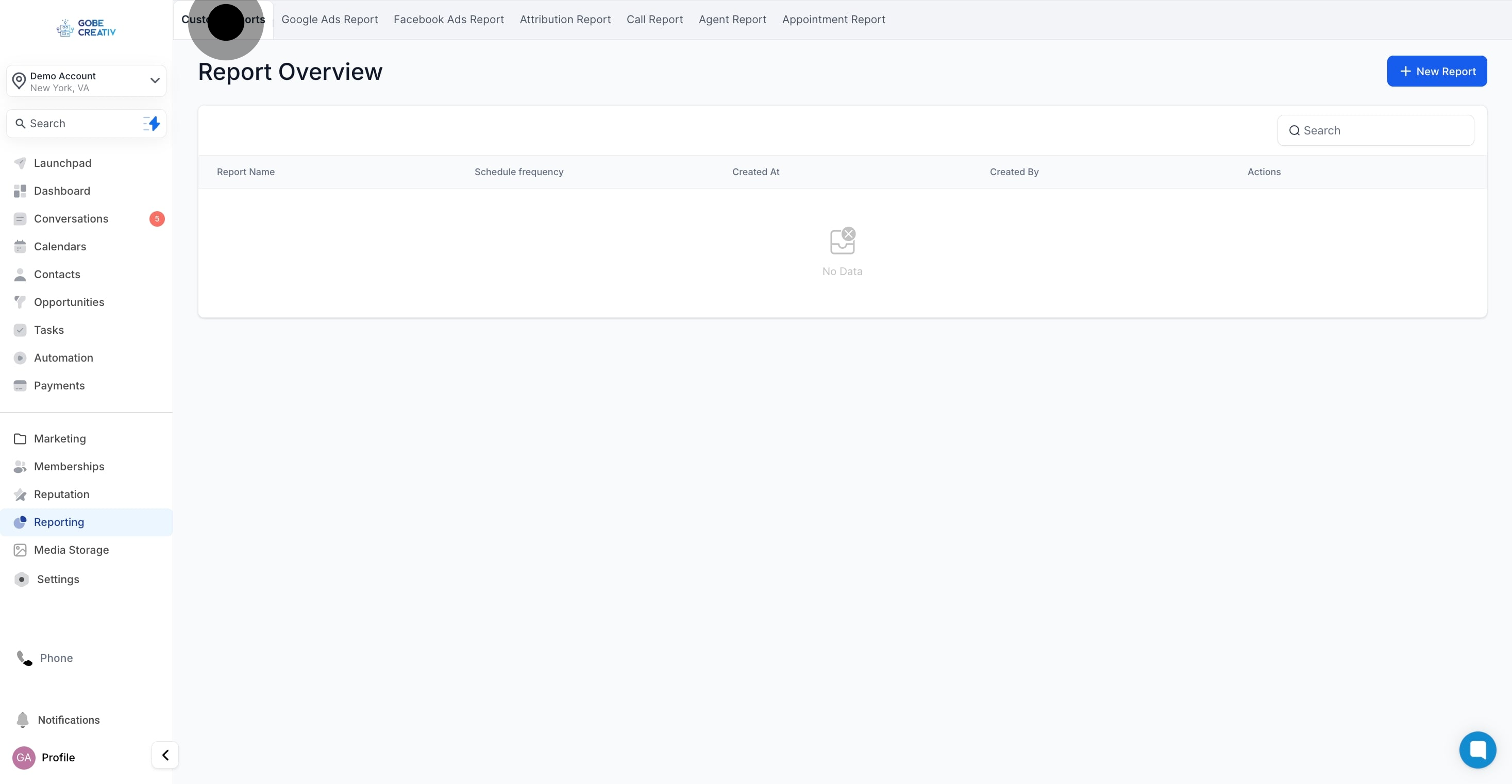
You can either create a report from scratch or convert an existing dashboard into a report.
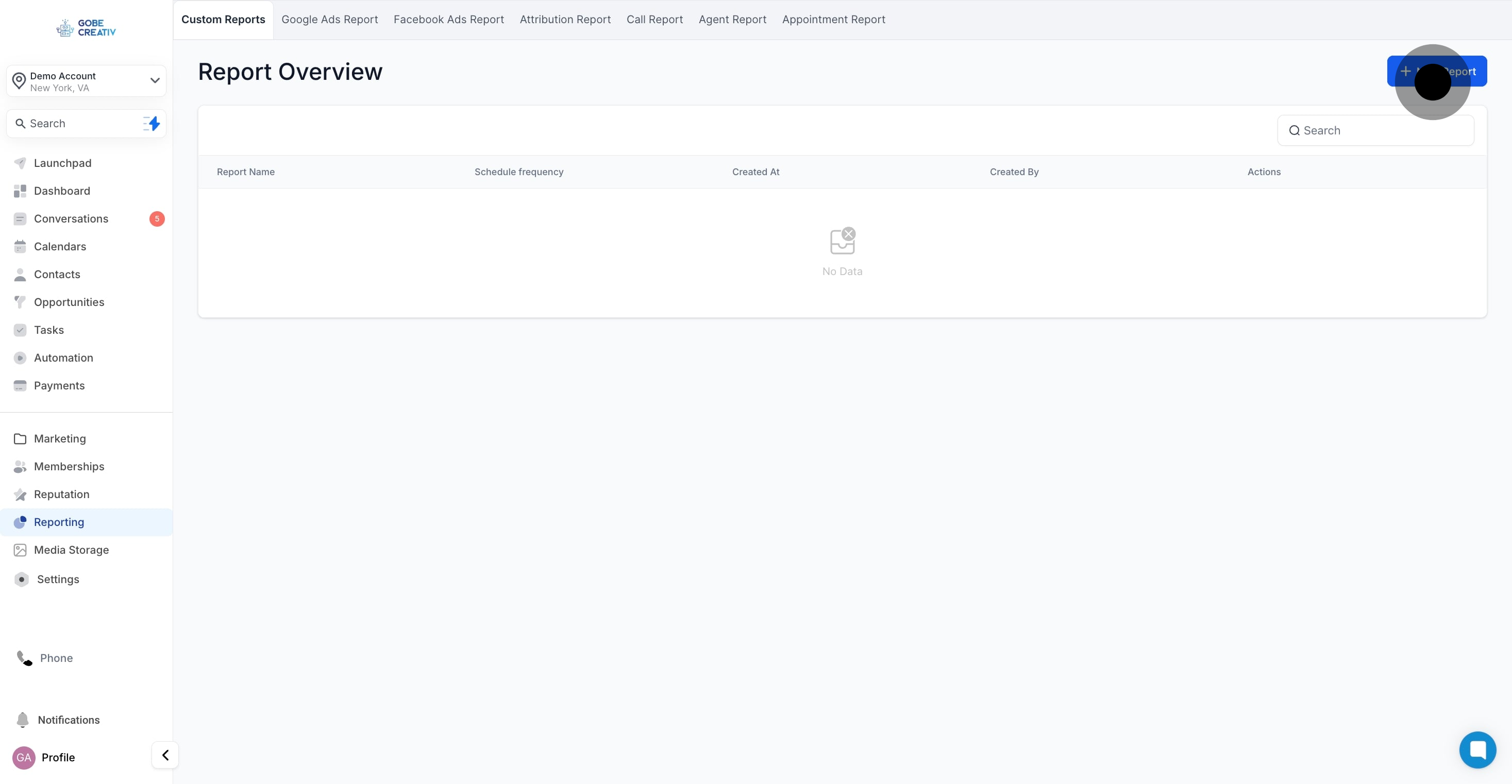
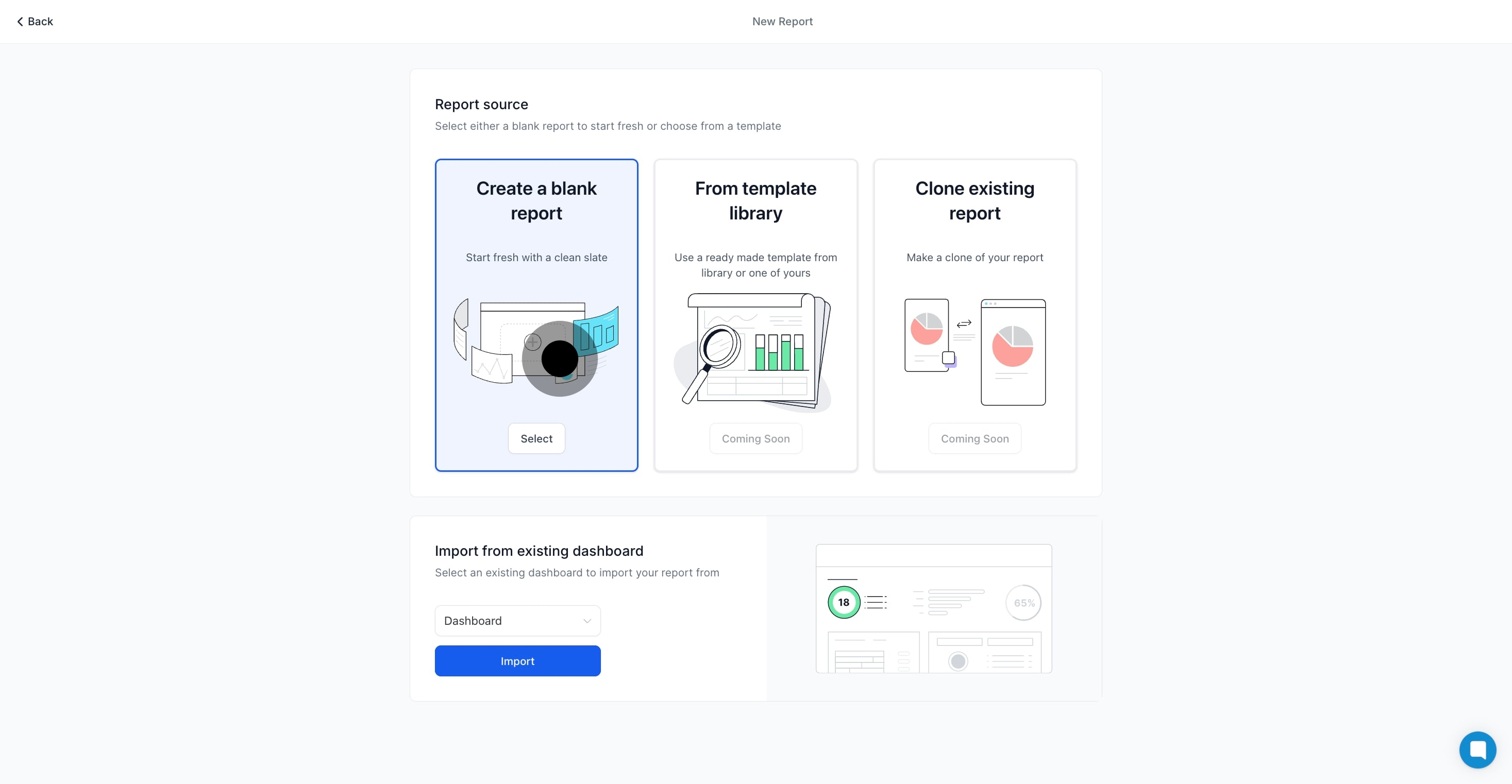
If starting from scratch, you'll be taken to the Report Builder.
At the top, you can rename your report to reflect its purpose.
The first page of your report is the cover page, which you can customize or remove through the Page Properties menu on the right.
Page Properties Options:
Upload your company logo.
Configure headers for each page.
Adjust the background color of the report pages.
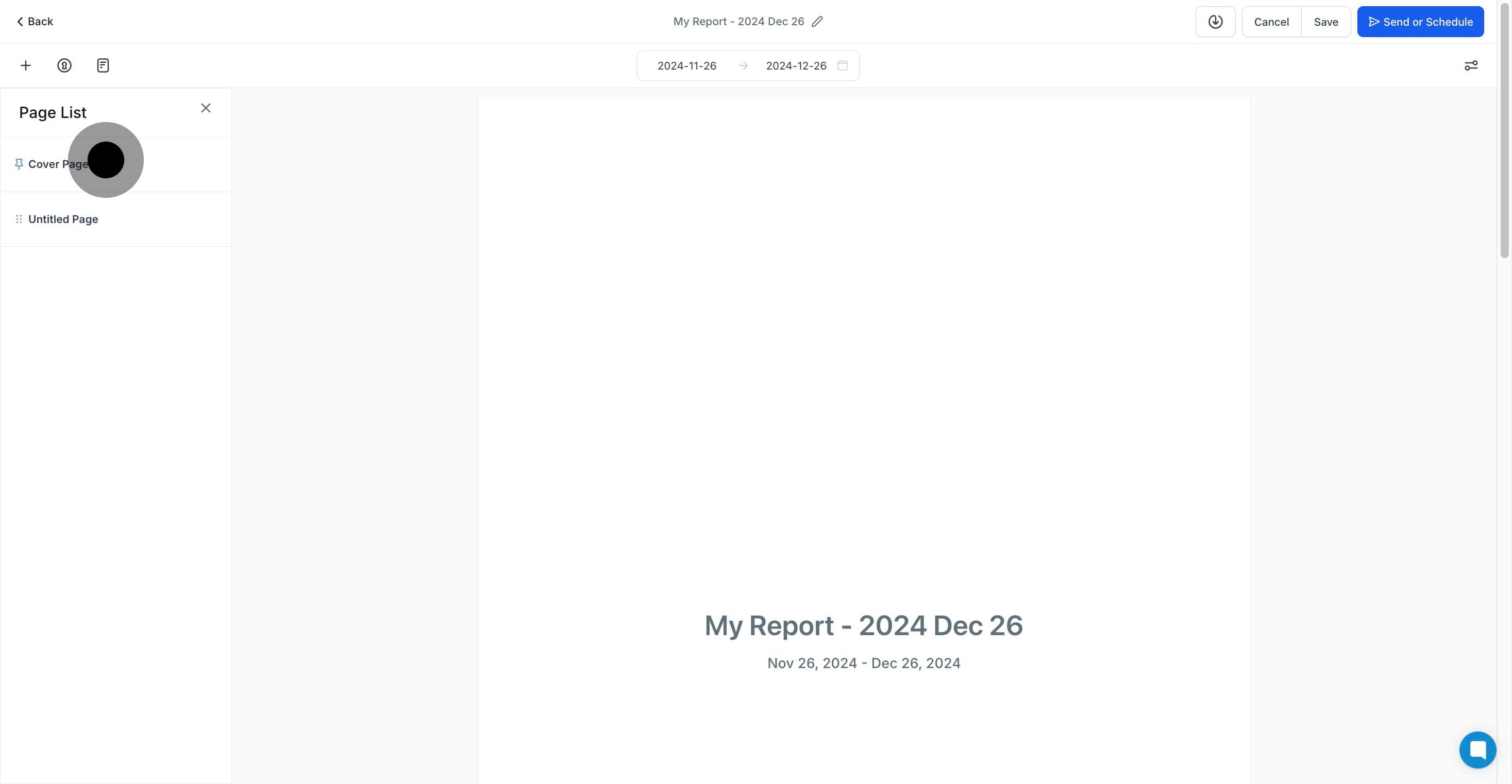
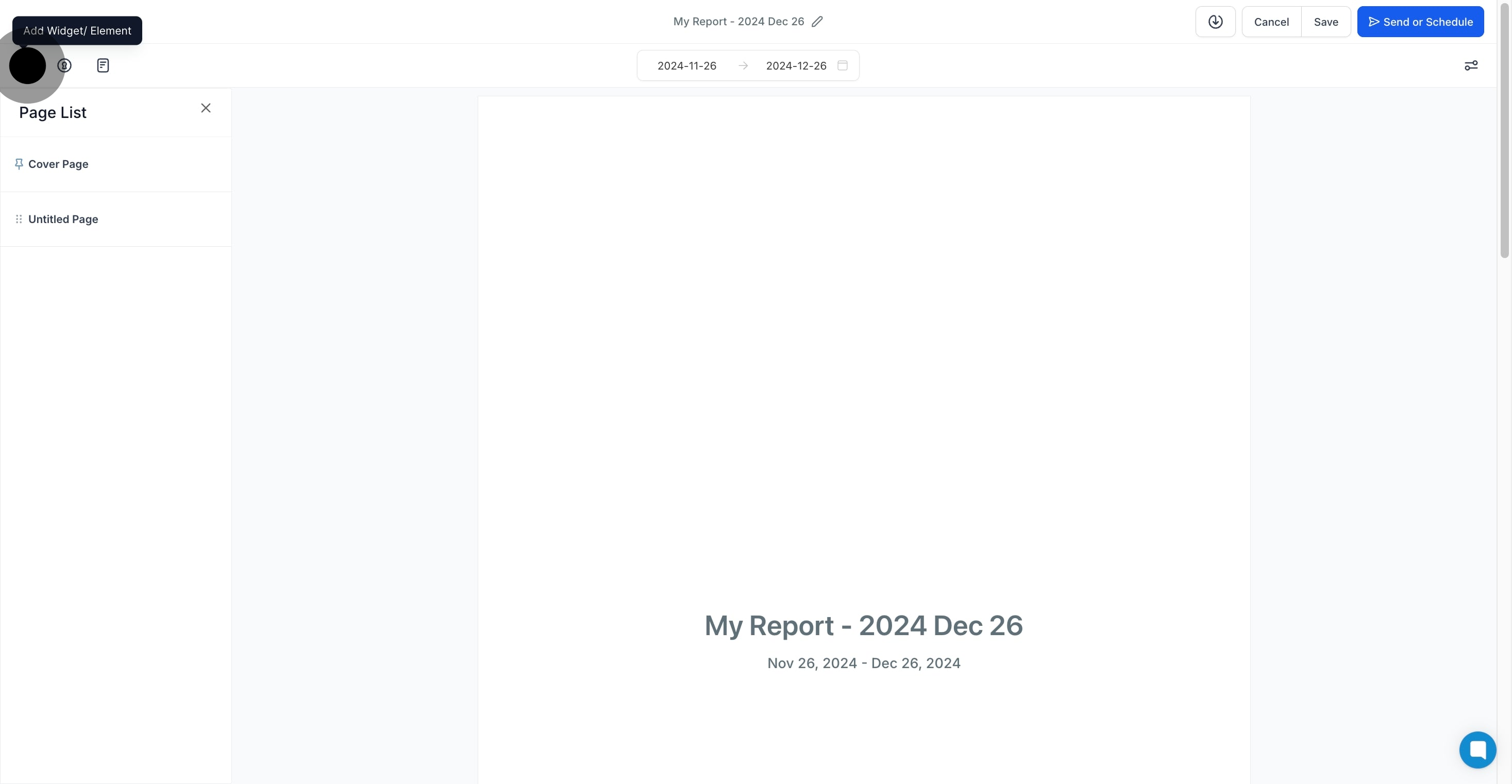
Once your cover page is set, click the + icon on the left to begin adding widgets.
From the widget sidebar, upload or customize the widgets you want to include in the report.
Use the Elements Menu to add titles and organize your report into sections for easy readability.
Switch to the Themes section to configure one of the predefined themes or add your own custom theme to the report