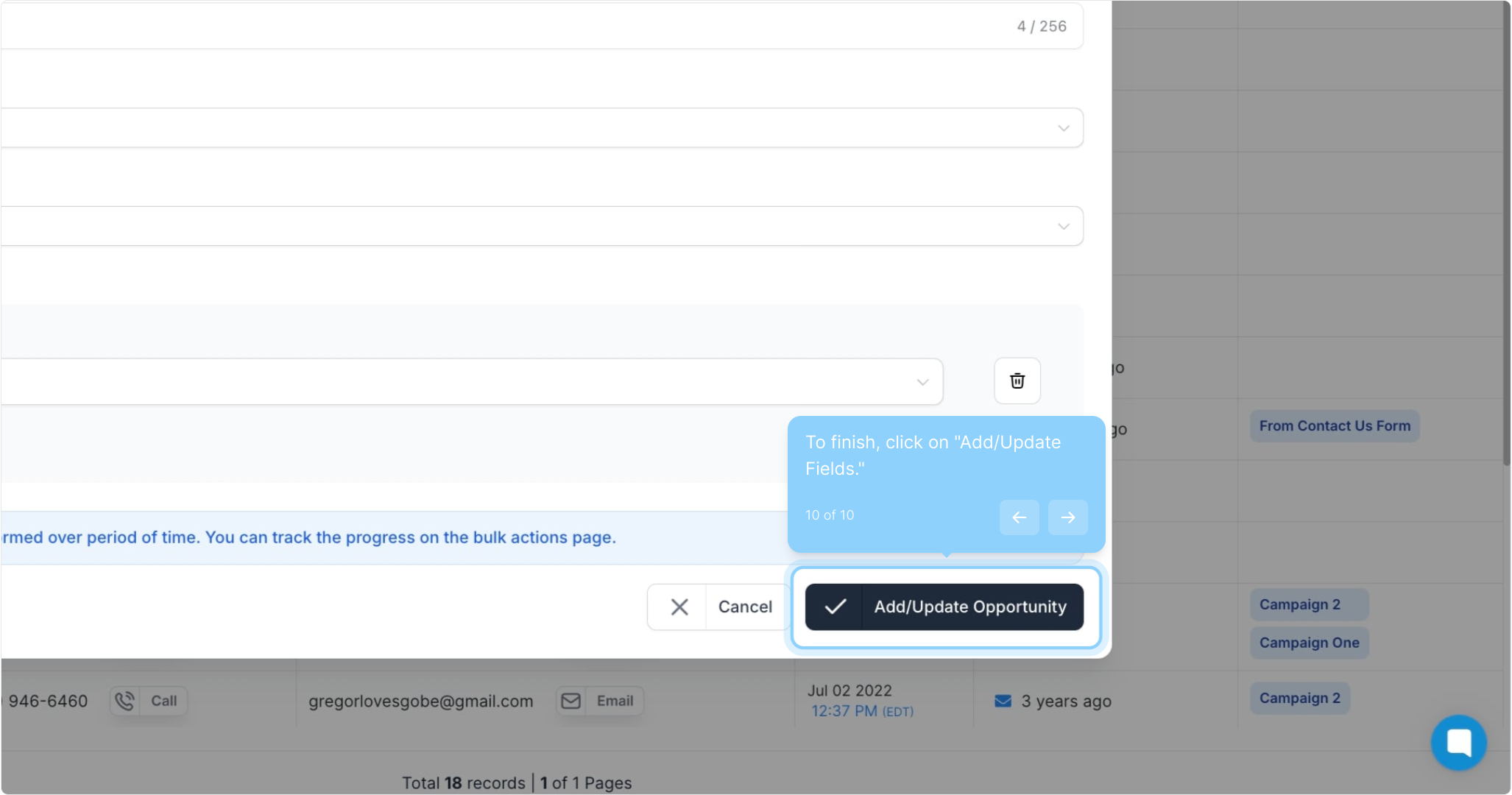
This article provides a step-by-step guide on how to add contacts in bulk to a pipeline, helping you streamline your workflow and manage leads more efficiently.
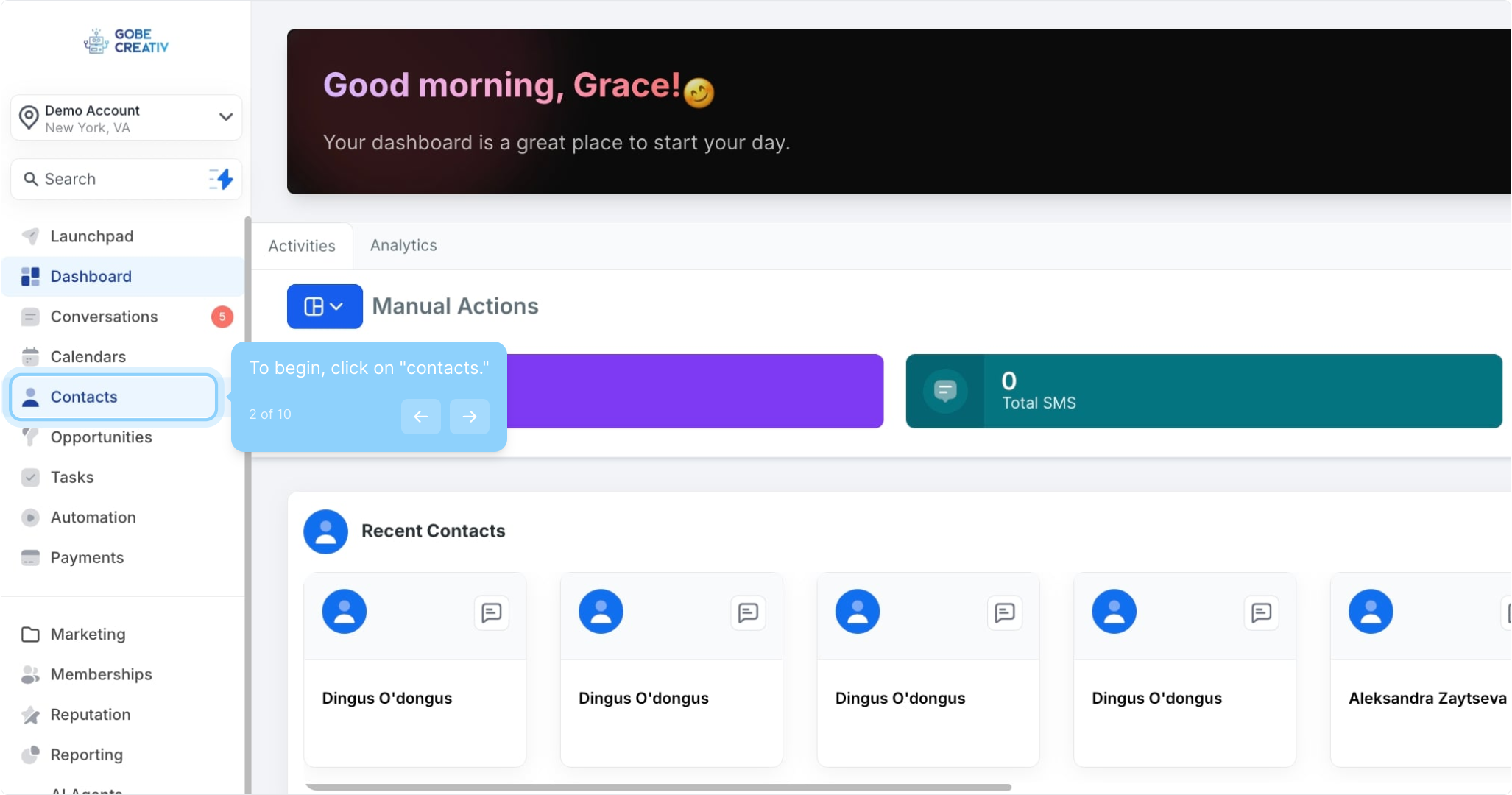
2. To begin, click on "contacts."
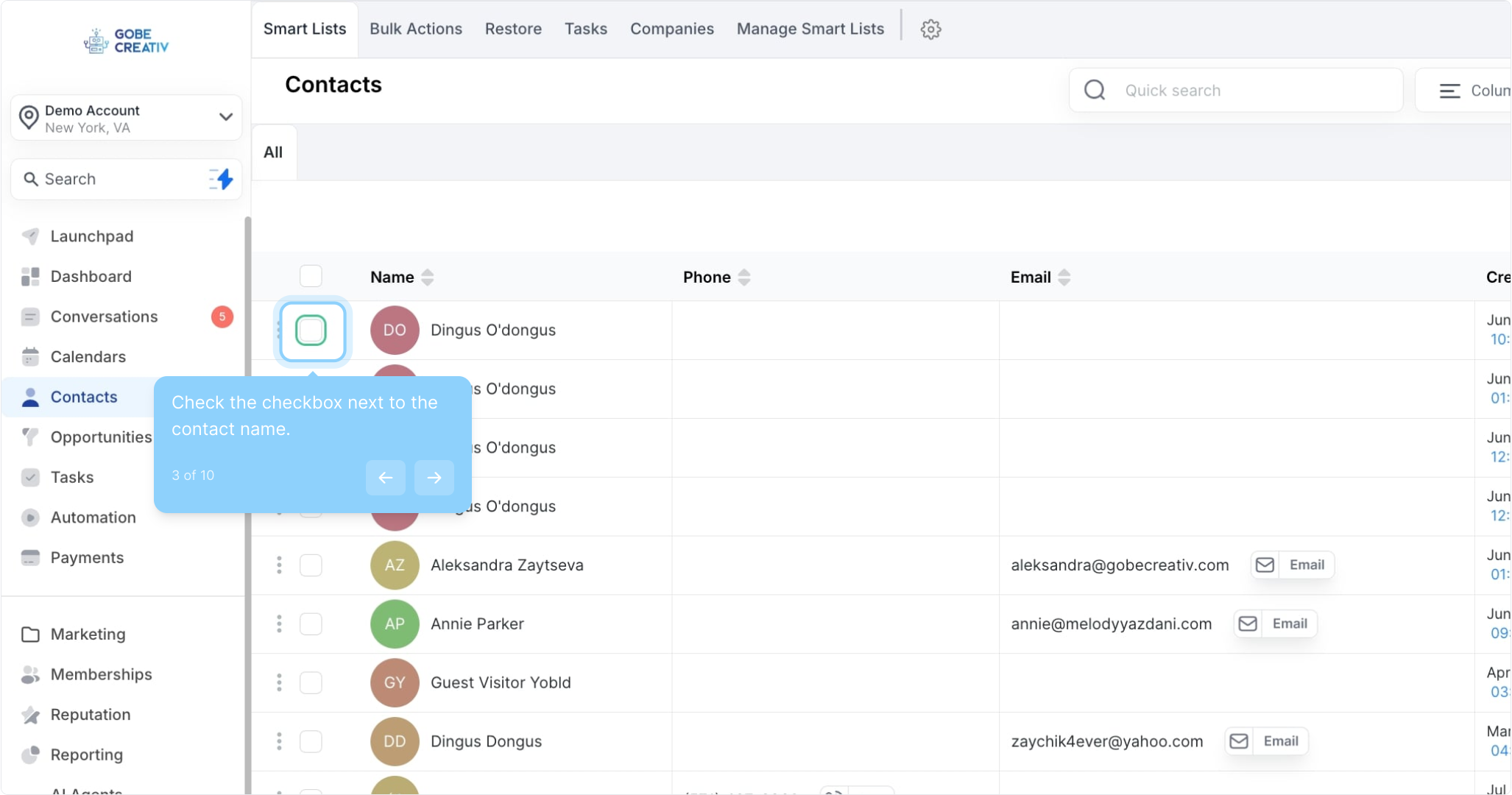
3. Check the checkbox next to the contact name.
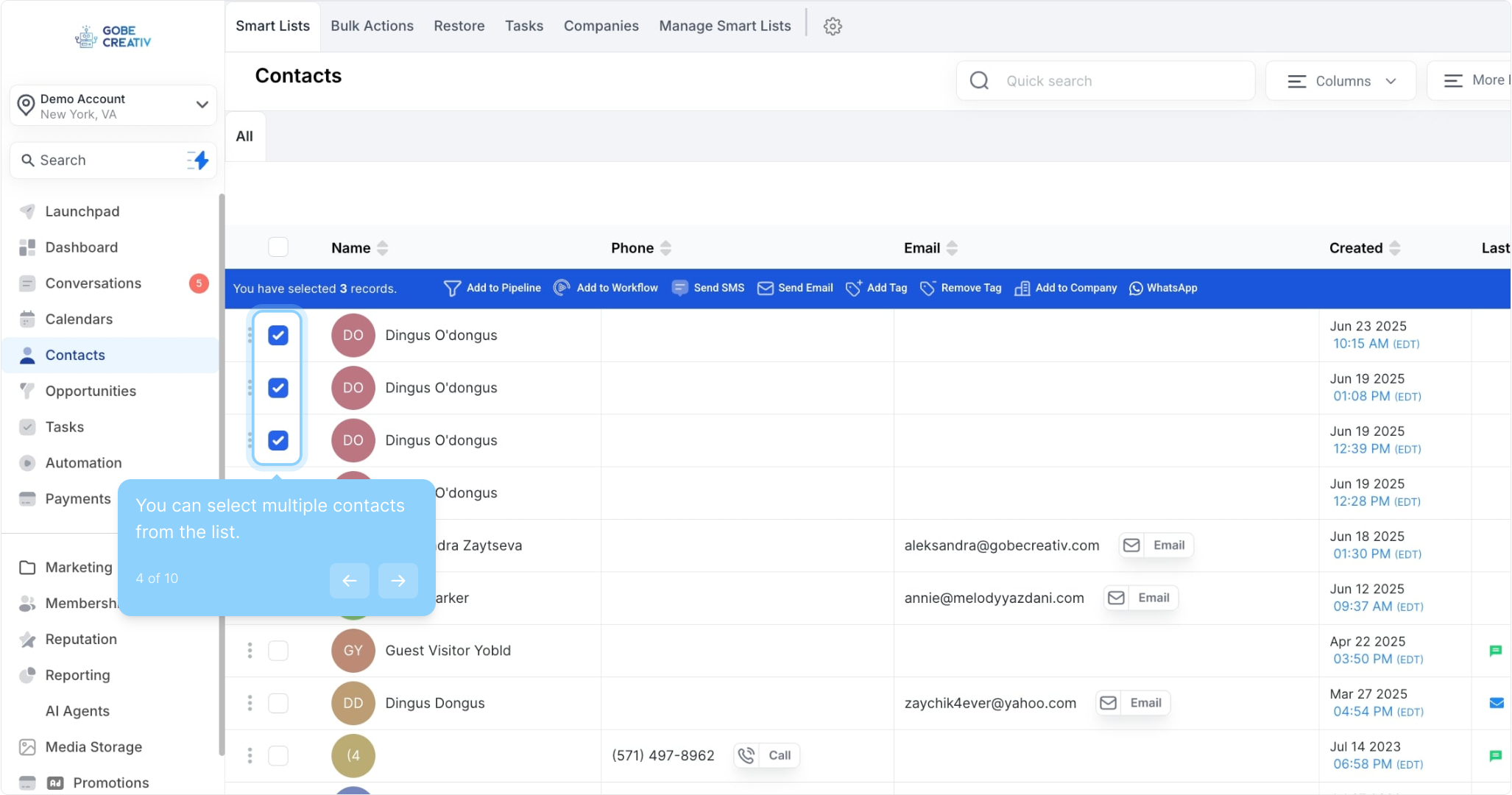
4. You can select multiple contacts from the list.
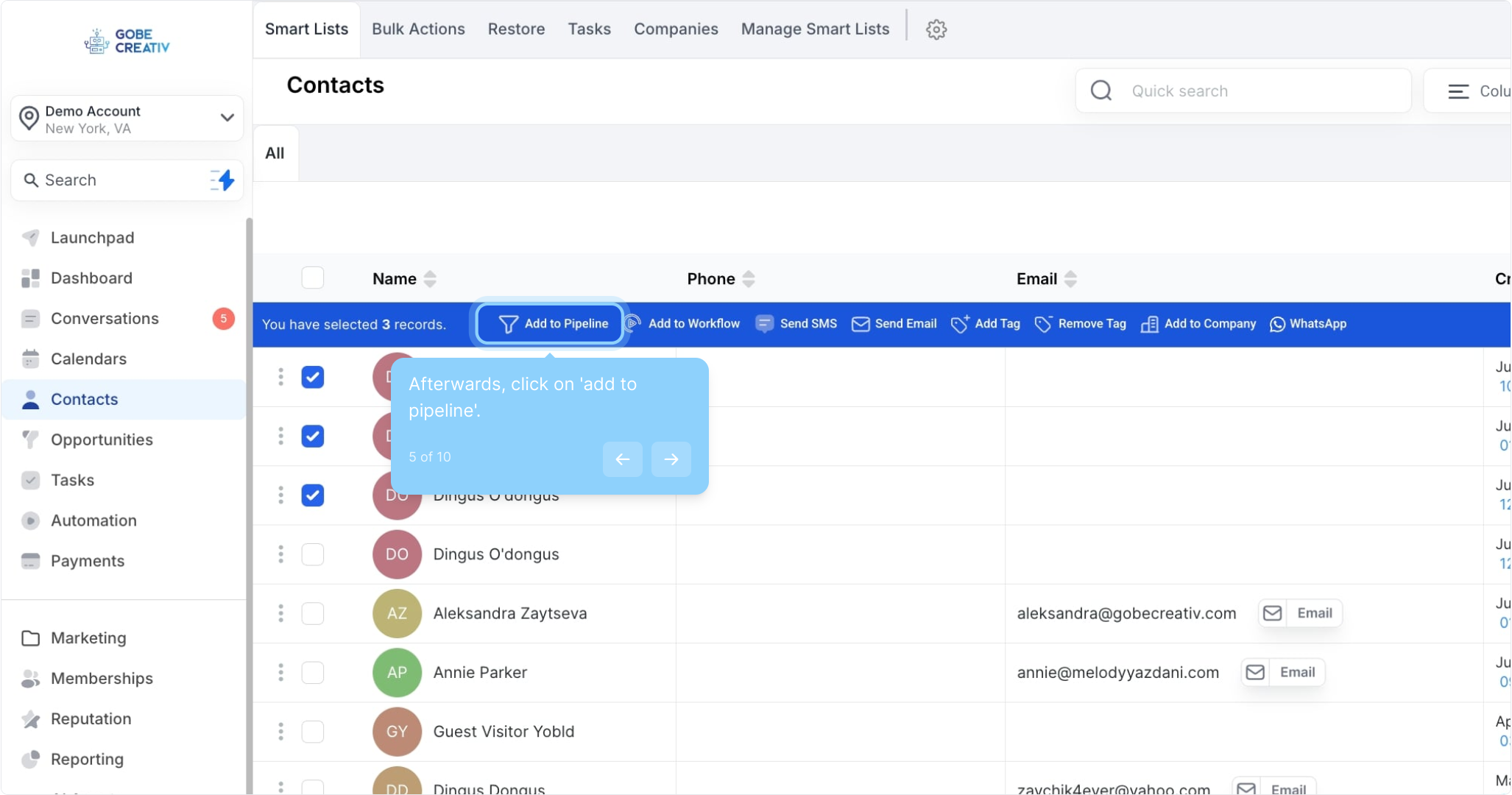
5. Afterwards, click on 'add to pipeline'.
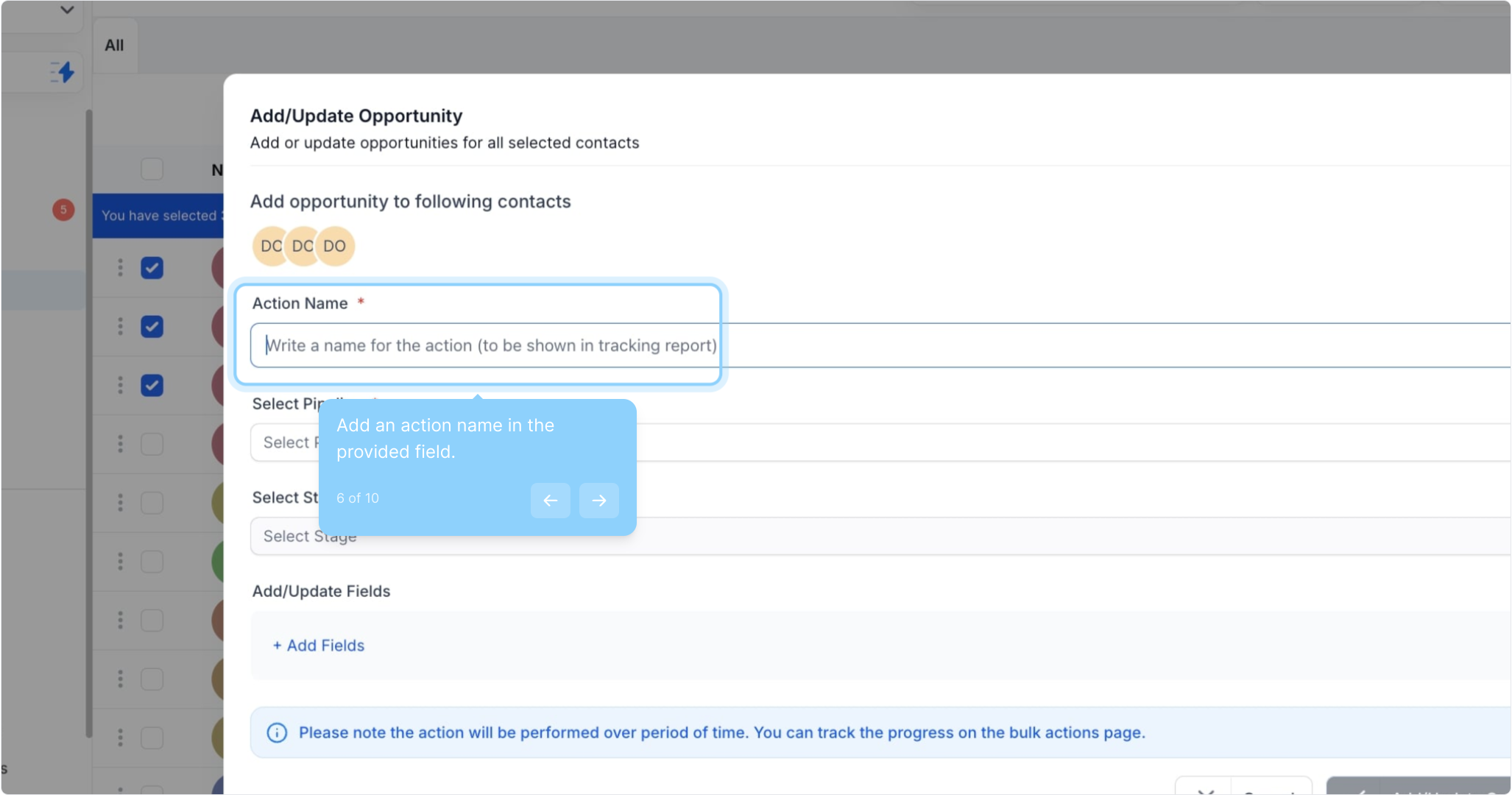
6. Add an action name in the provided field.
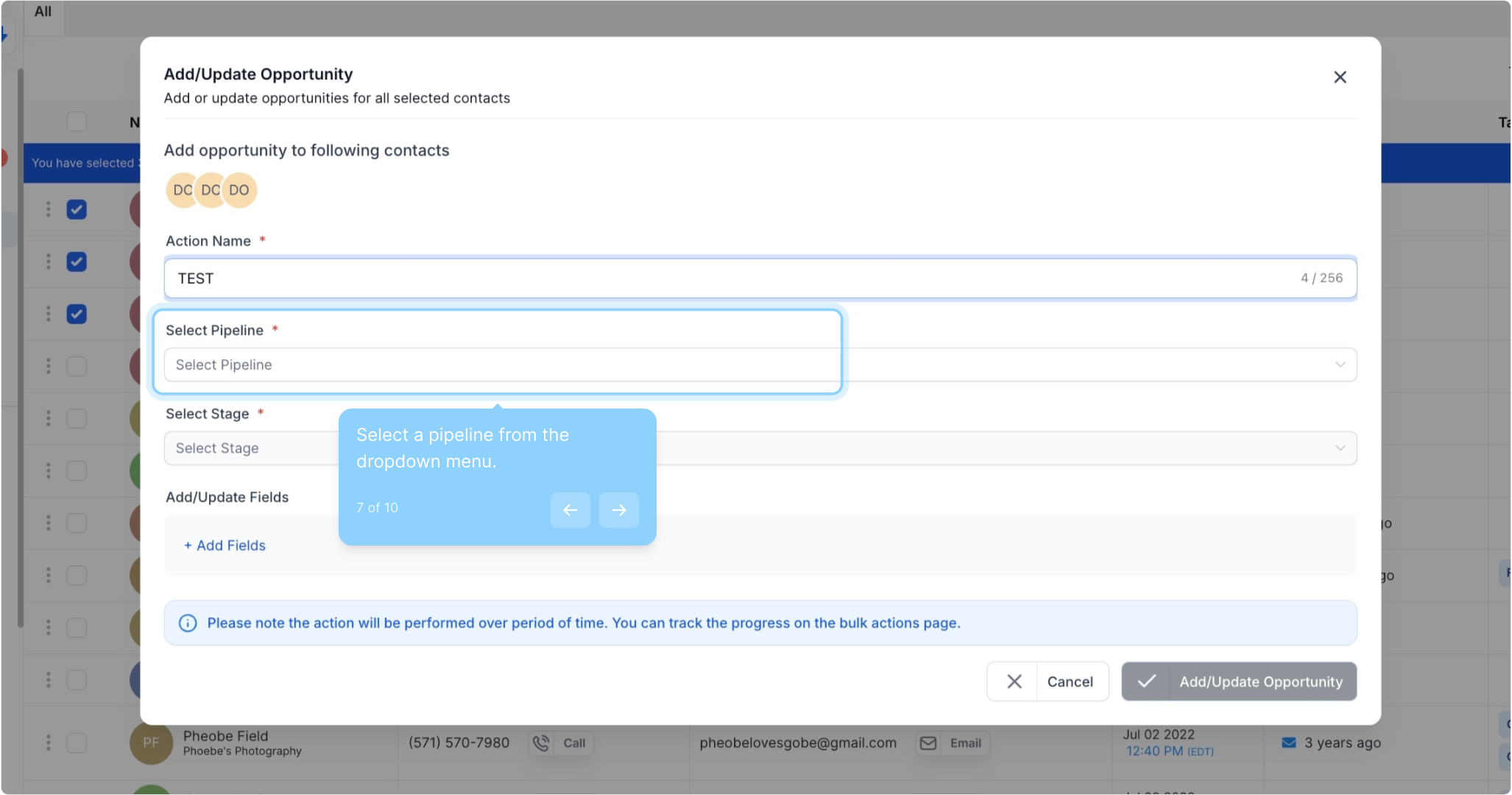
7. Select a pipeline from the dropdown menu.
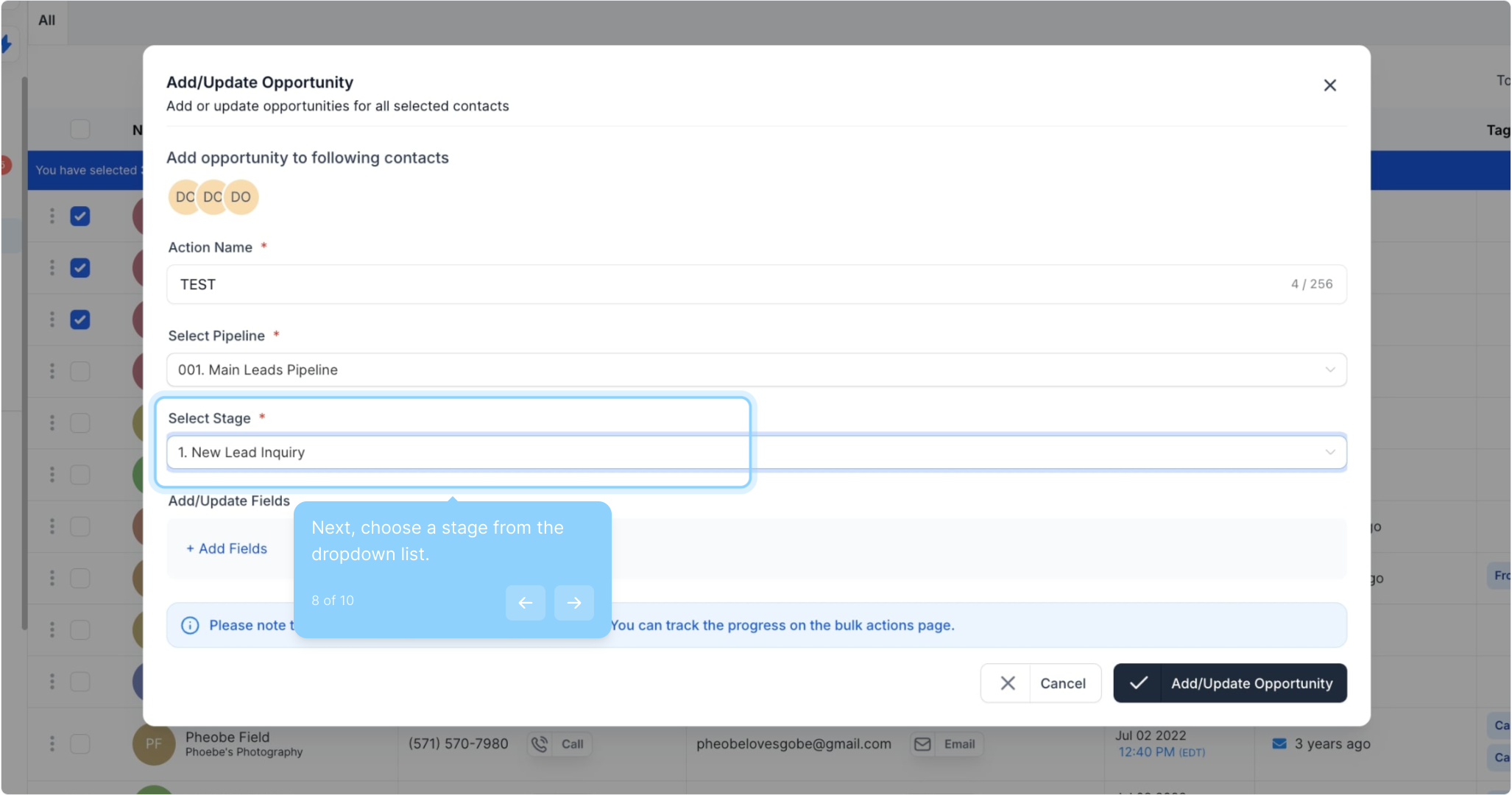
8. Next, choose a stage from the dropdown list.
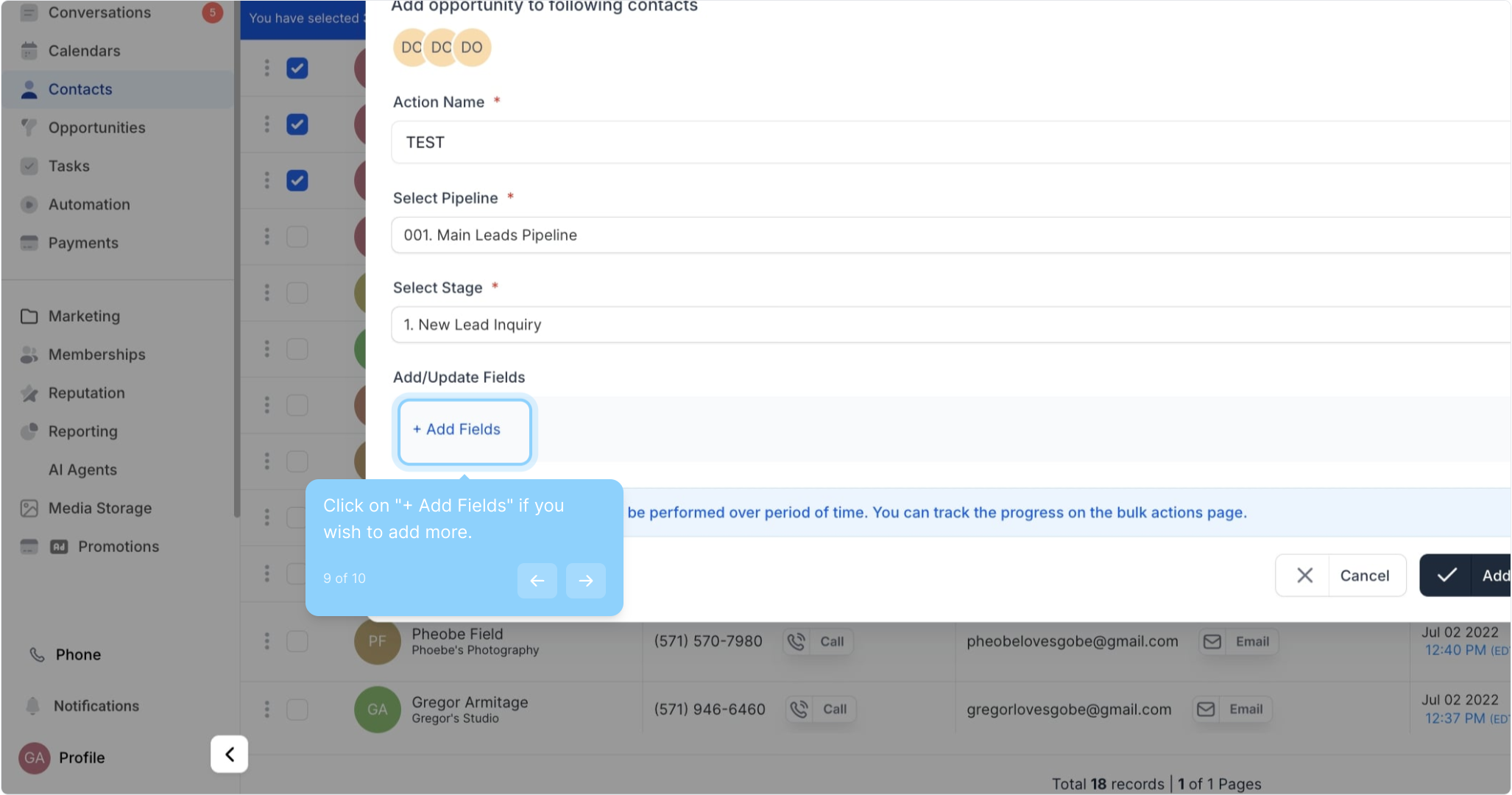
9. Click on "+ Add Fields" if you wish to add more.