Help center
All collections
Contacts
How to Add Company in Bulk
How to Add Company in Bulk
This guide walks you through how to add companies in bulk
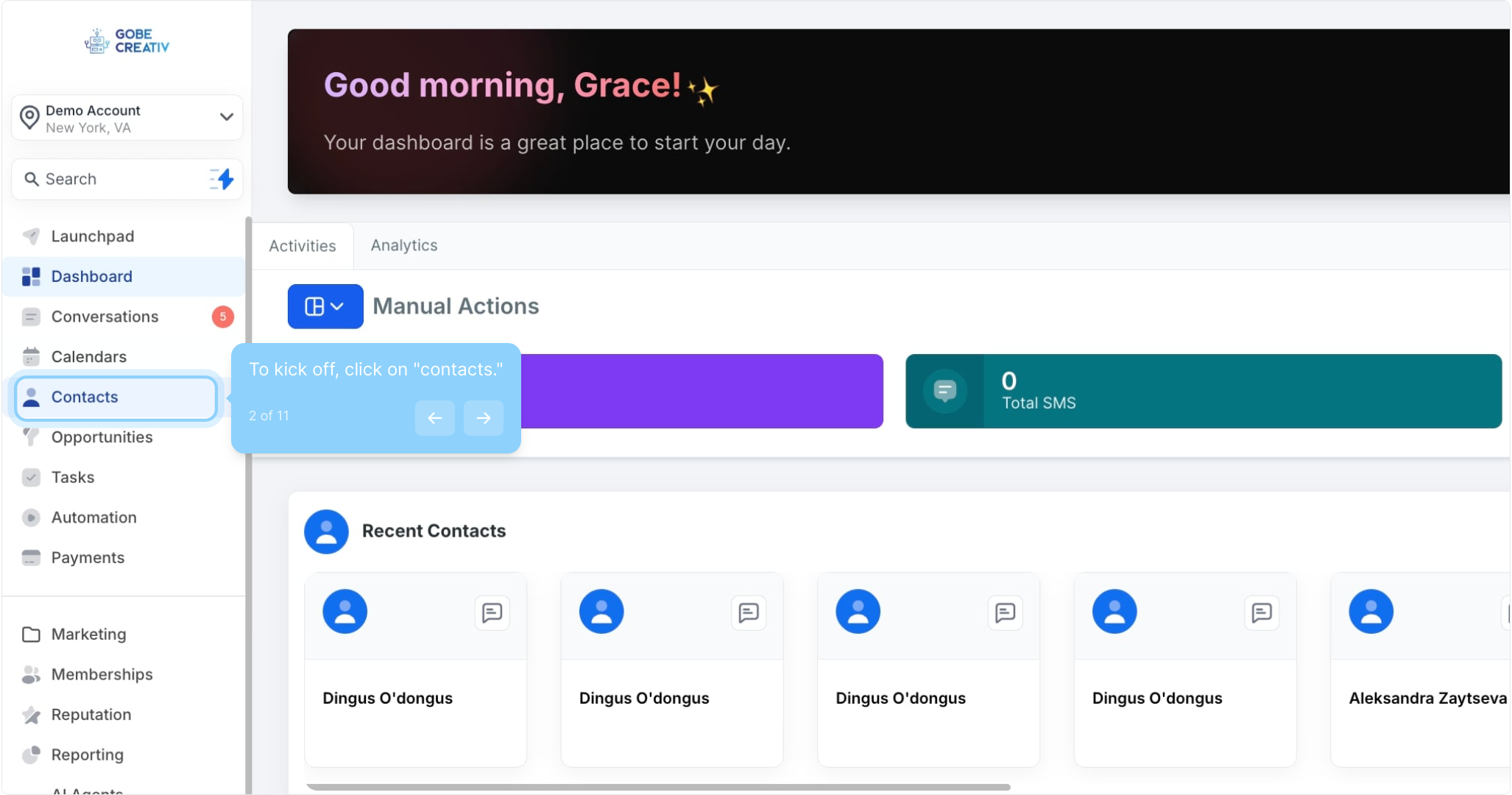
2. To kick off, click on "contacts."
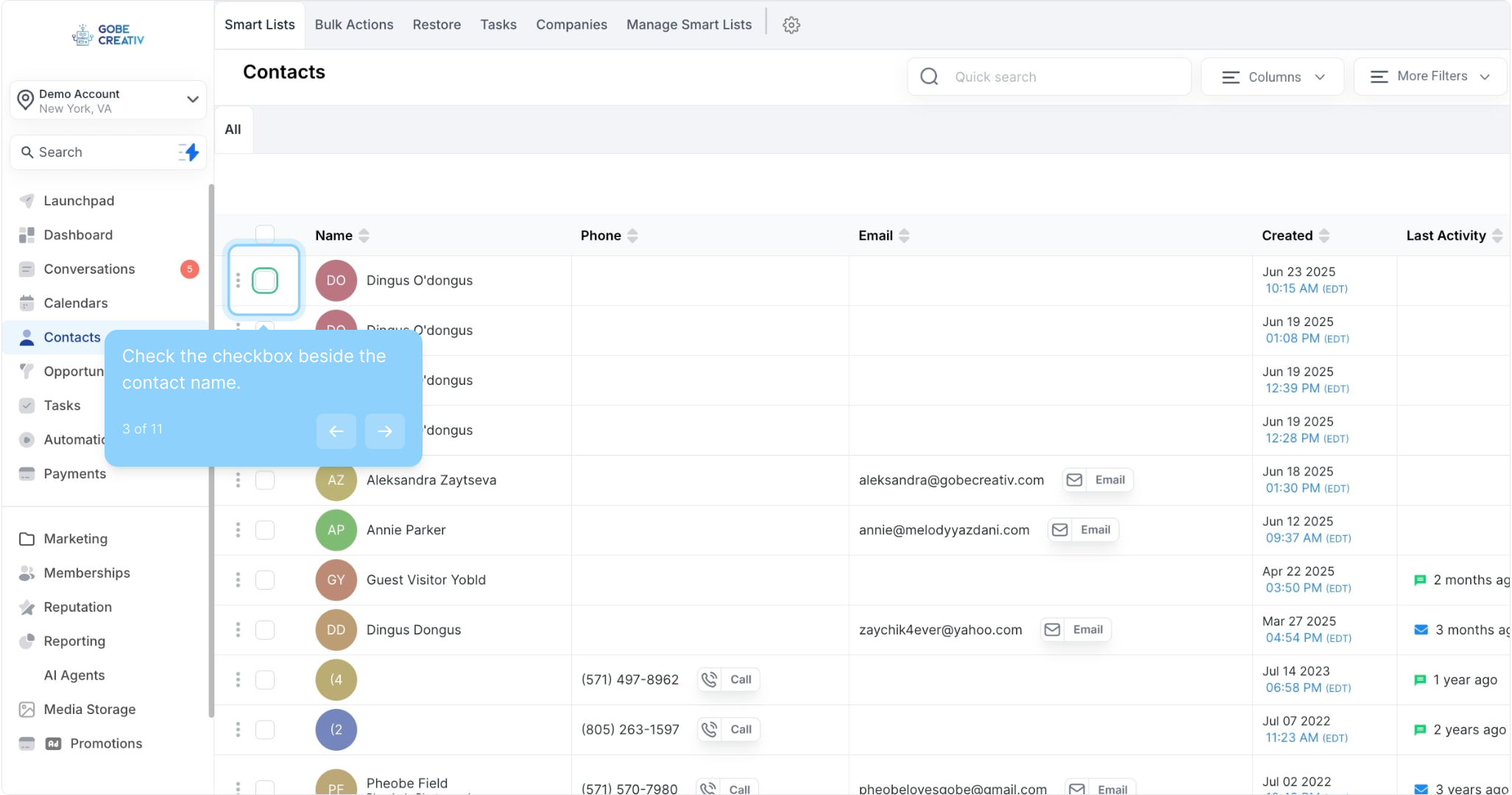
3. Check the checkbox beside the contact name.
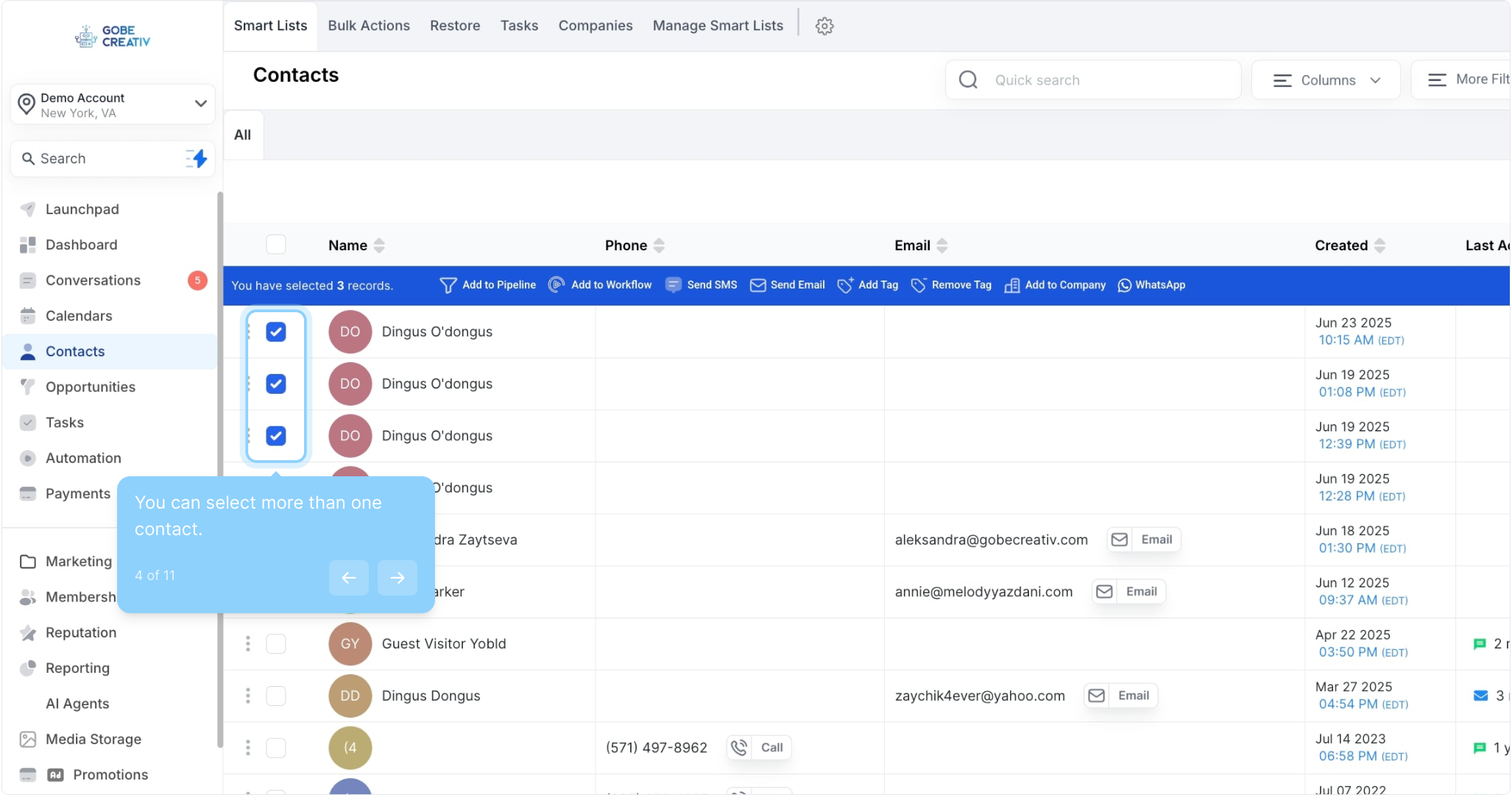
4. You can select more than one contact.
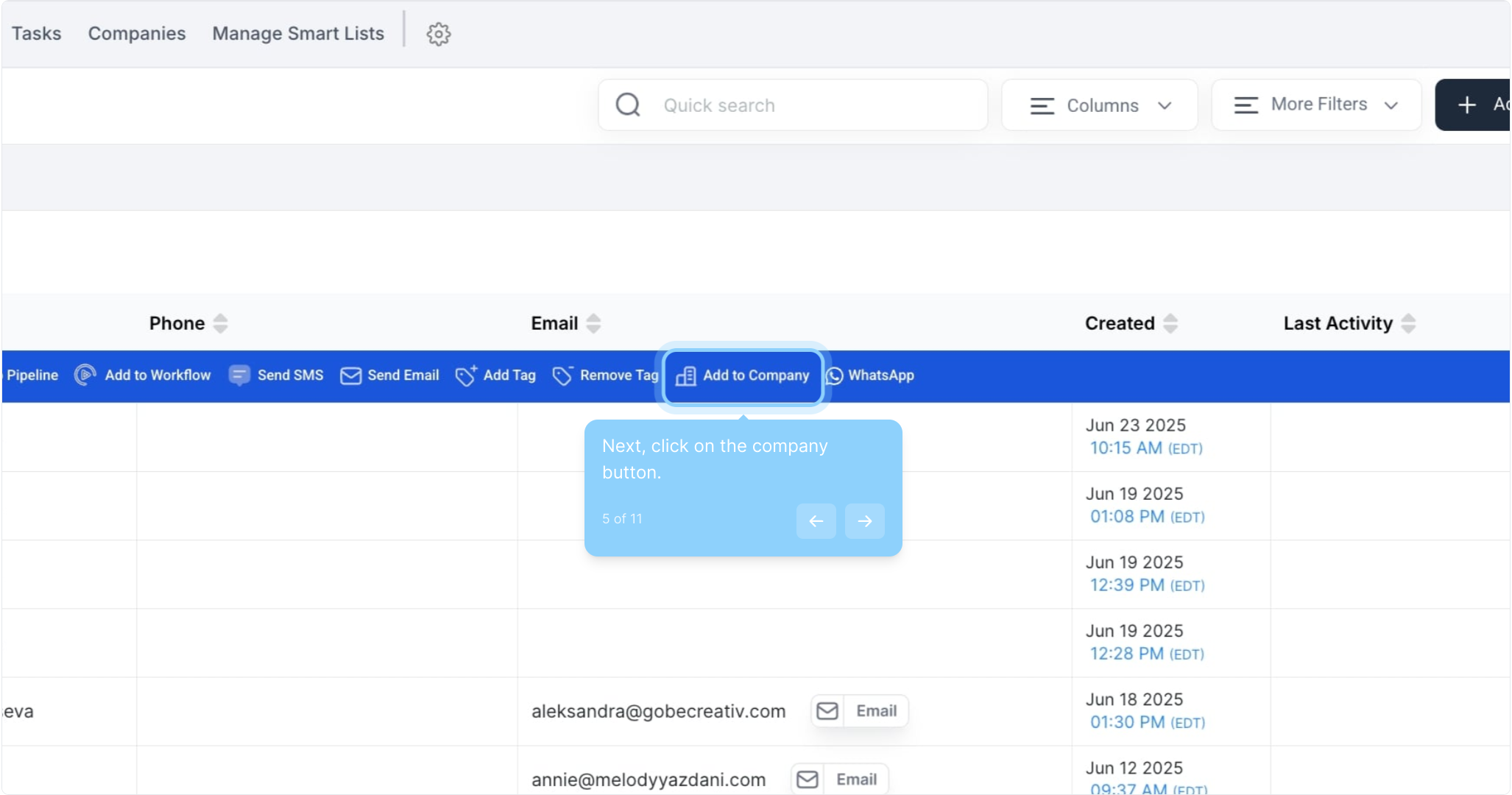
5. Next, click on the company button.
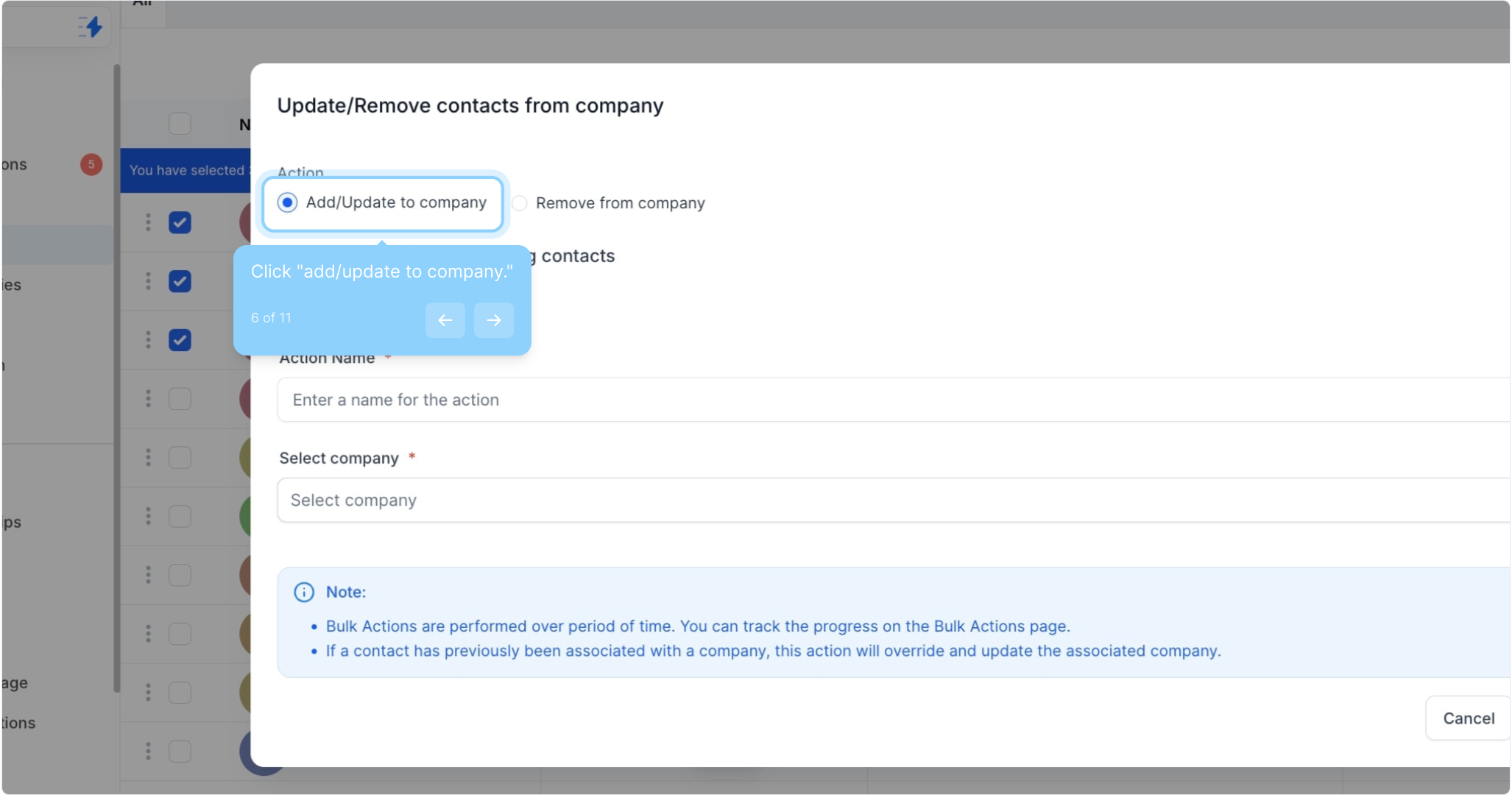
6. Click "add/update to company."
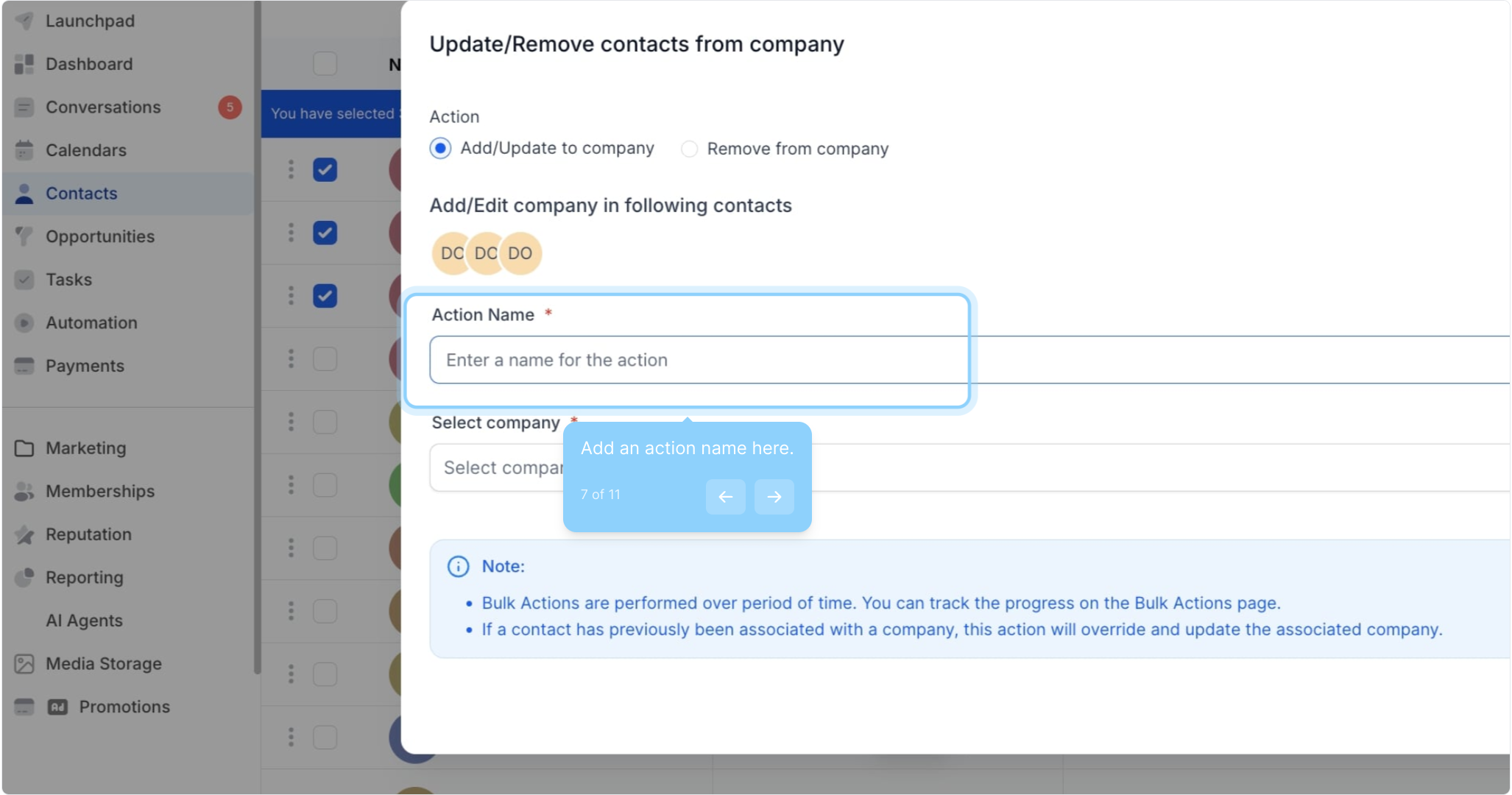
7. Add an action name here.
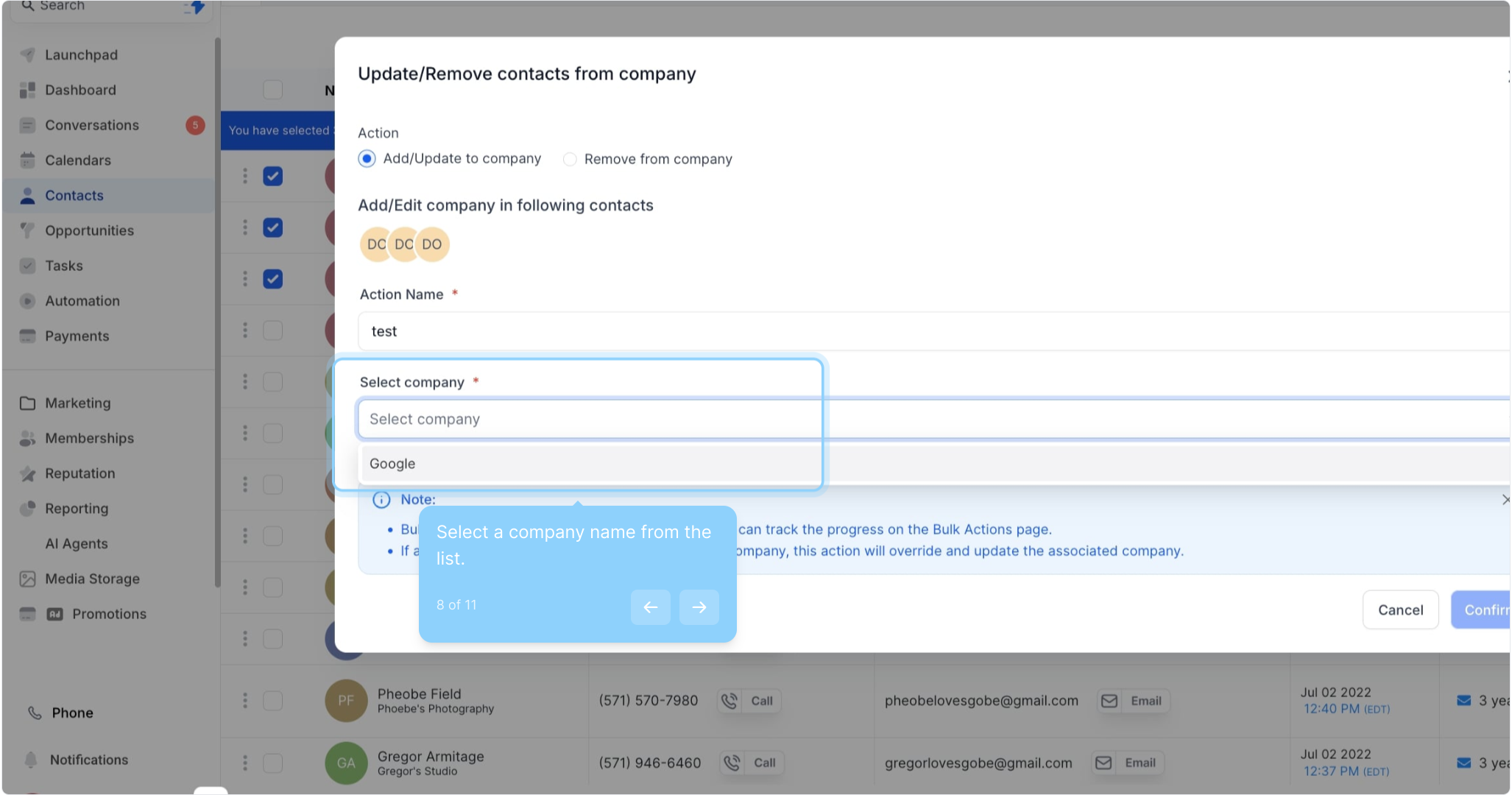
8. Select a company name from the list.
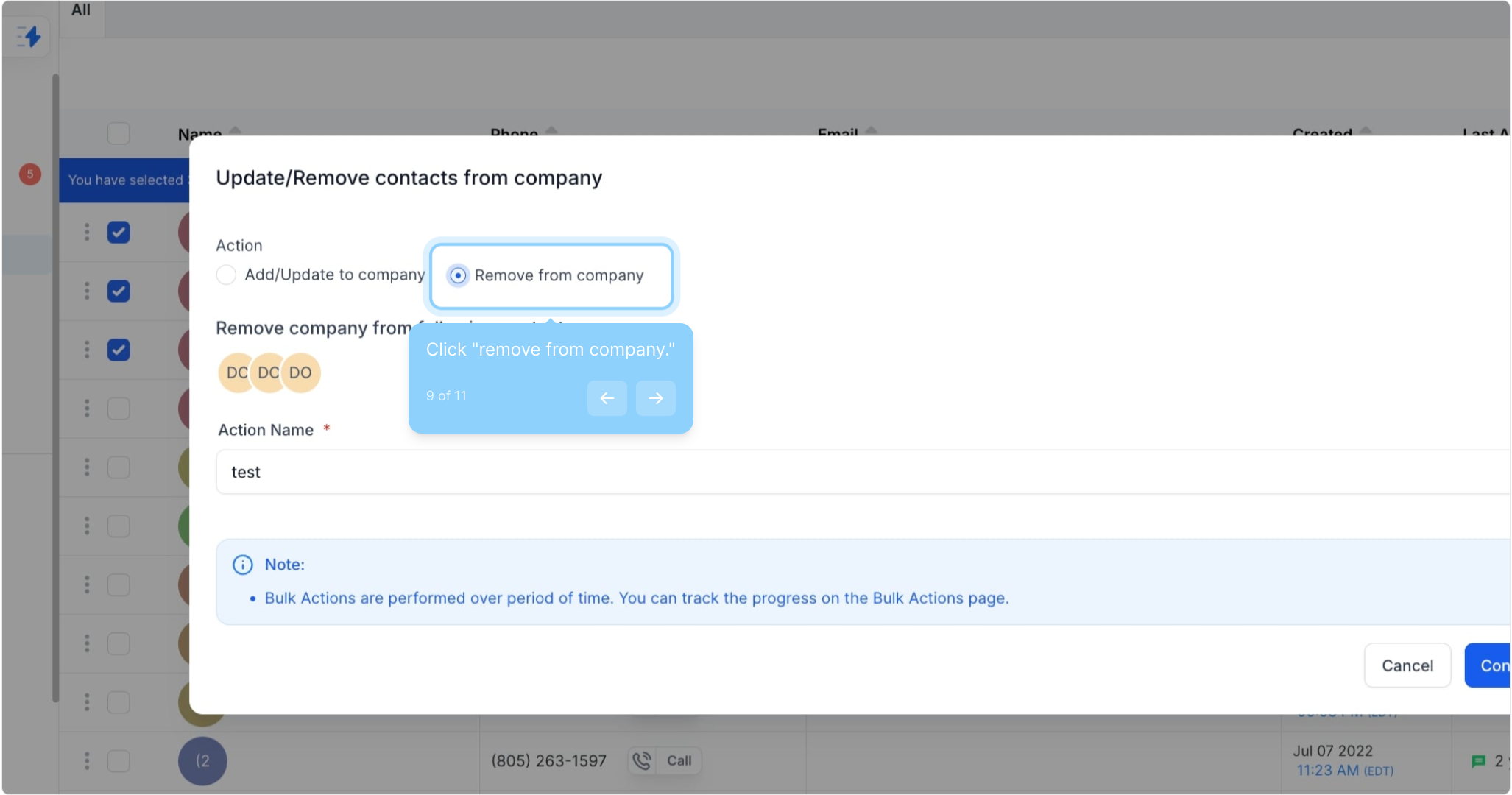
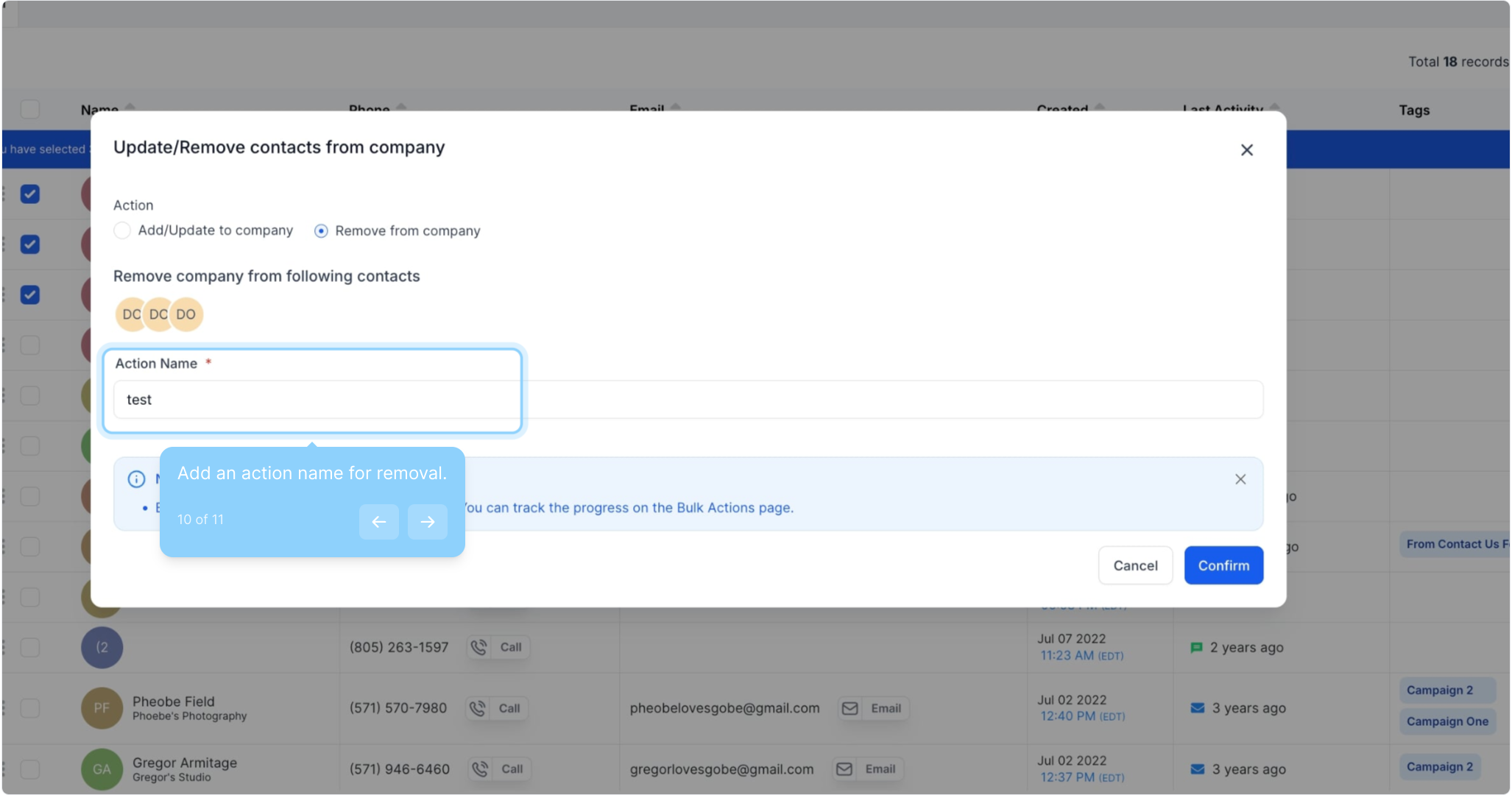
9. Click "remove from company."
10. Add an action name for removal.
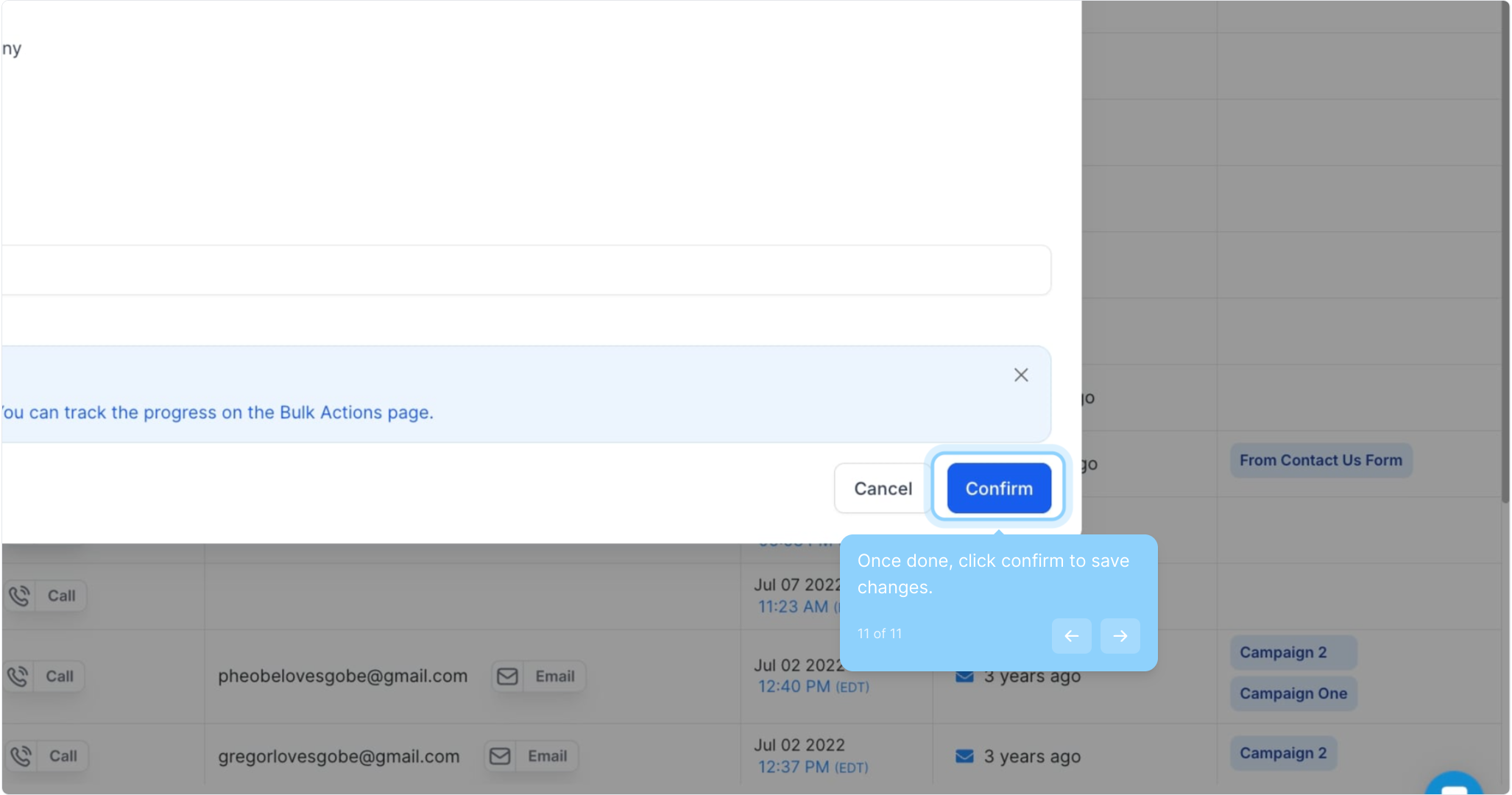
11. Once done, click confirm to save changes.
Did this answer your question?
😞
😐
😁
How to Add Company in Bulk | Gobe Creativ