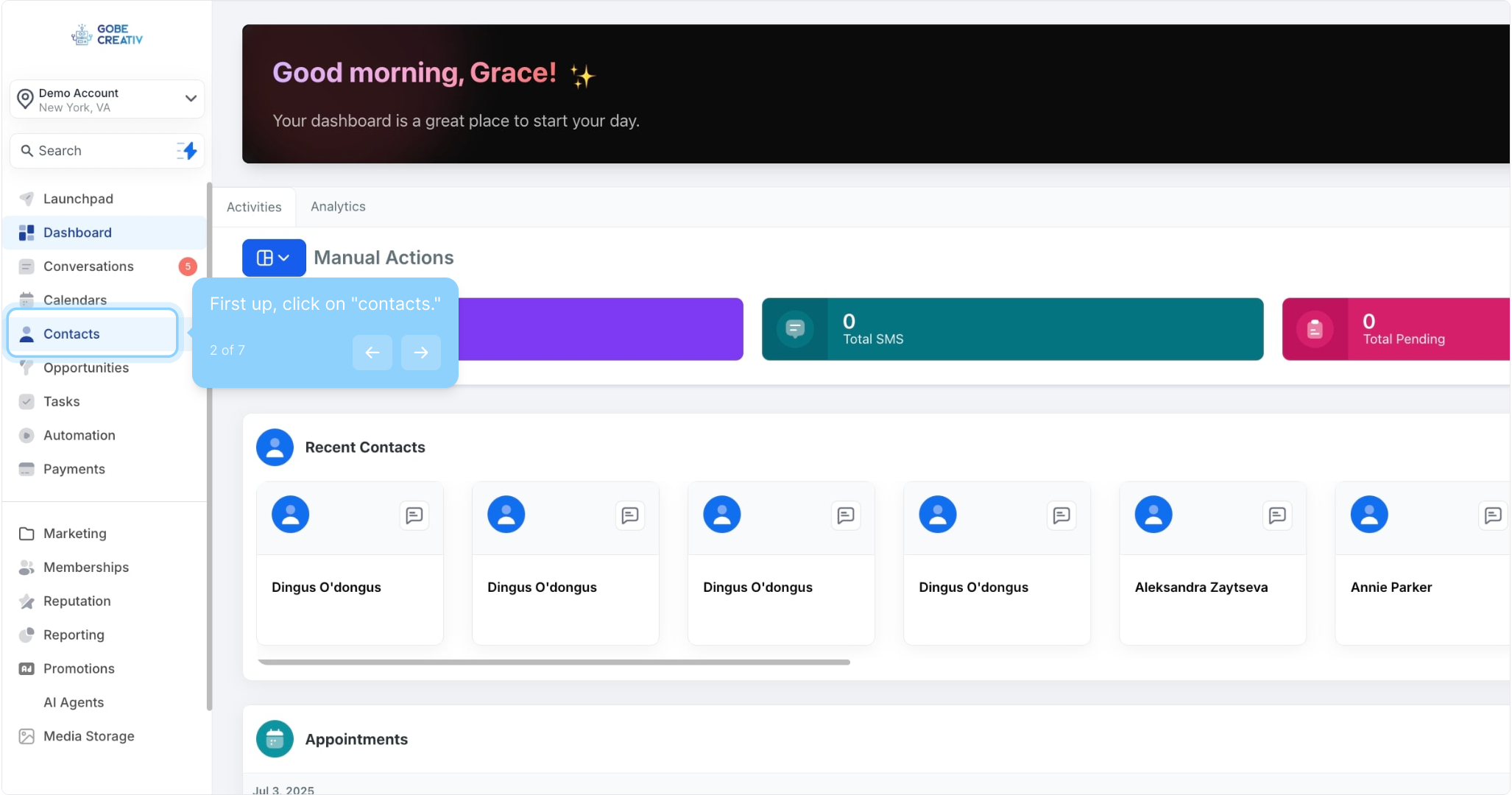
2. First up, click on "contacts."
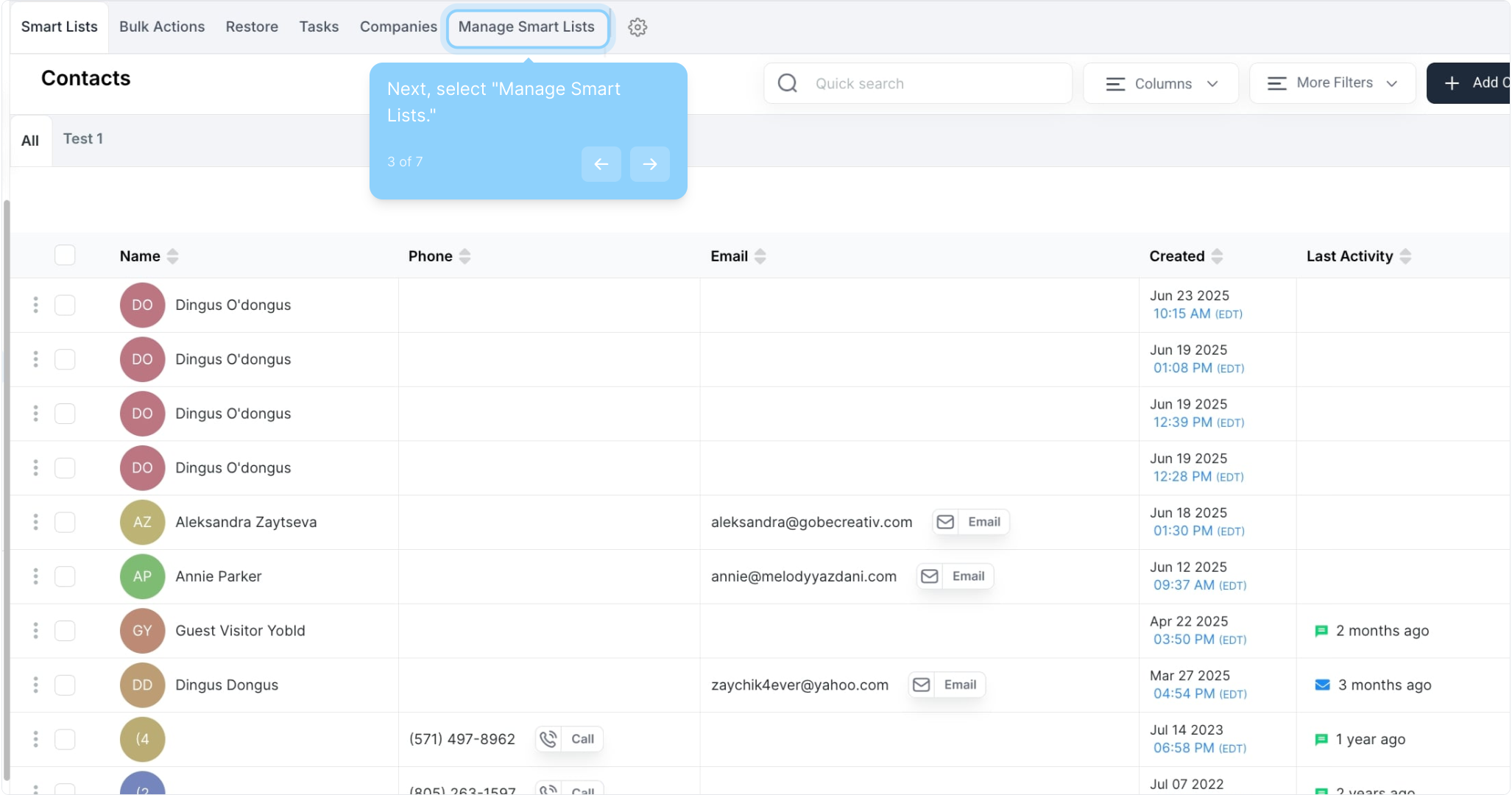
3. Next, select "Manage Smart Lists."
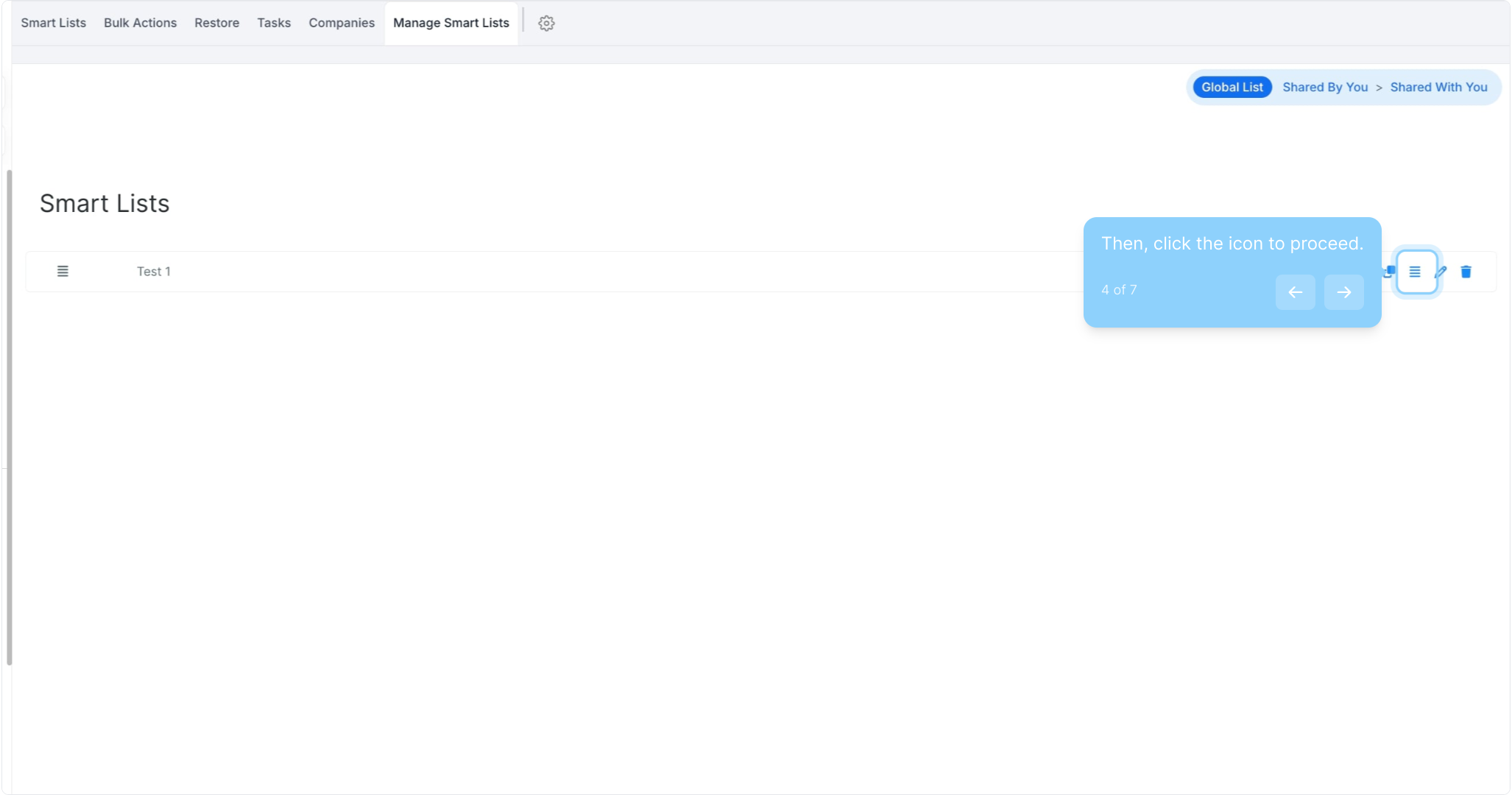
4. Then, click the icon to proceed.
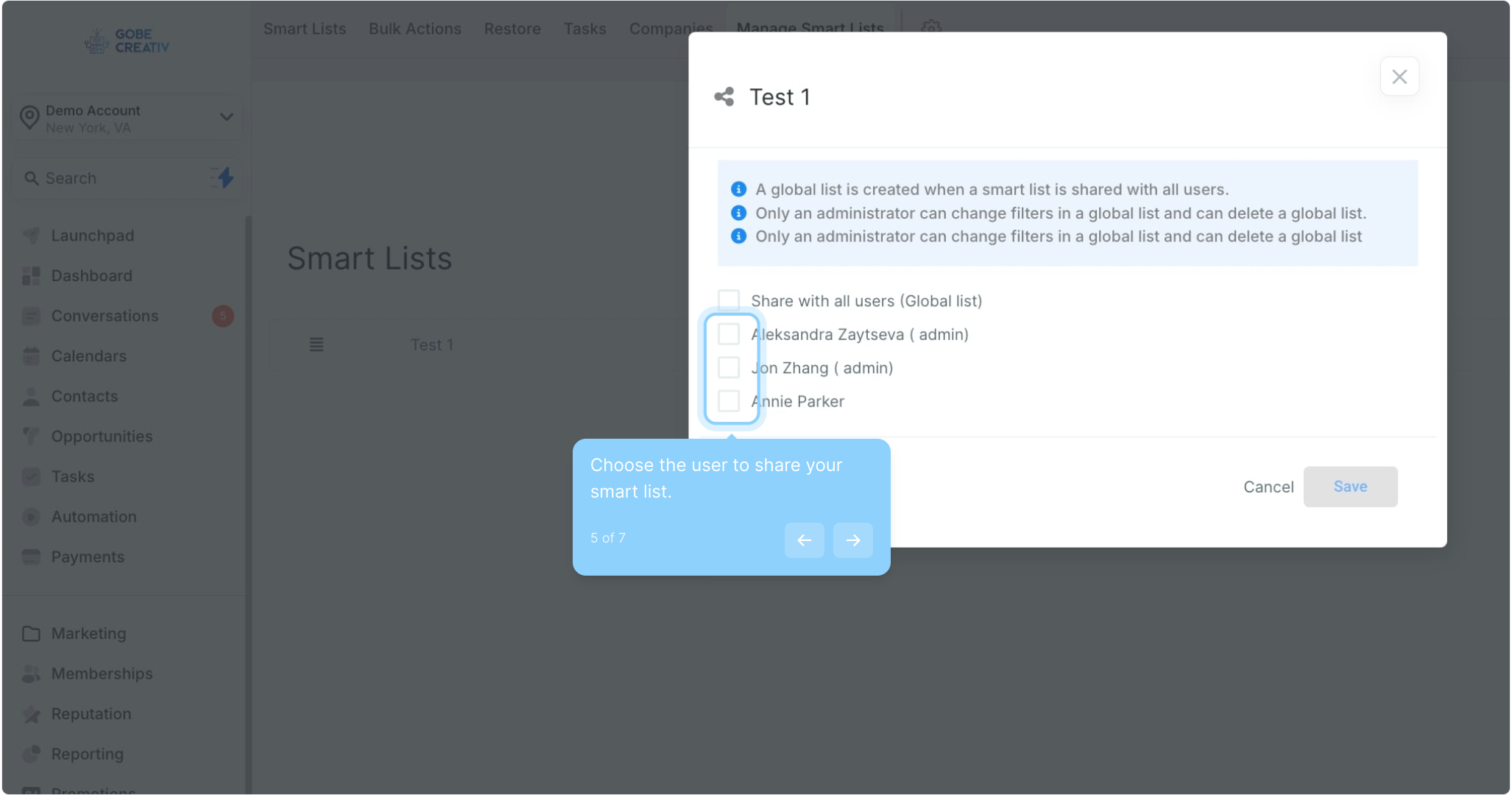
5. Choose the user to share your smart list.
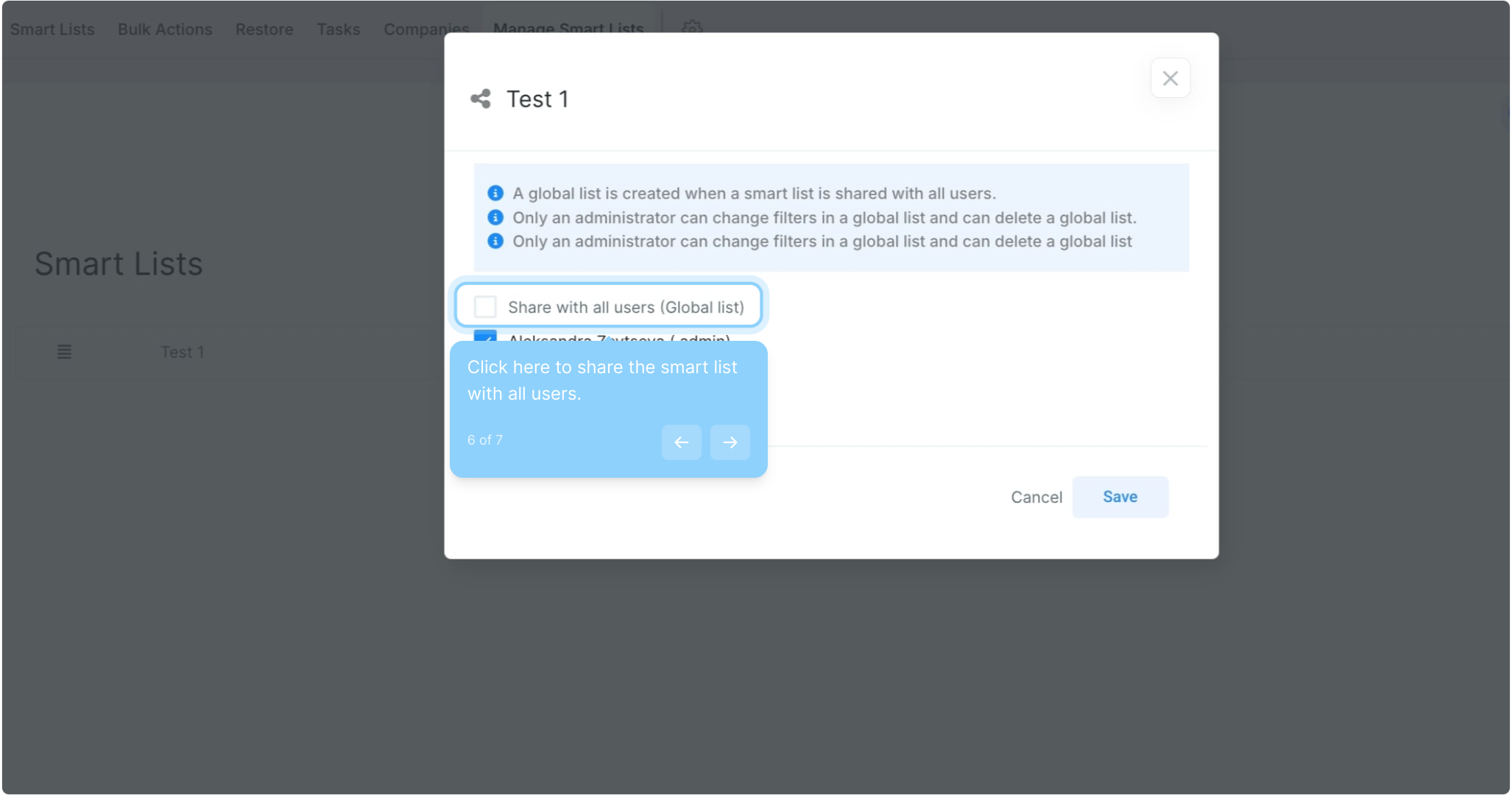
6. Click here to share the smart list with all users.
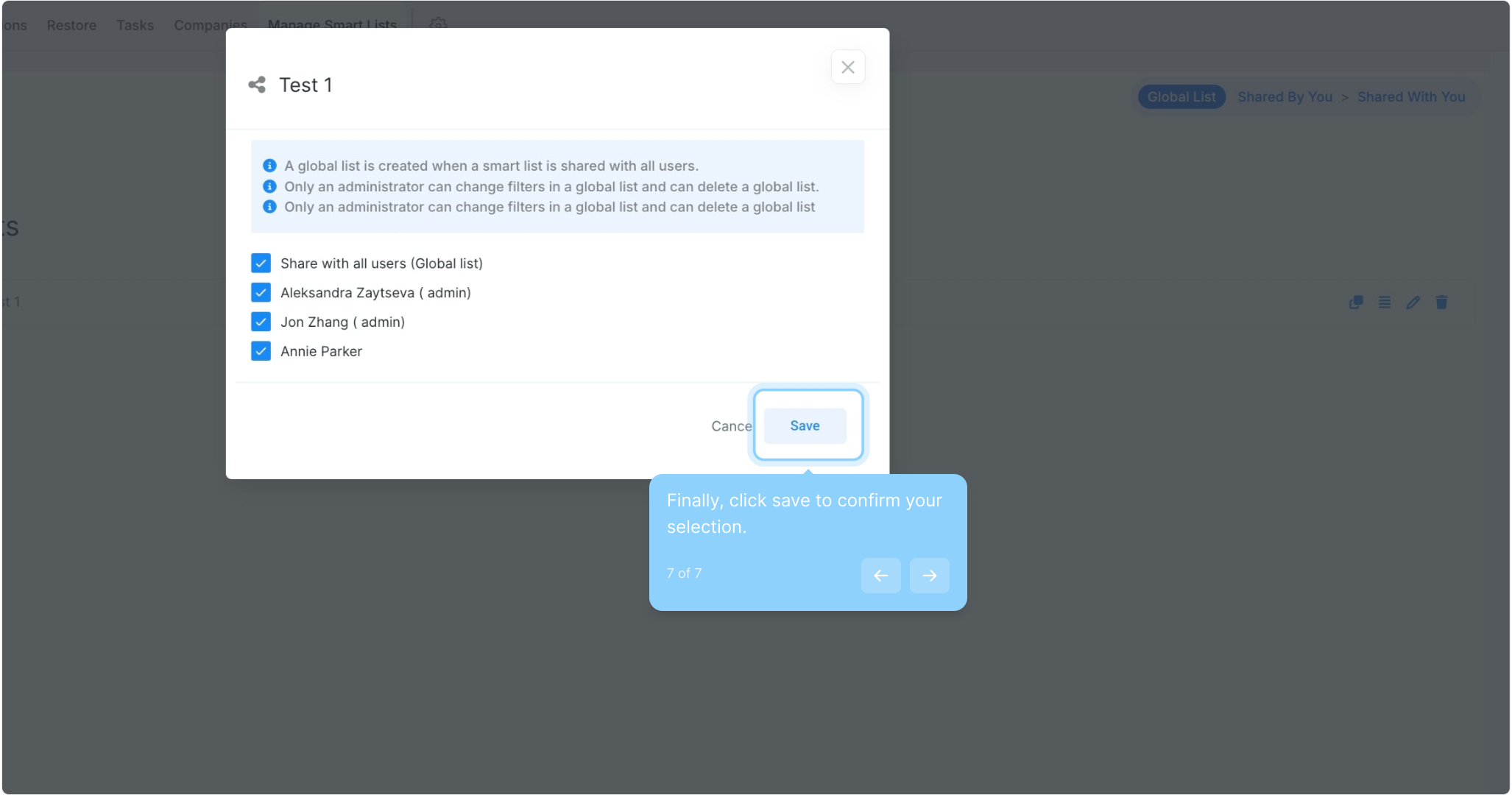
7. Finally, click save to confirm your selection.
This workflow was created with Supademo.
