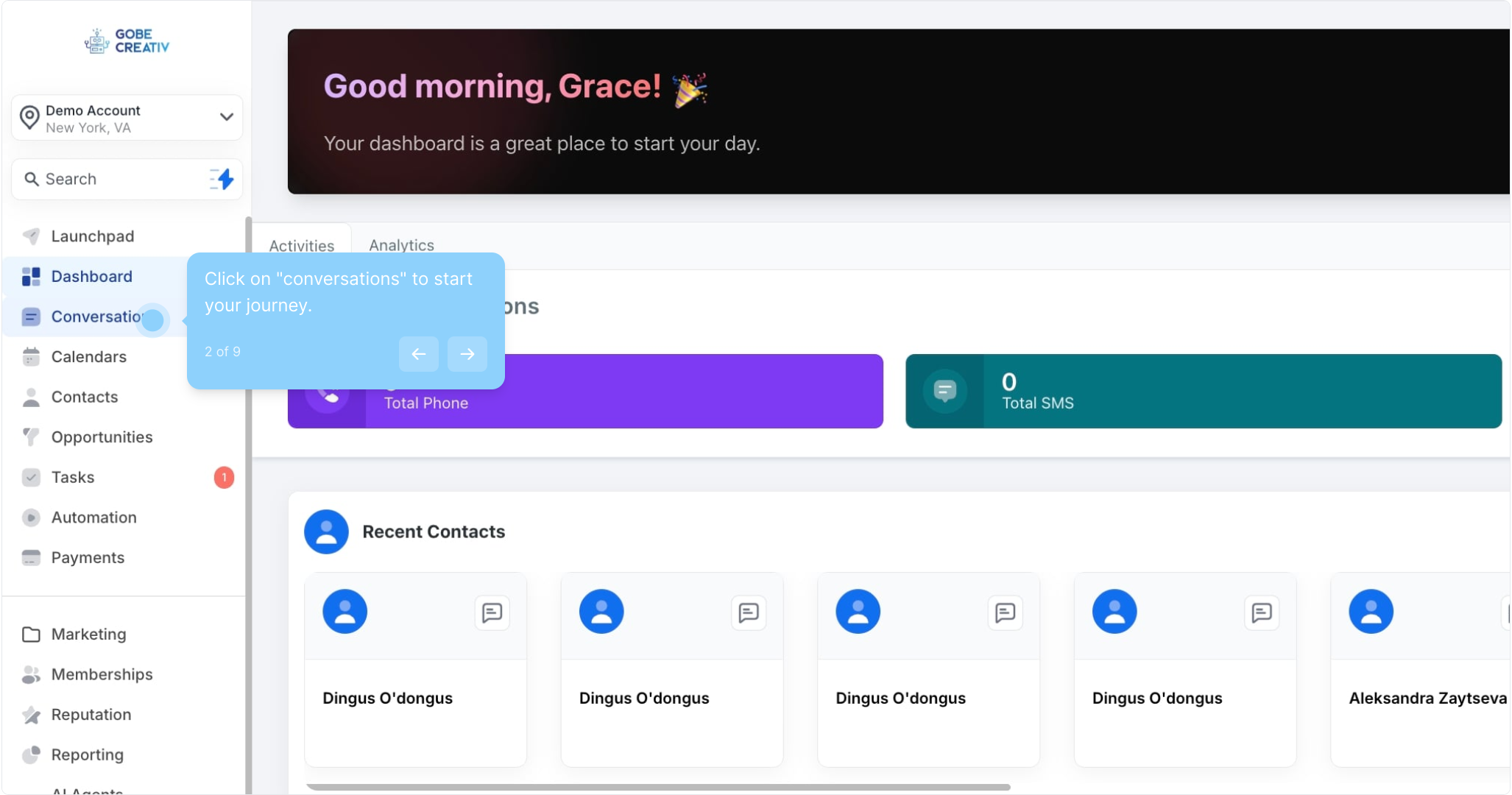
2. Click on "conversations" to start your journey.
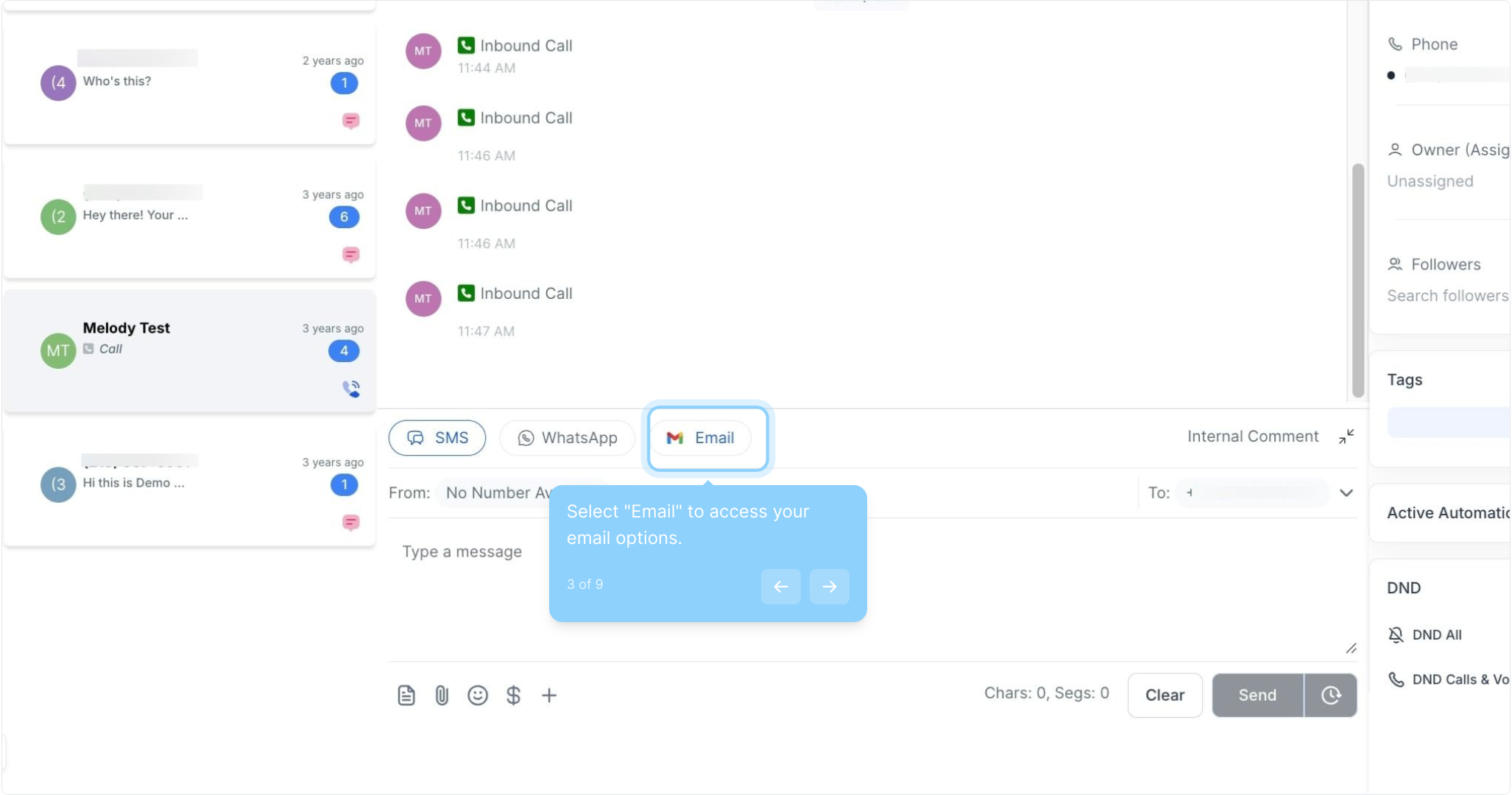
3. Select "Email" to access your email options.
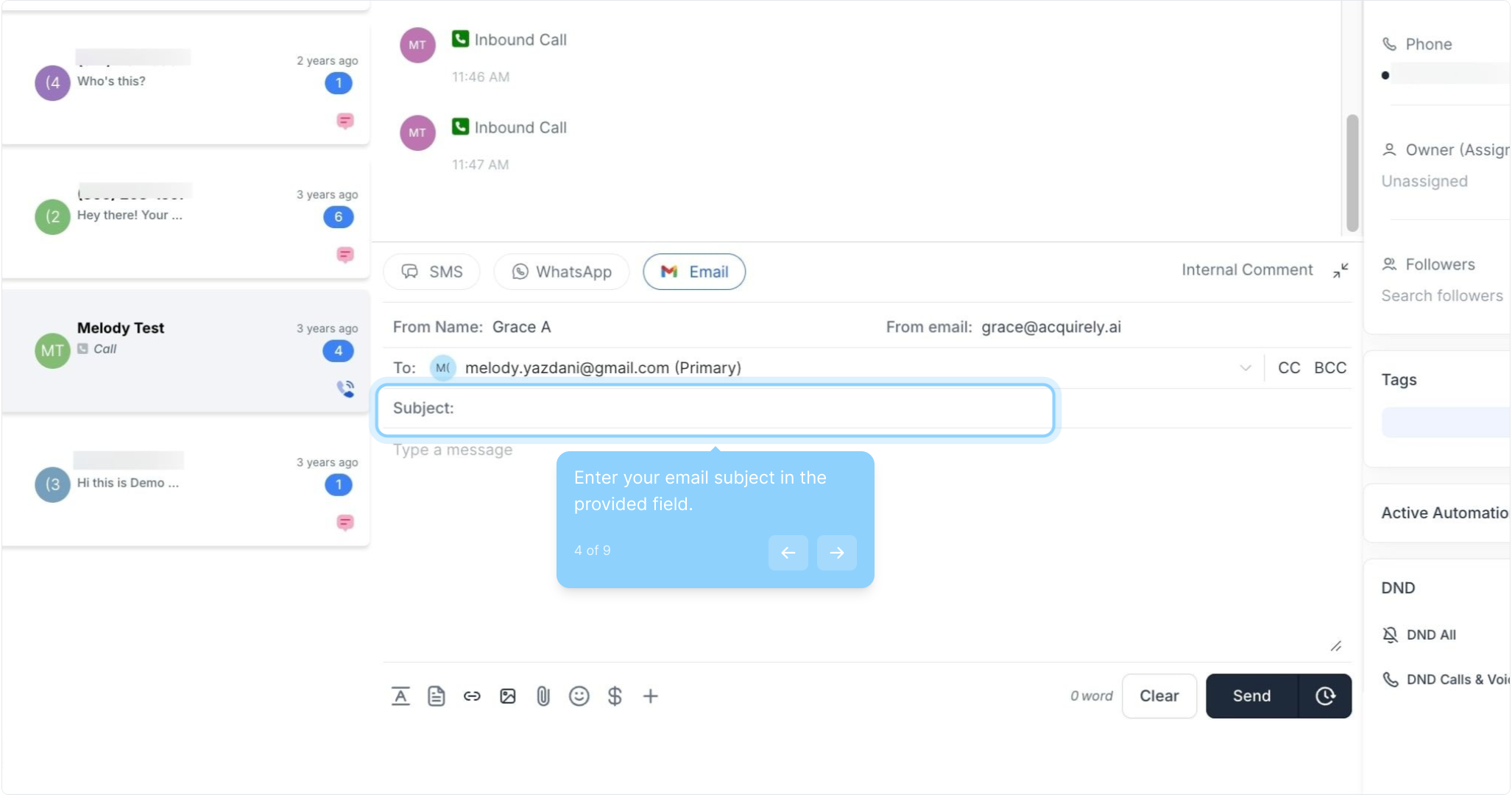
4. Enter your email subject in the provided field.
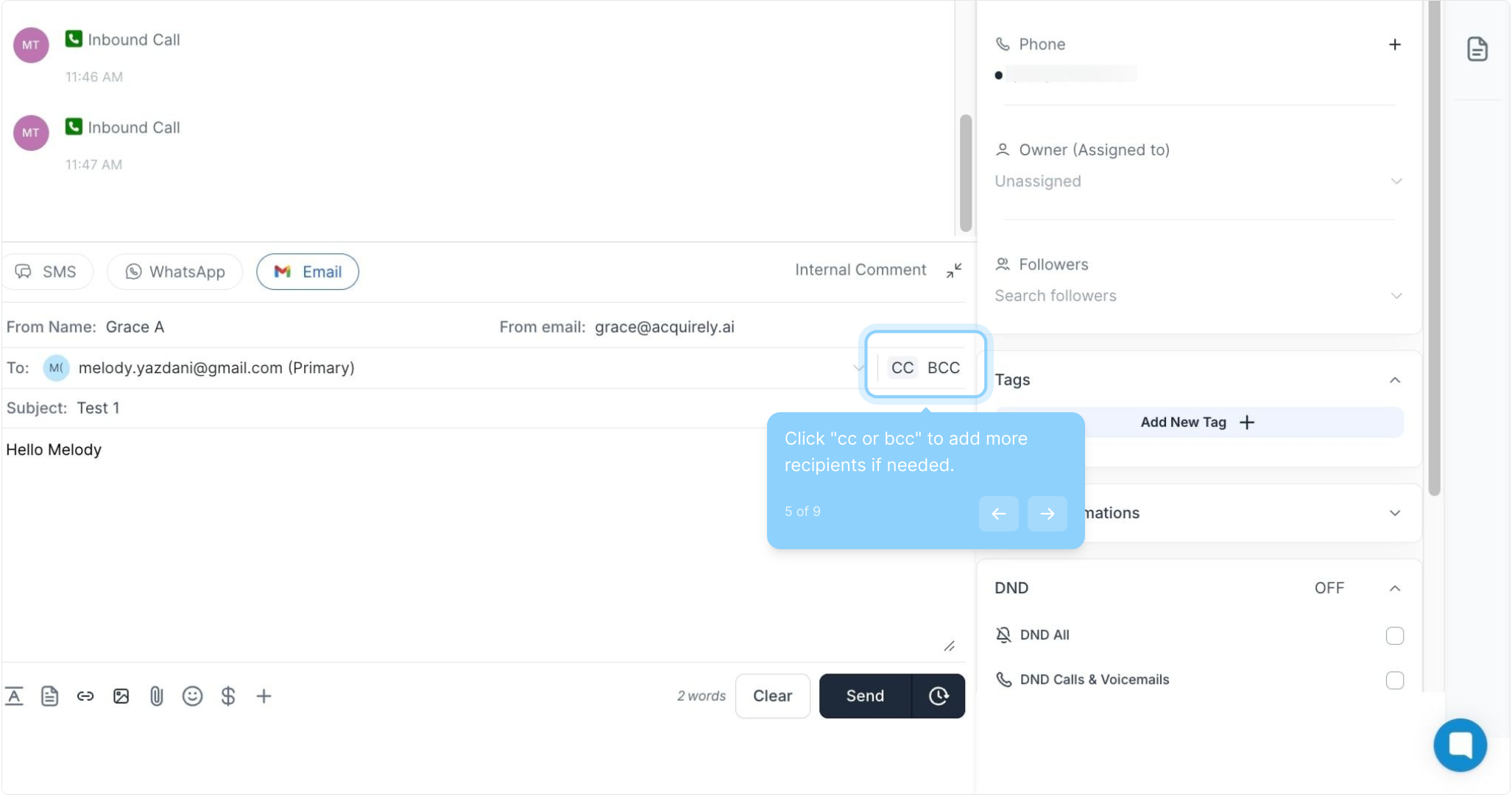
5. Click "cc or bcc" to add more recipients if needed.
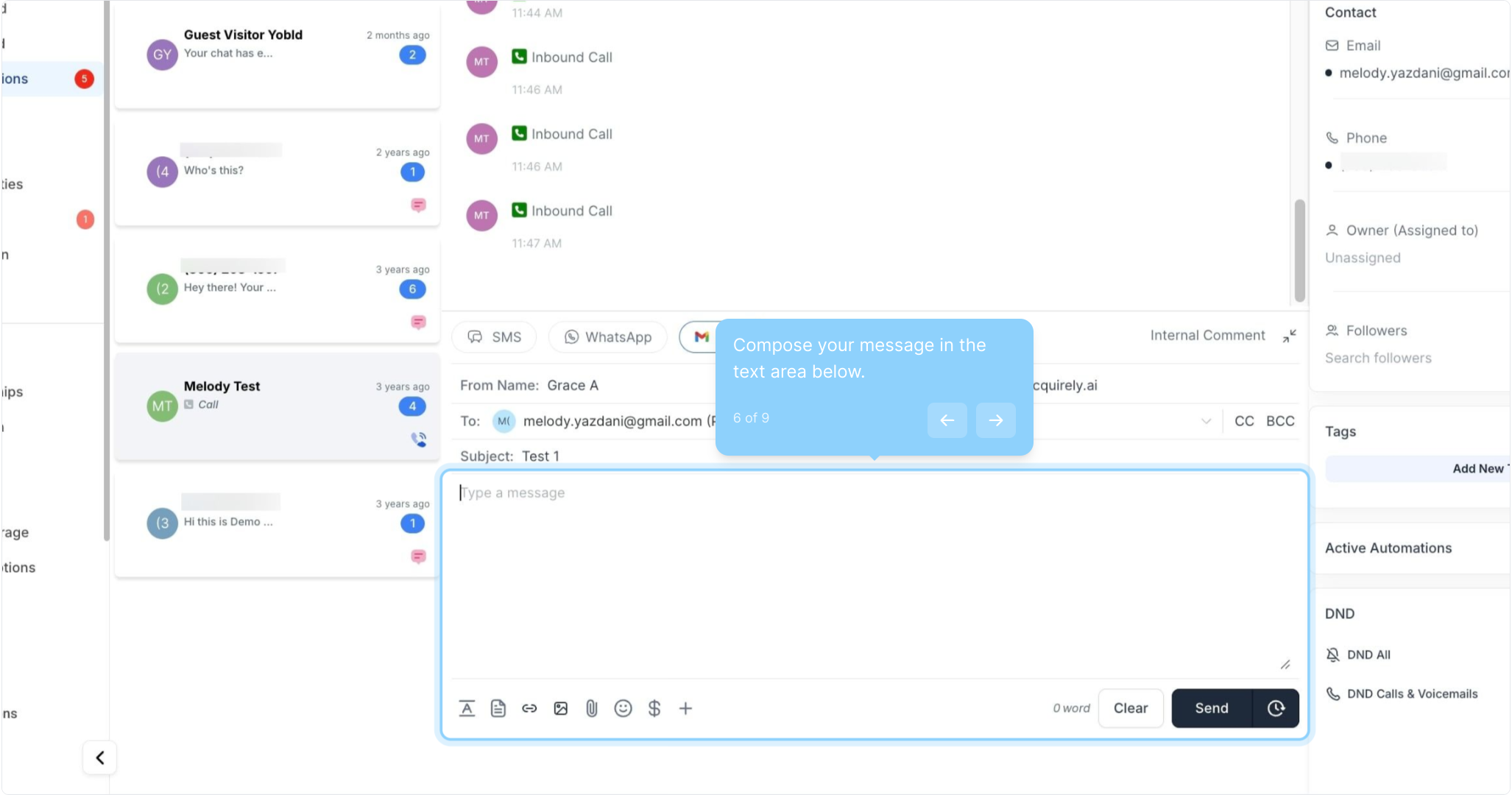
6. Compose your message in the text area below.
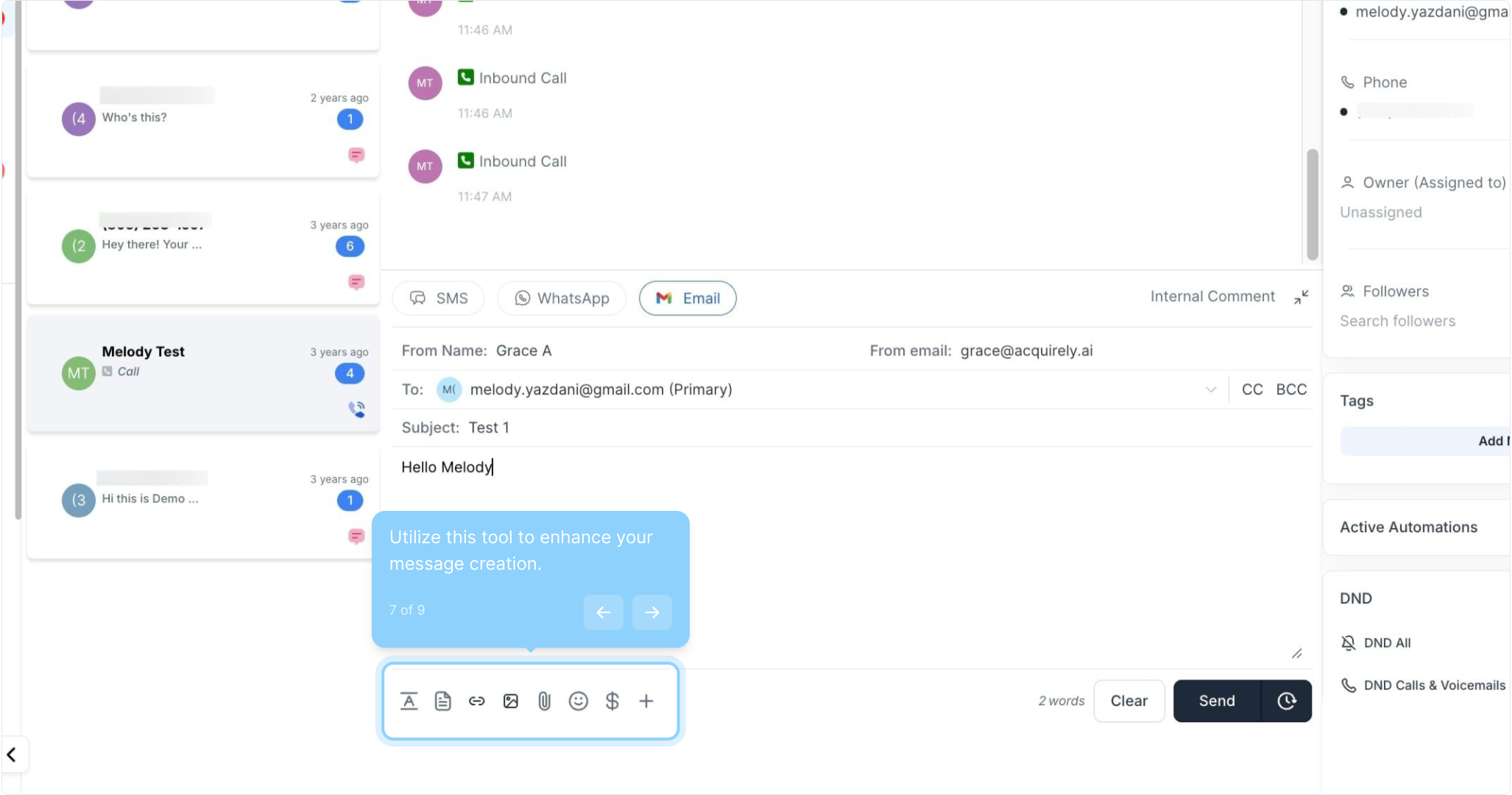
7. Utilize this tool to enhance your message creation.
8. Click here to send your email when ready.
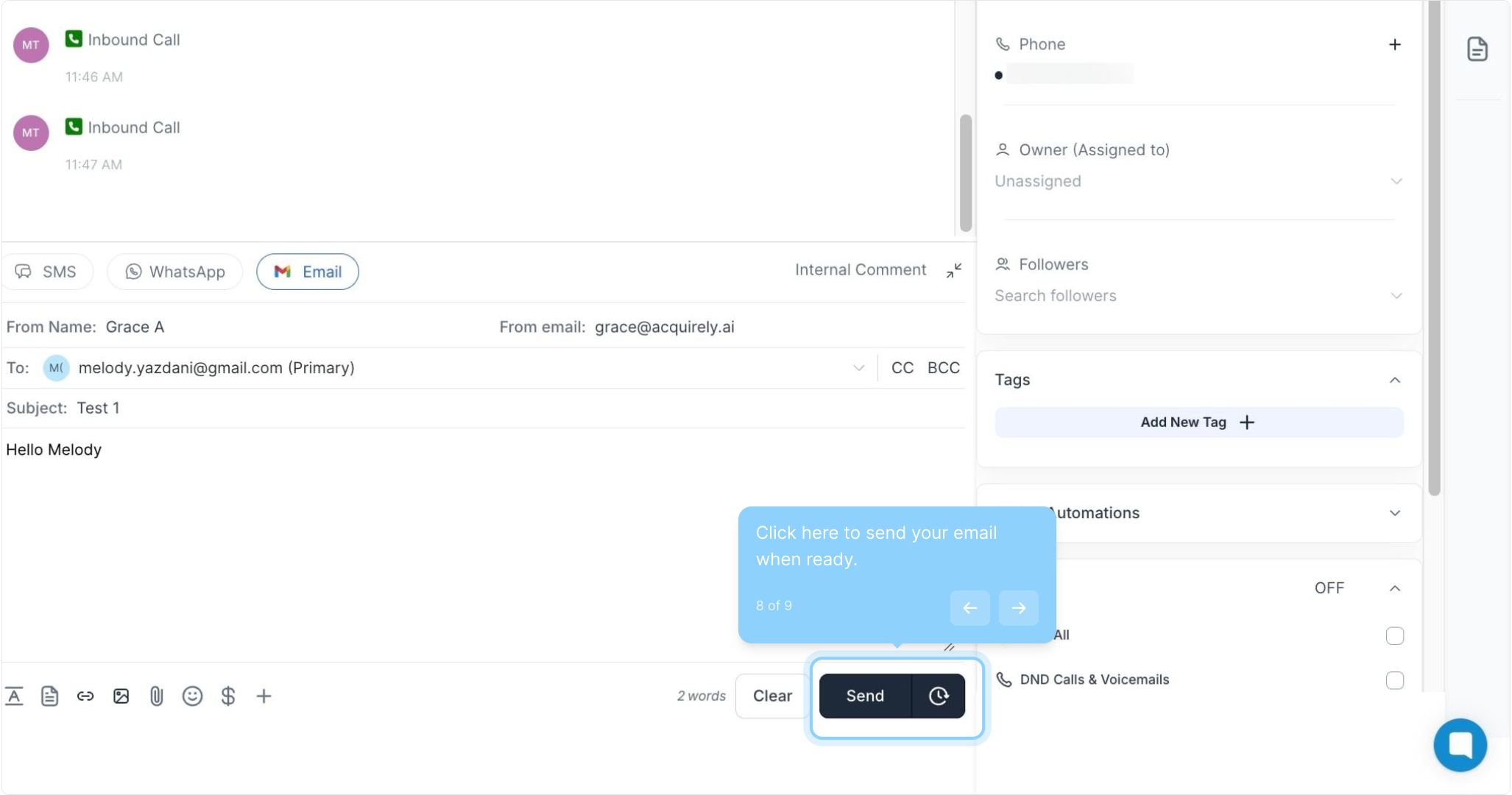
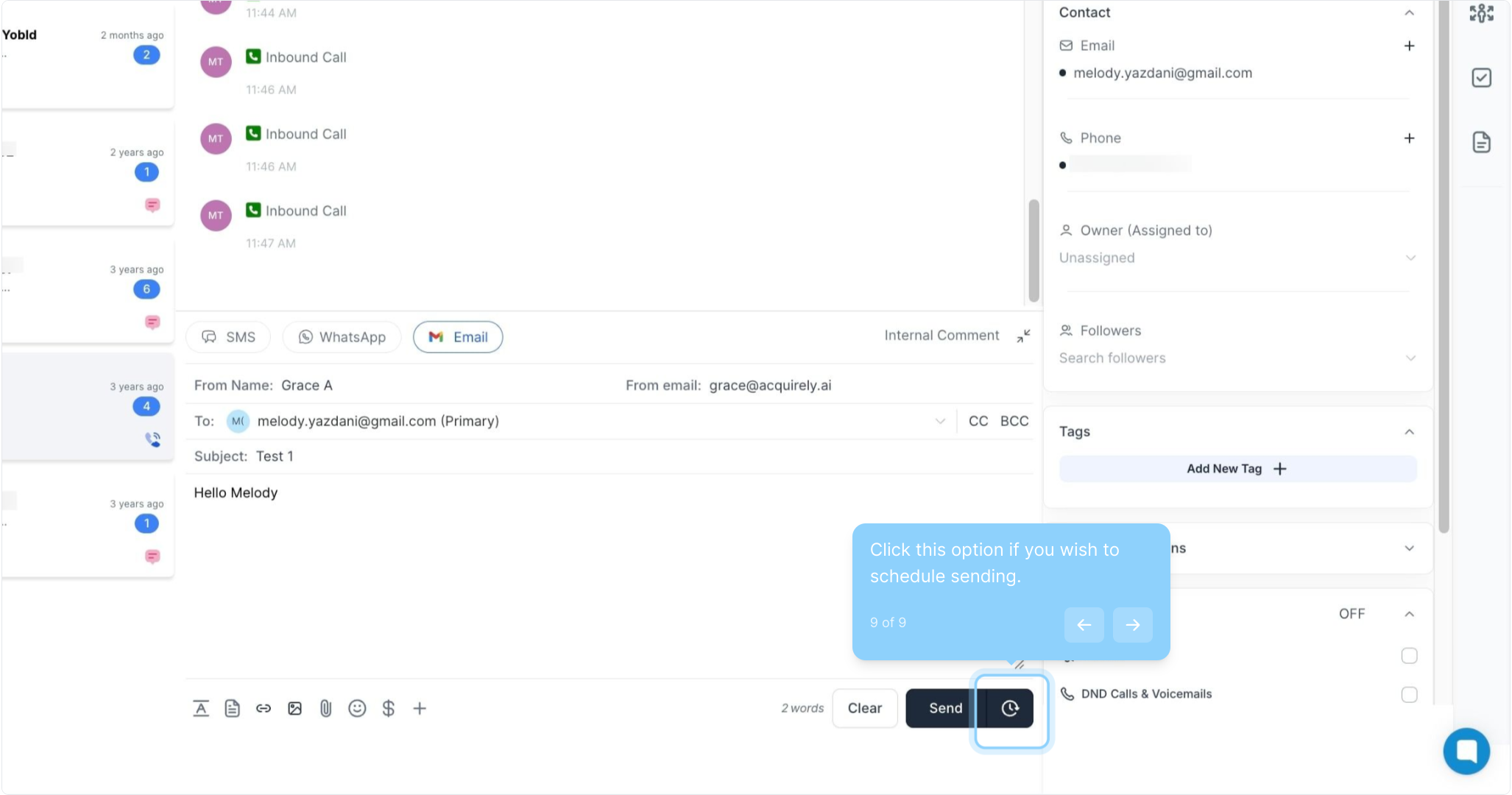
9. Click this option if you wish to schedule sending.
To schedule your email, simply click on the Timer icon next to the Send button. This will open a schedule slot where you can choose the:
Date: The date you wish to send the message
Time: The specific time you want the email to be sent
Time zone: Choose between recommended time zones (account or system time zone) or select from a list of options.