Email snippets are pre-written blocks of text that you can quickly insert into emails or messages. They're often used to save time, ensure consistency, and reduce typing repetitive responses
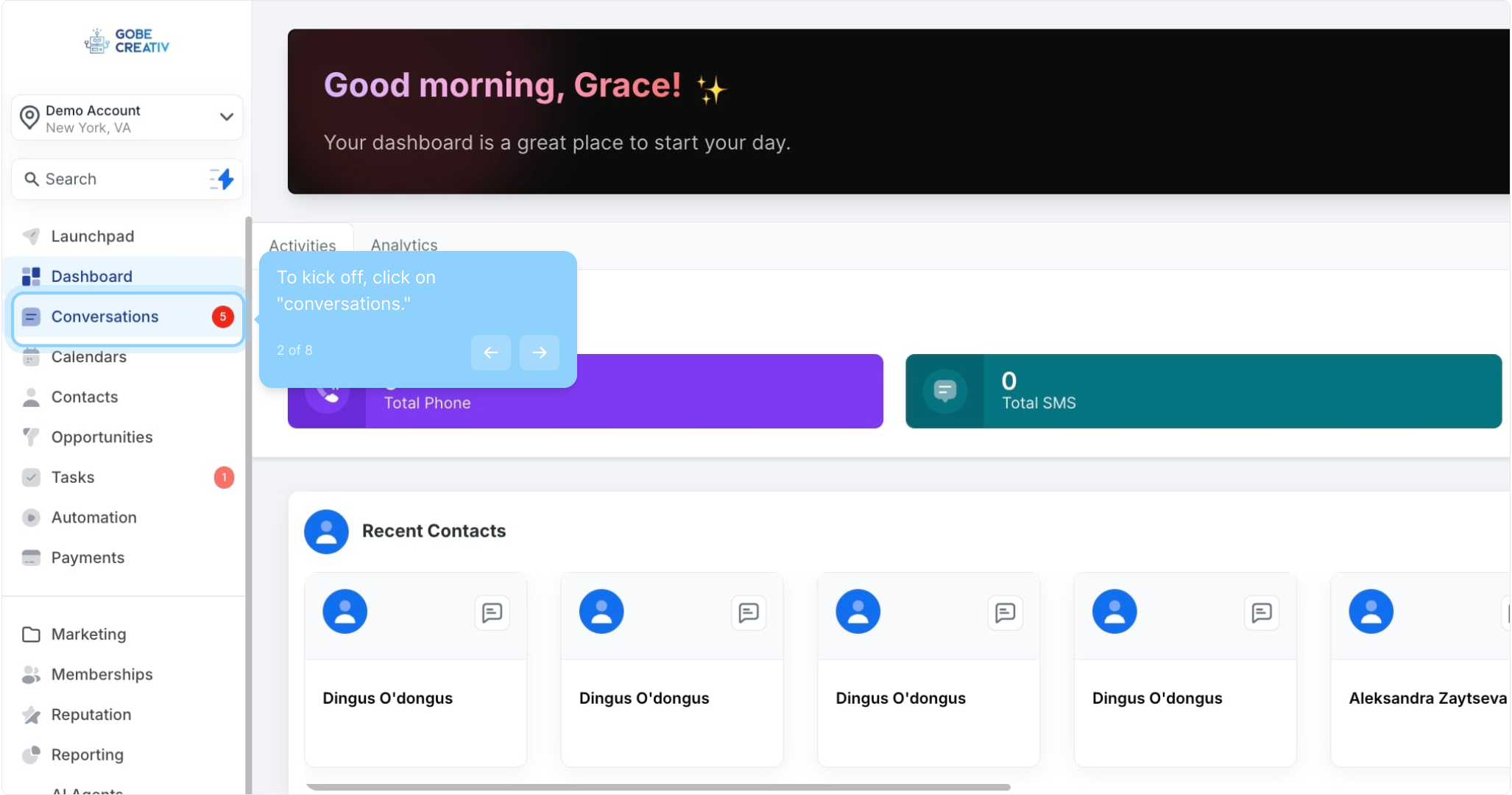
2. To kick off, click on "conversations."
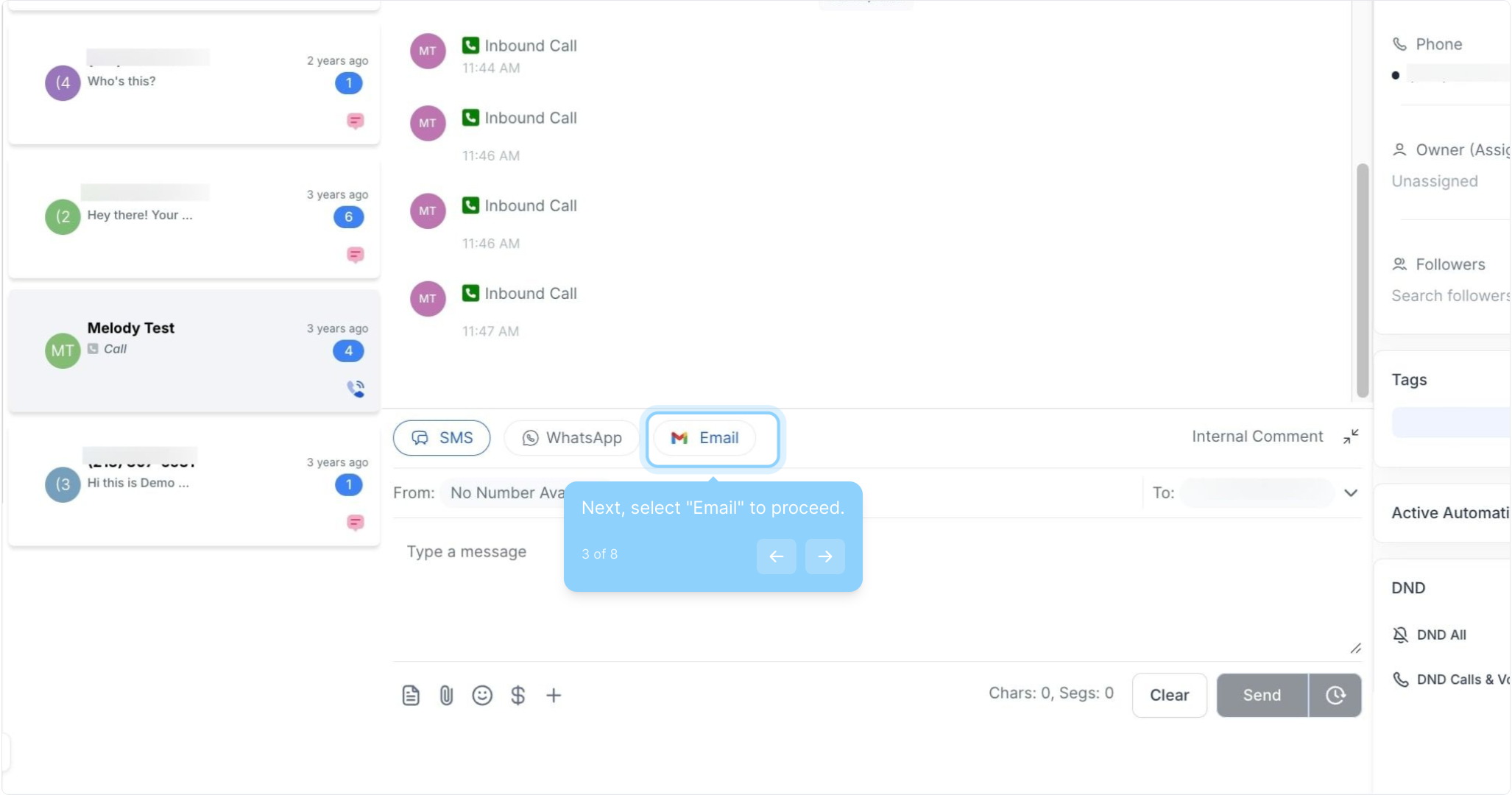
3. Next, select "Email" to proceed.
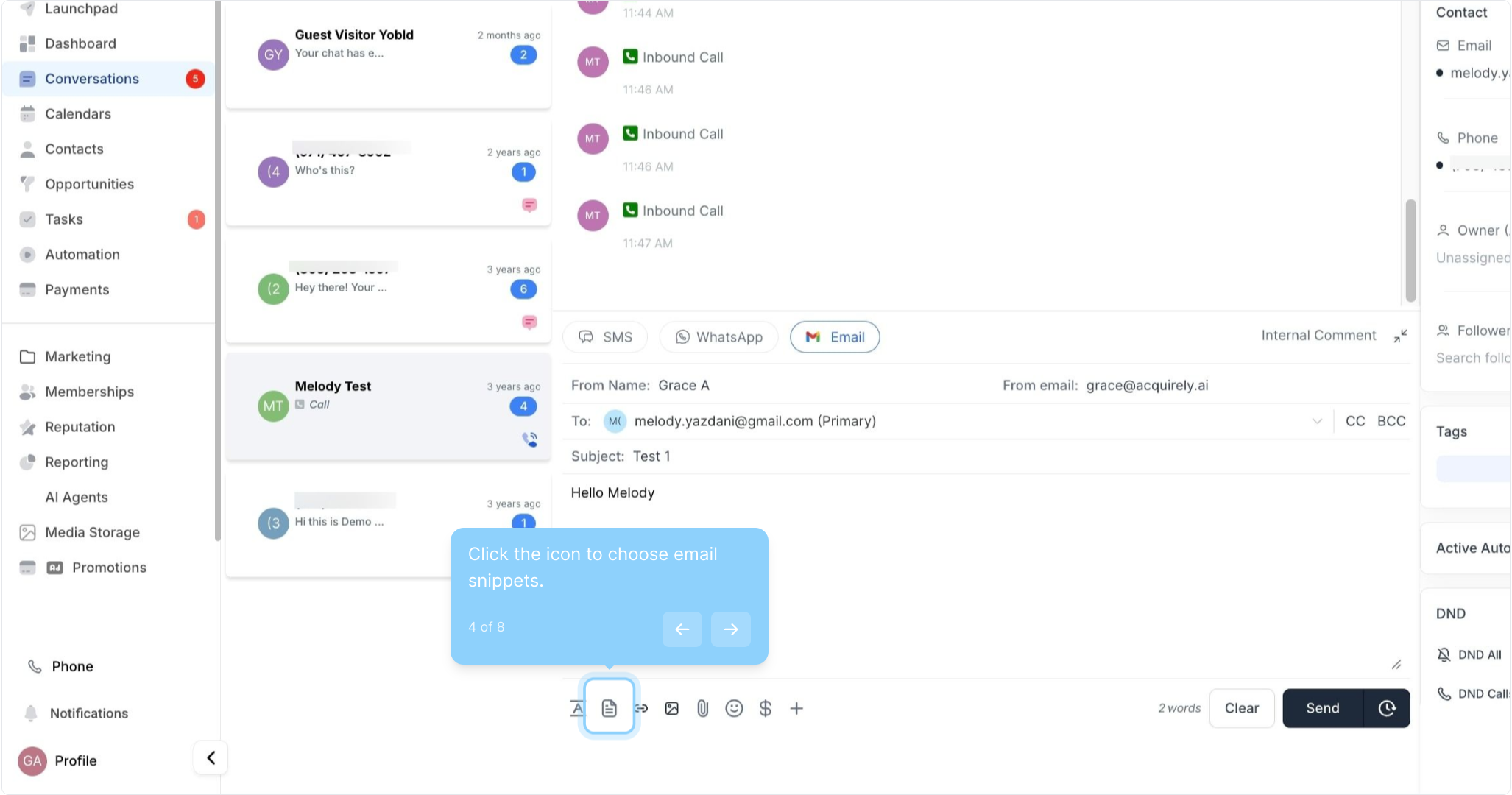
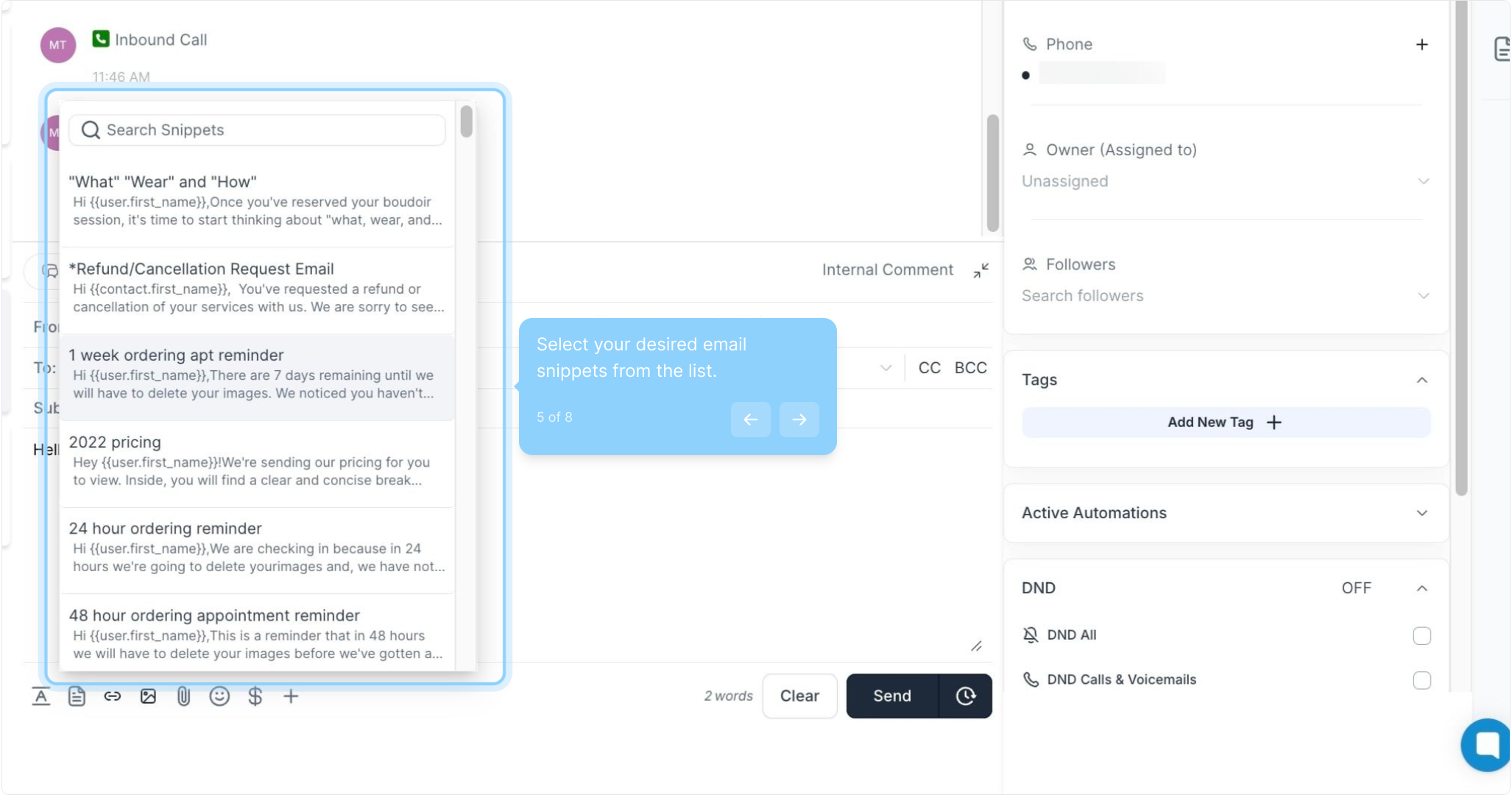
4. Click the icon to choose email snippets.
5. Select your desired email snippets from the list.
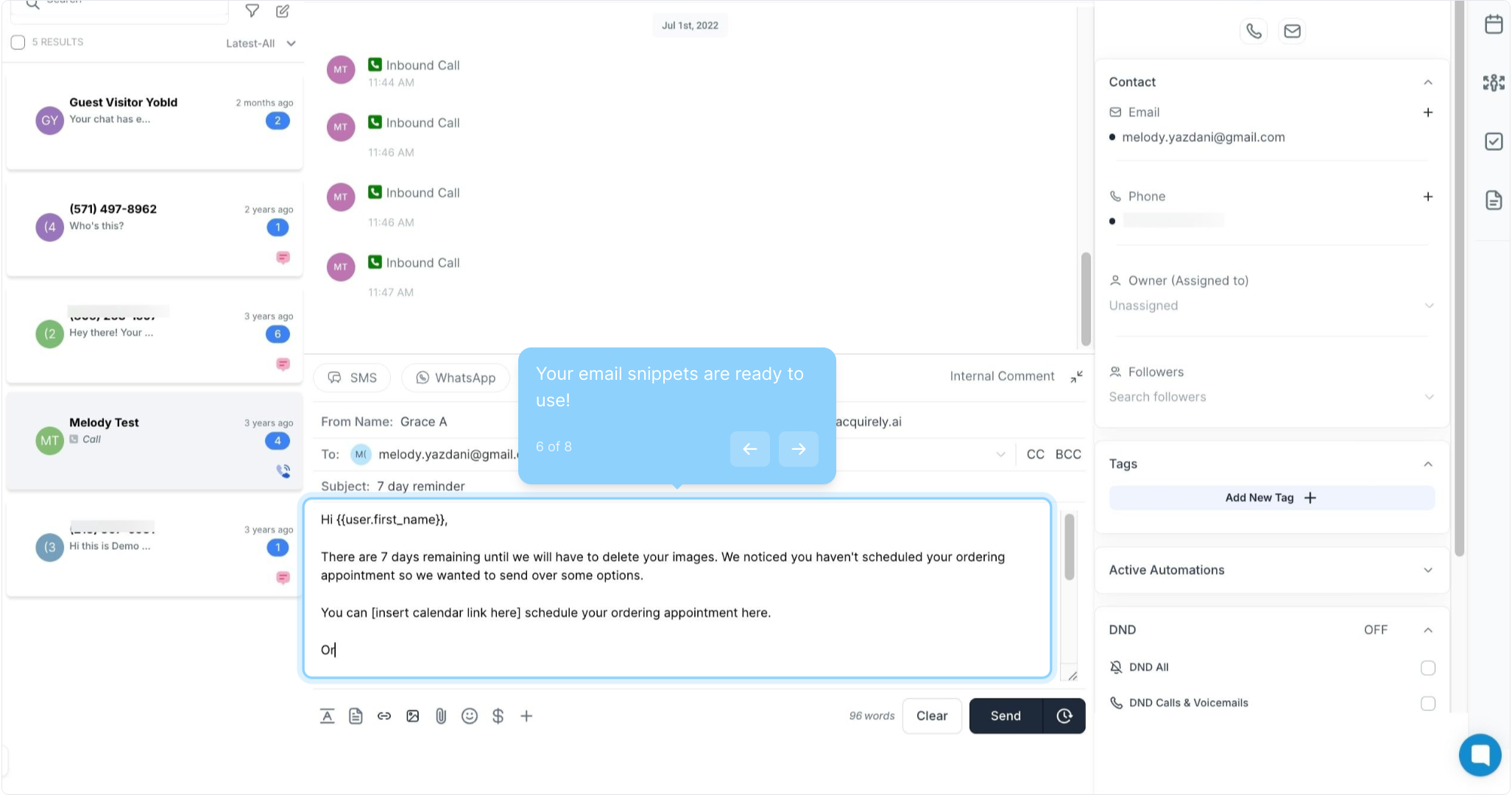
6. Your email snippets are ready to use!
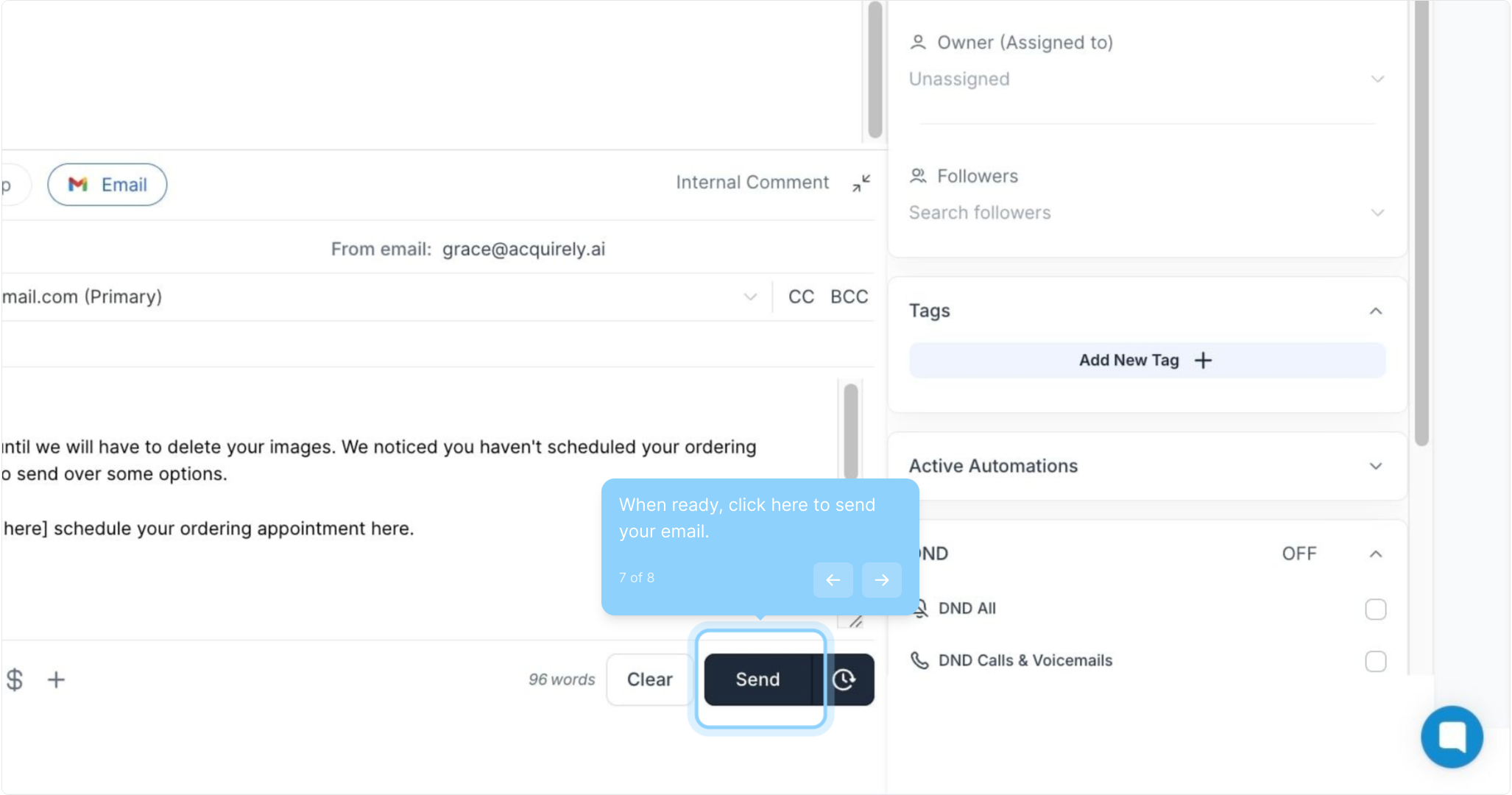
7. When ready, click here to send your email.
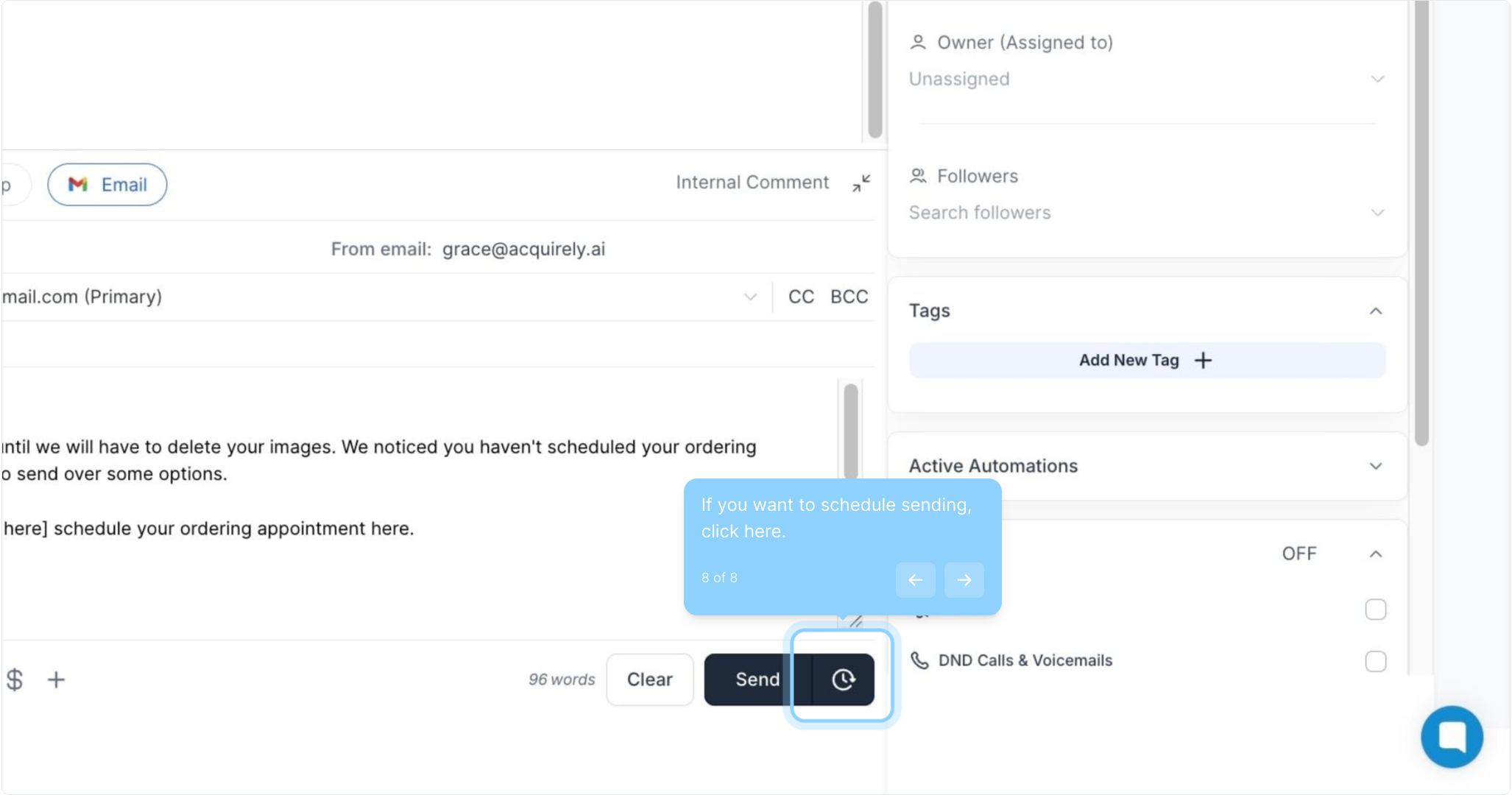
8. If you want to schedule sending, click here.