Learn how to quickly locate, edit, and update your existing email and SMS snippets to keep your messaging accurate and up-to-date. This guide walks you through each step to ensure your templates reflect the latest content and branding.
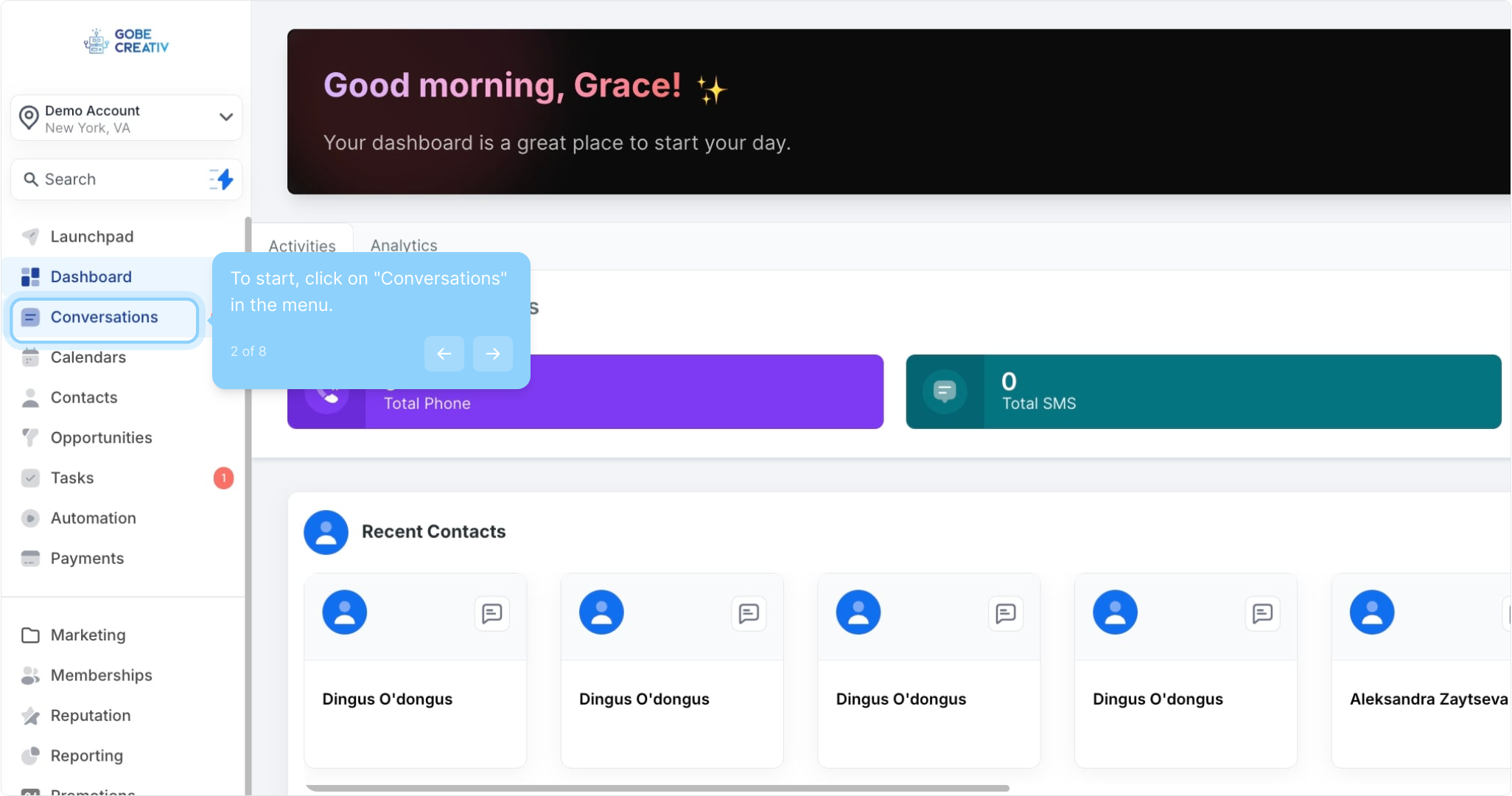
2. To start, click on "Conversations" in the menu.
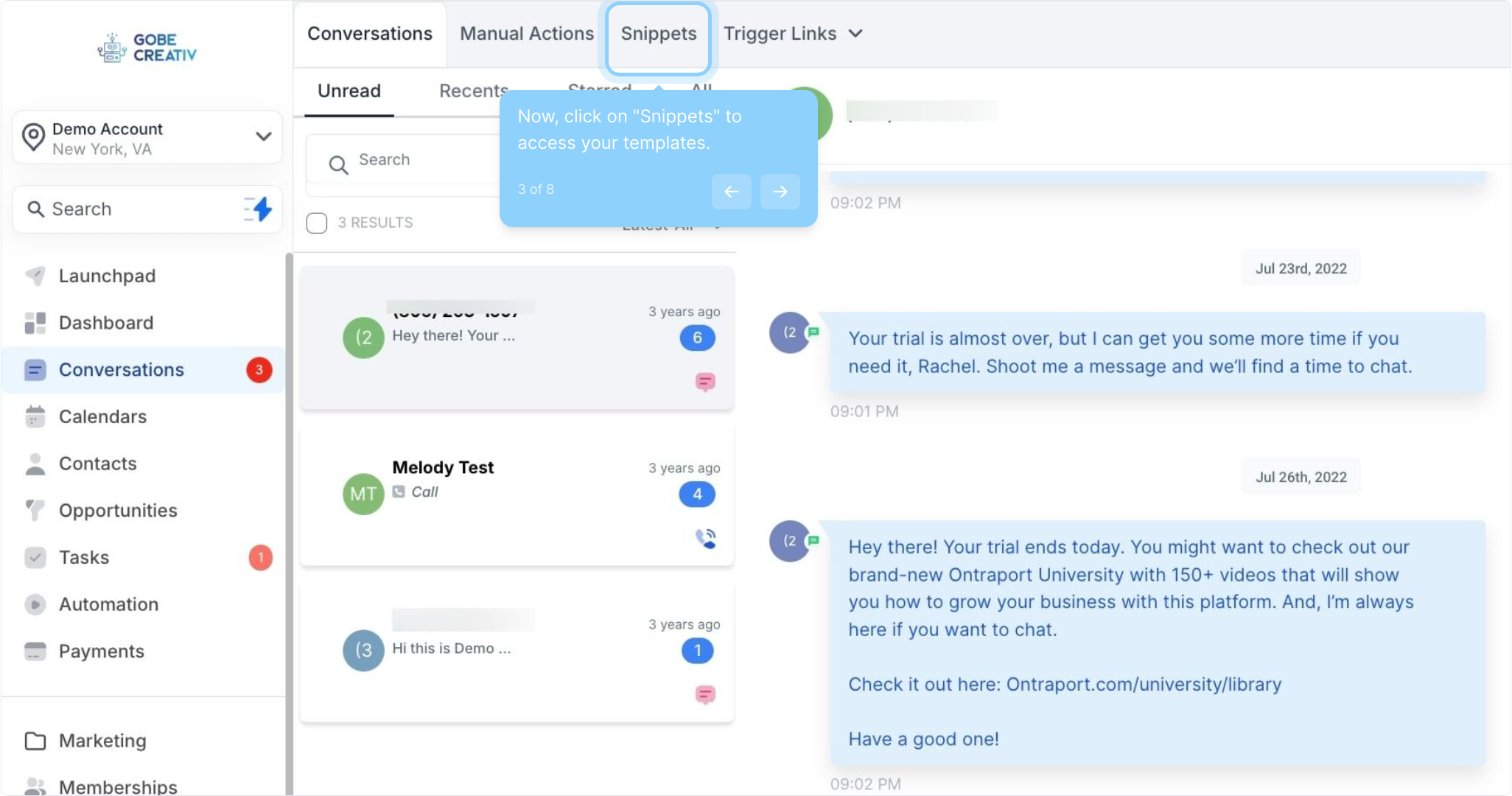
3. Now, click on "Snippets" to access your templates.
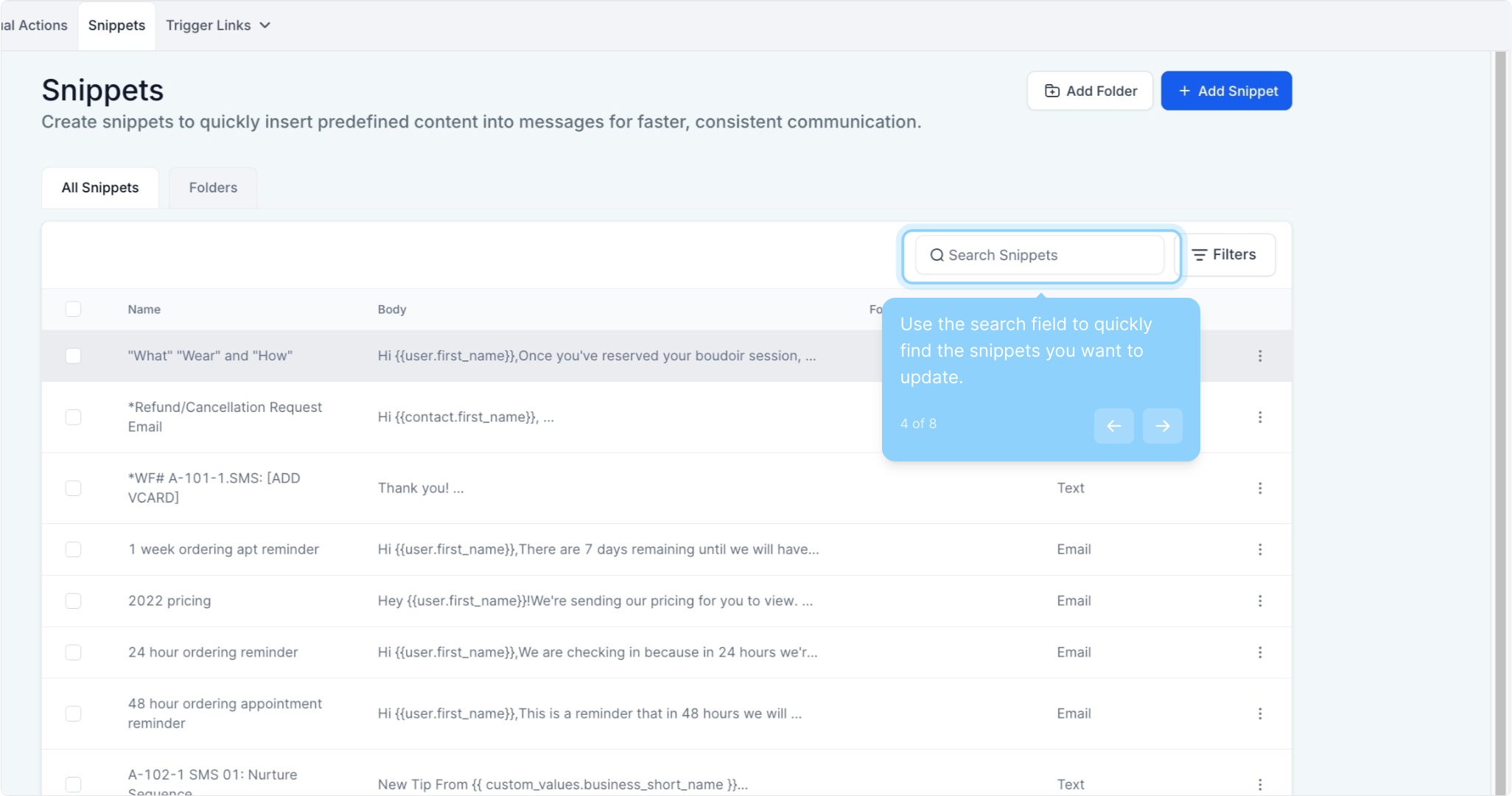
4. Use the search field to quickly find the snippets you want to update.
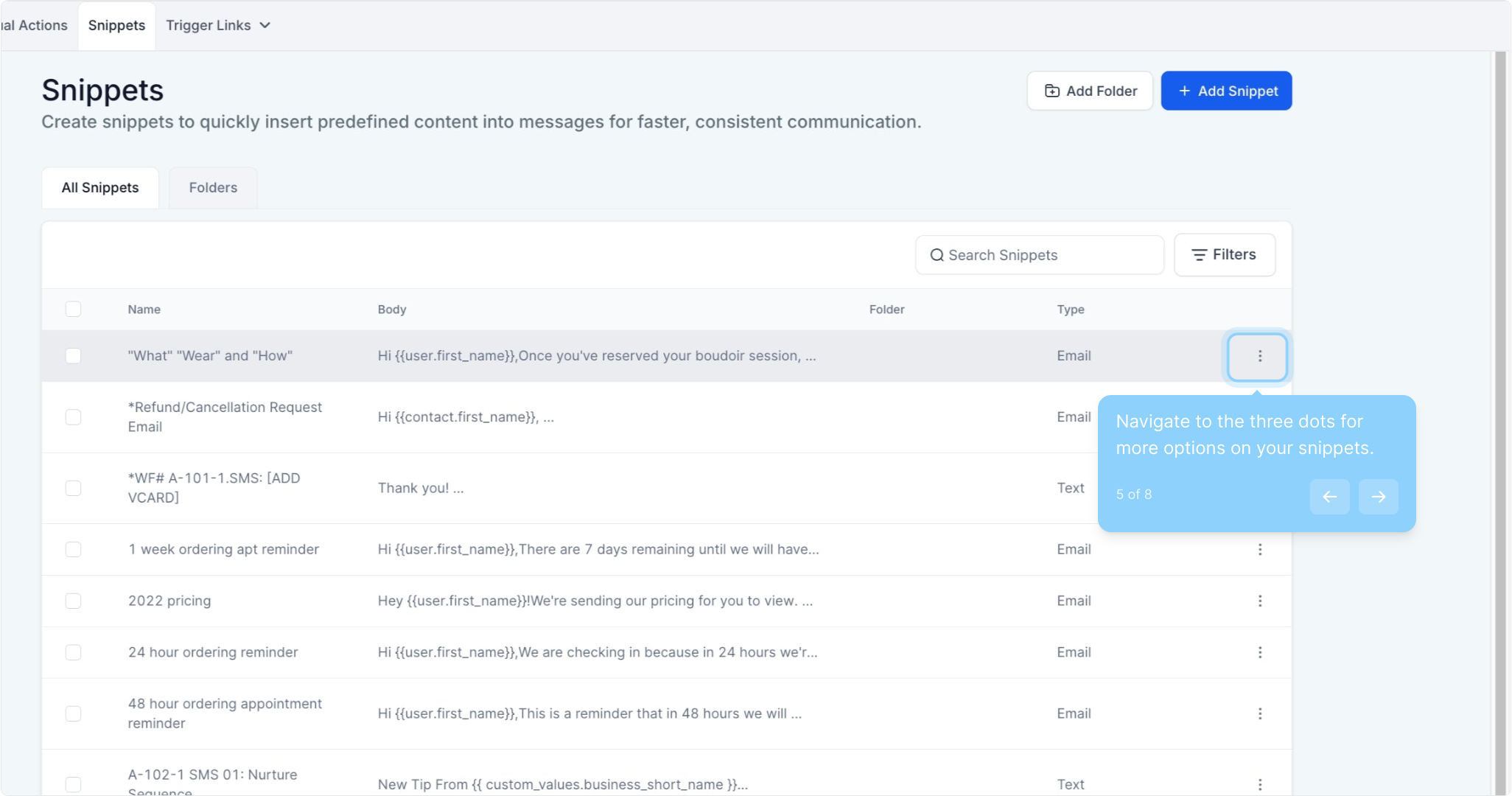
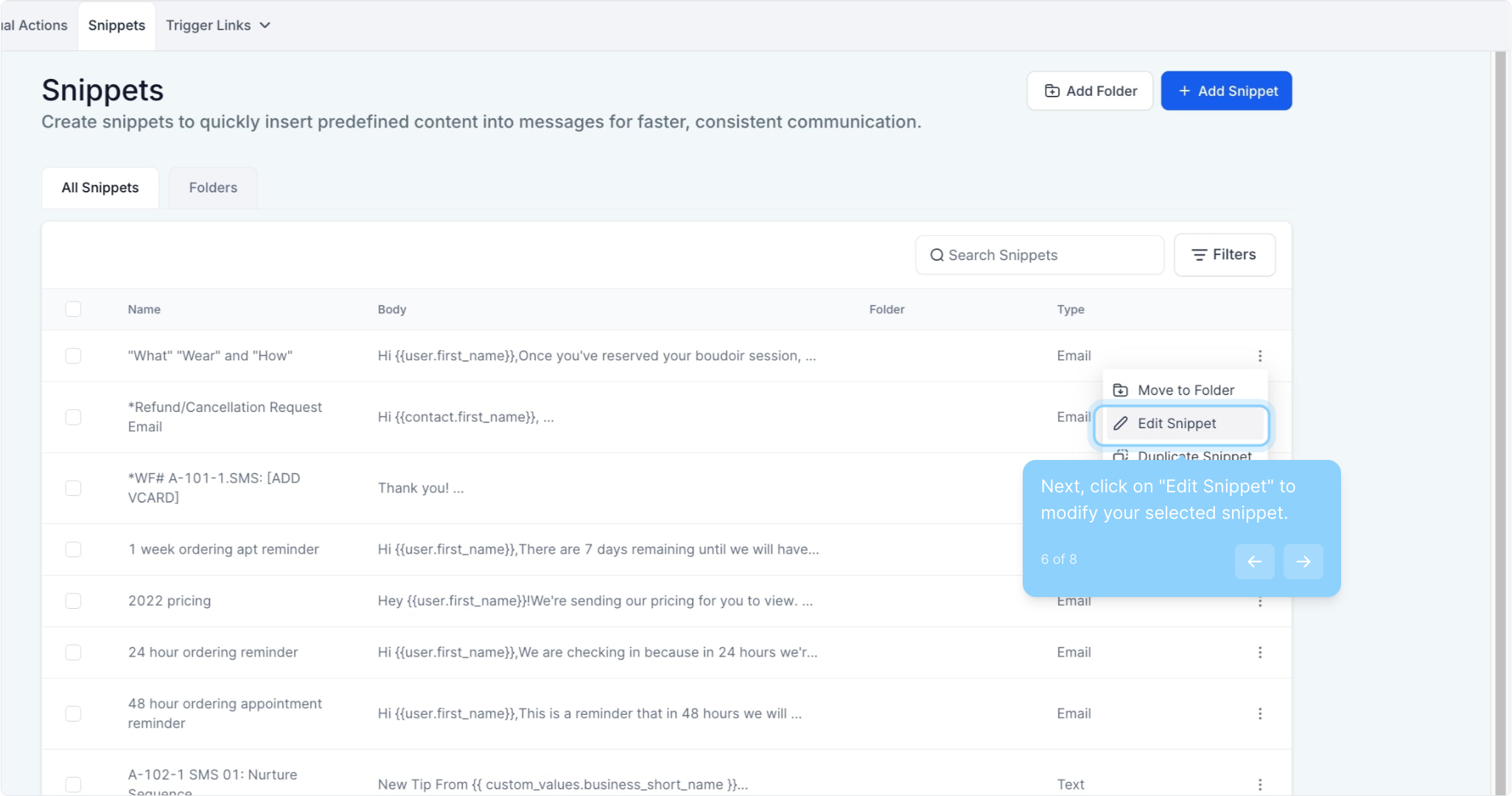
5. Navigate to the three dots for more options on your snippets.
6. Next, click on "Edit Snippet" to modify your selected snippet.
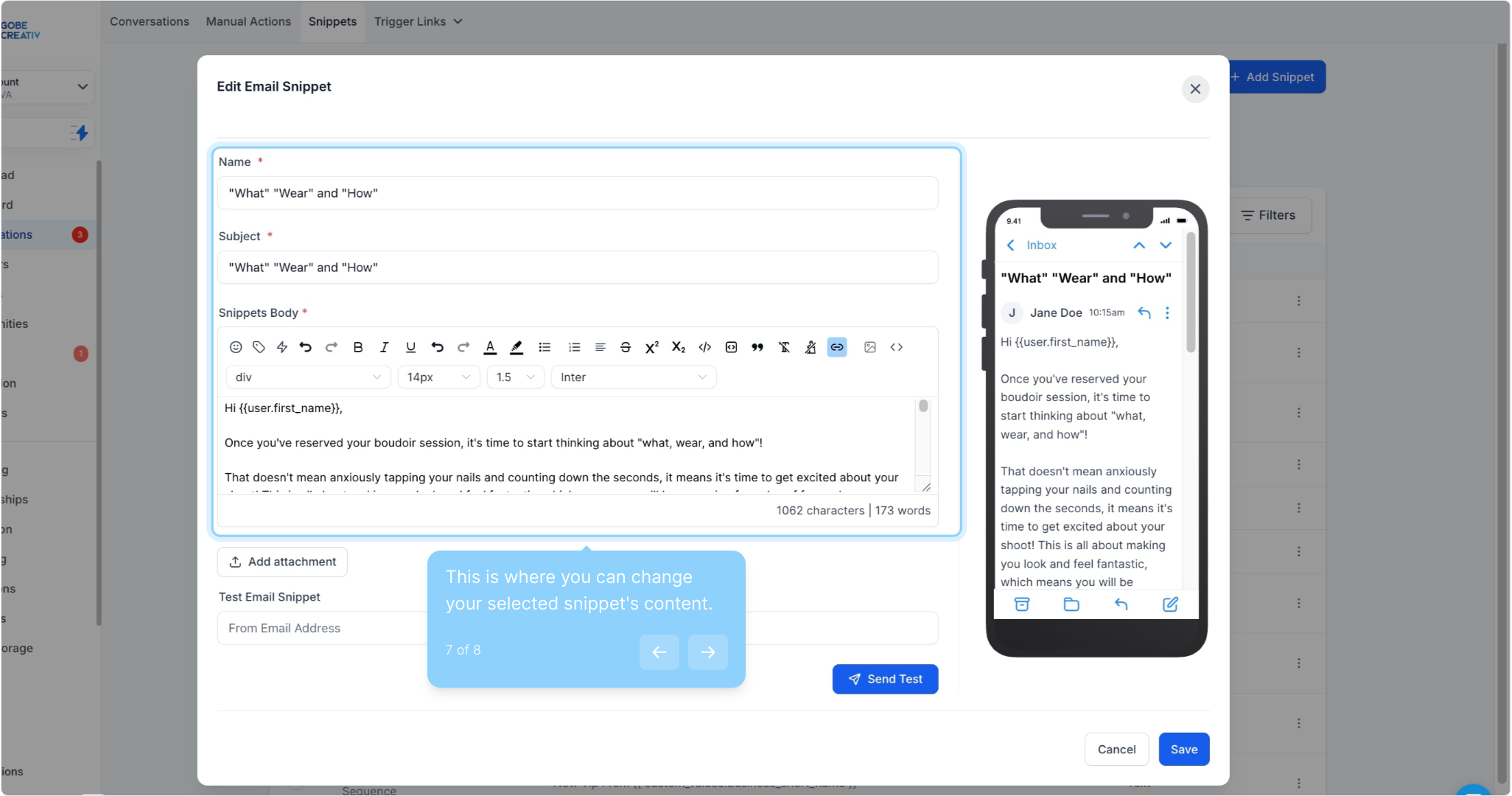
7. This is where you can change your selected snippet's content.
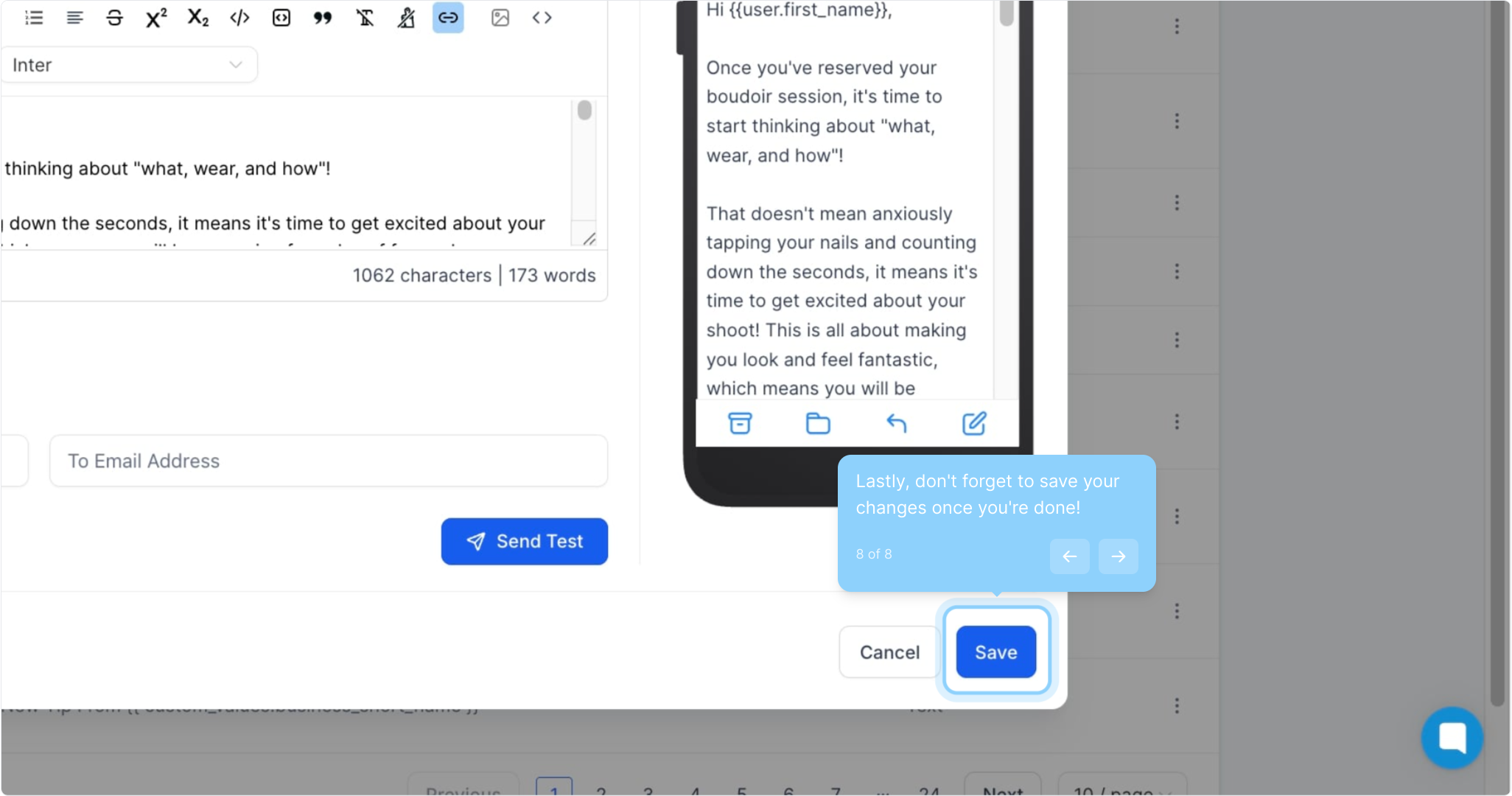
8. Lastly, don't forget to save your changes once you're done!