How to Add an Additional Email Address to a Contact
Need to add a second email address to a contact? This quick guide shows you how to add and manage multiple email addresses under a single contact profile to ensure seamless communication.
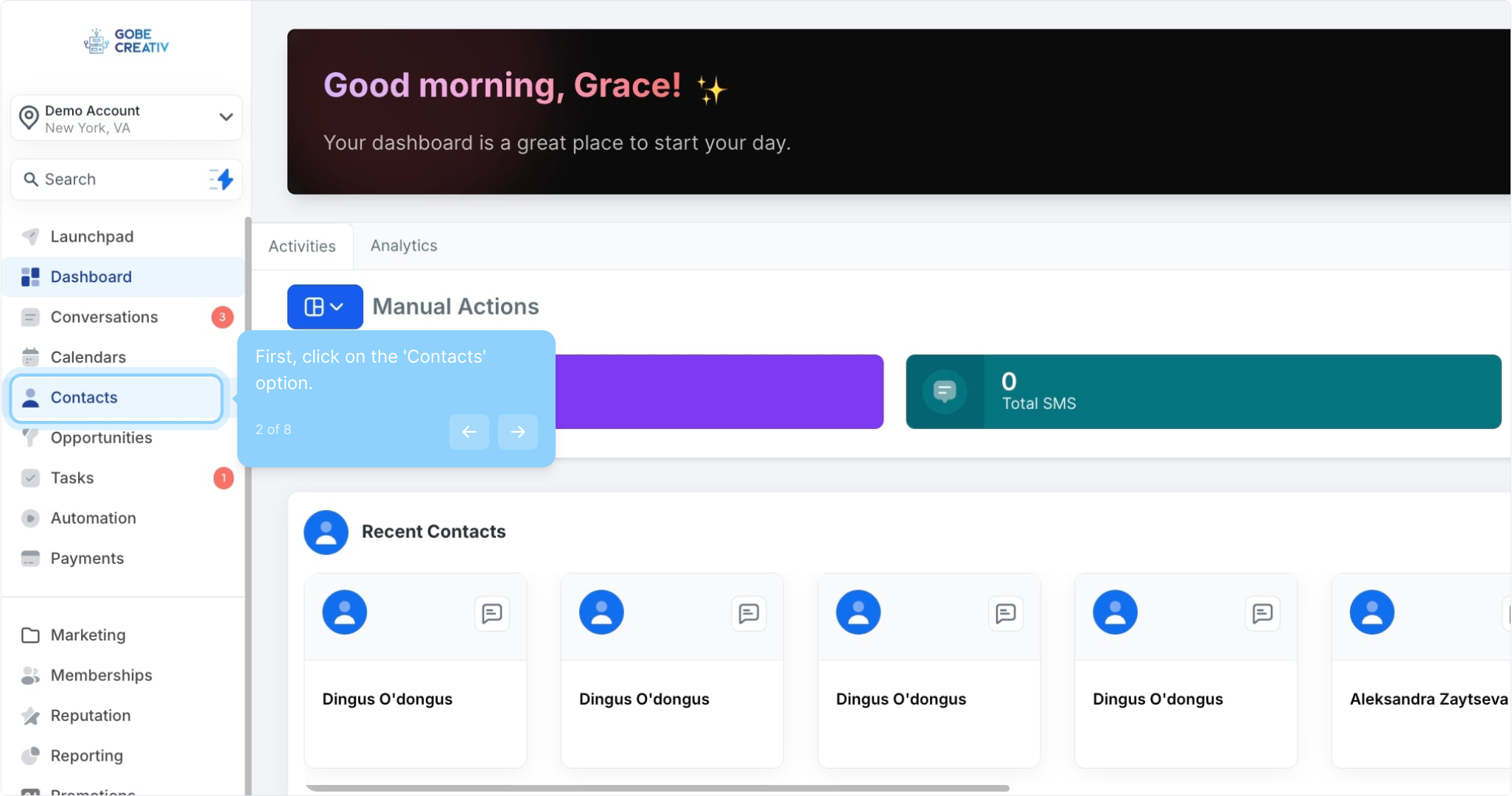
2. First, click on the 'Contacts' option.
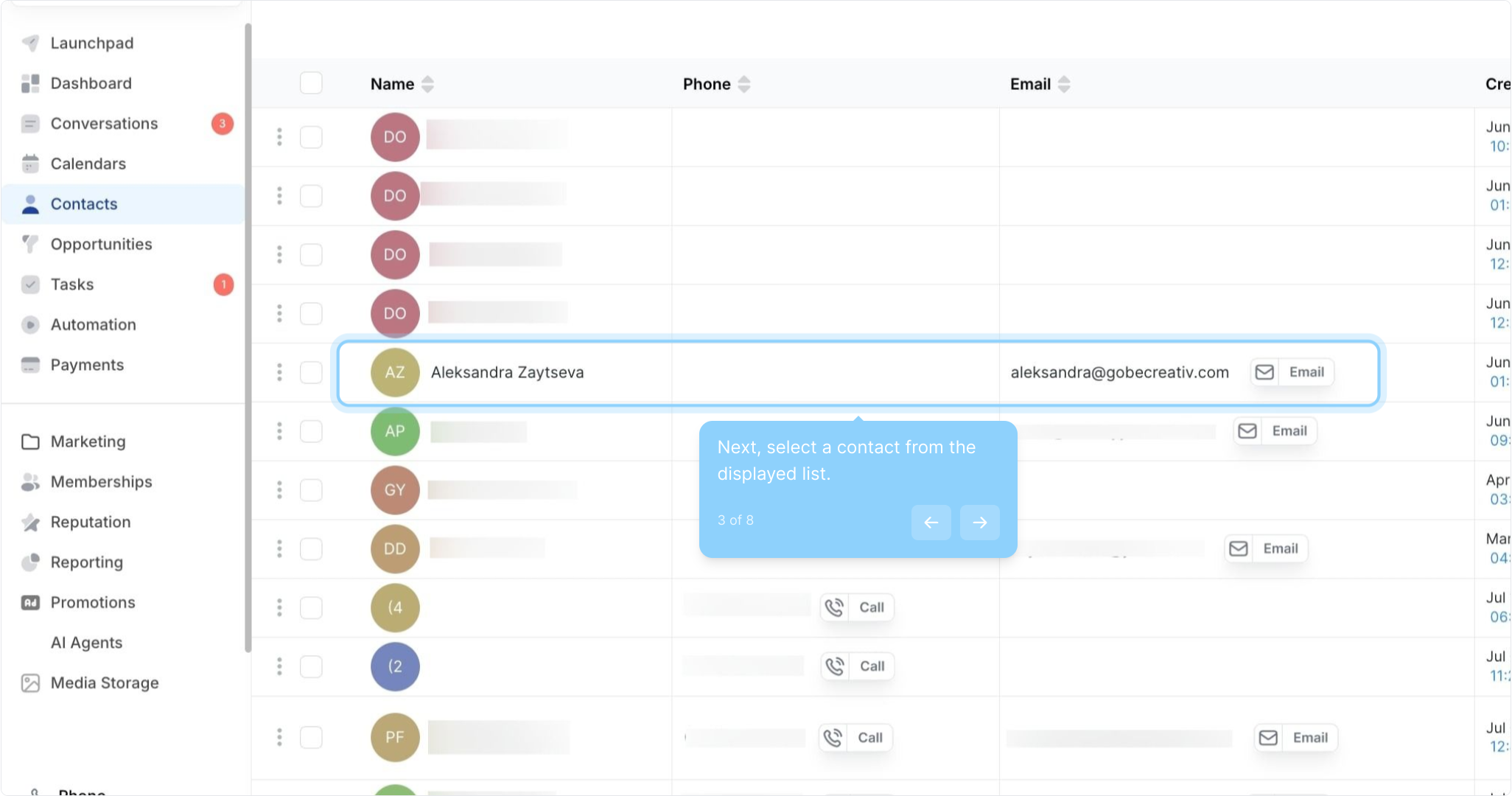
3. Next, select a contact from the displayed list.
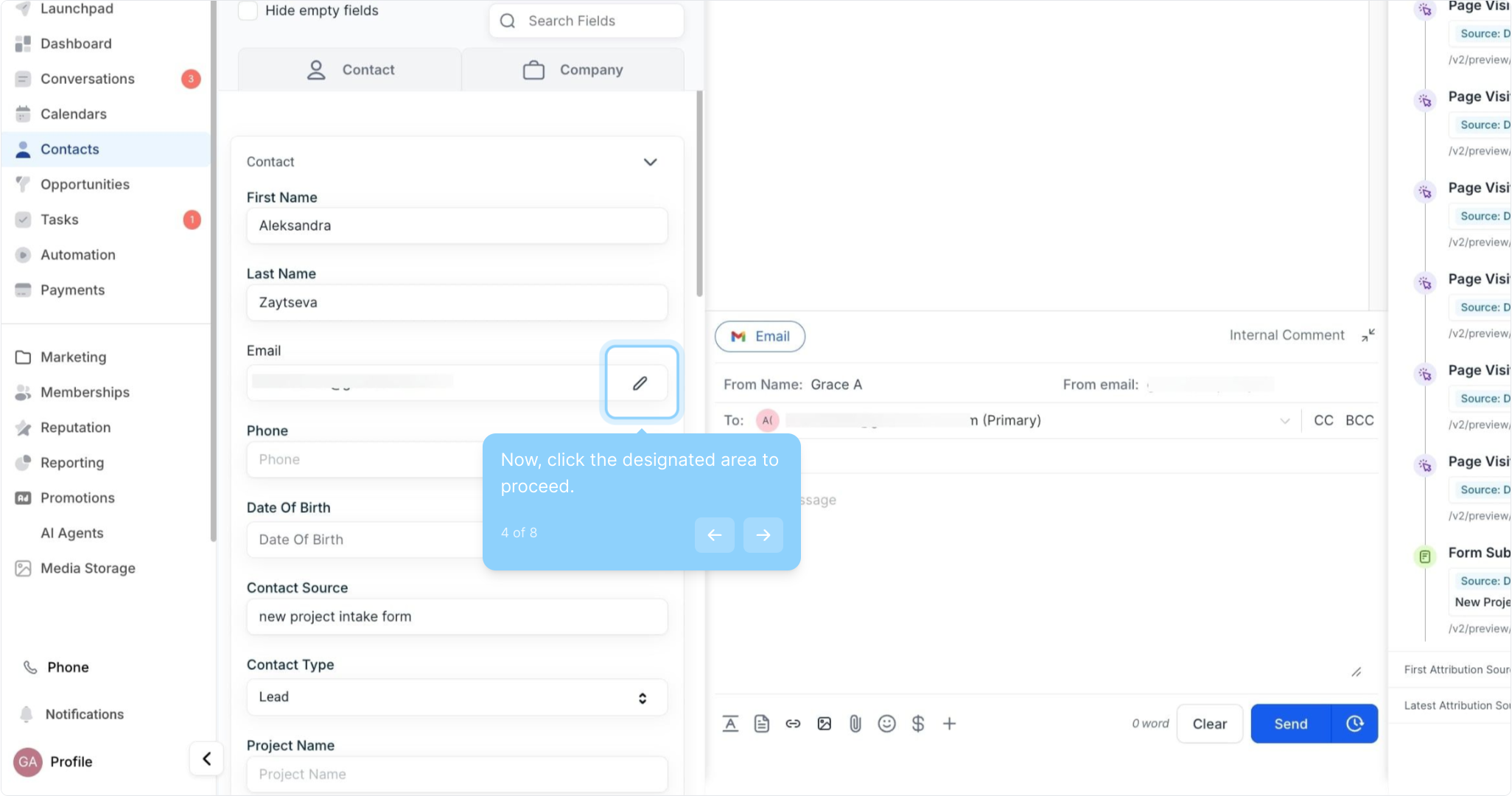
4. Now, click the designated area to proceed.
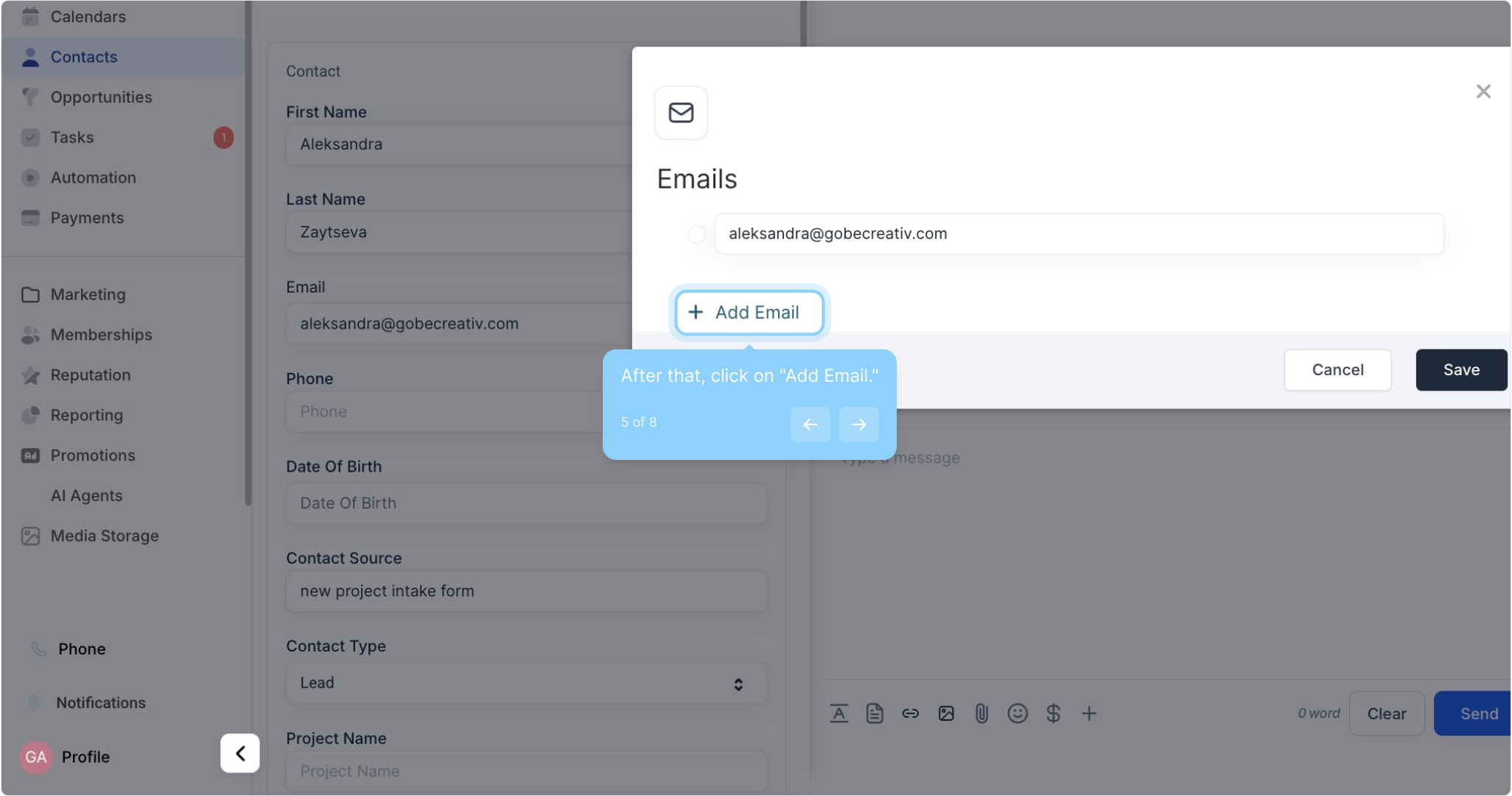
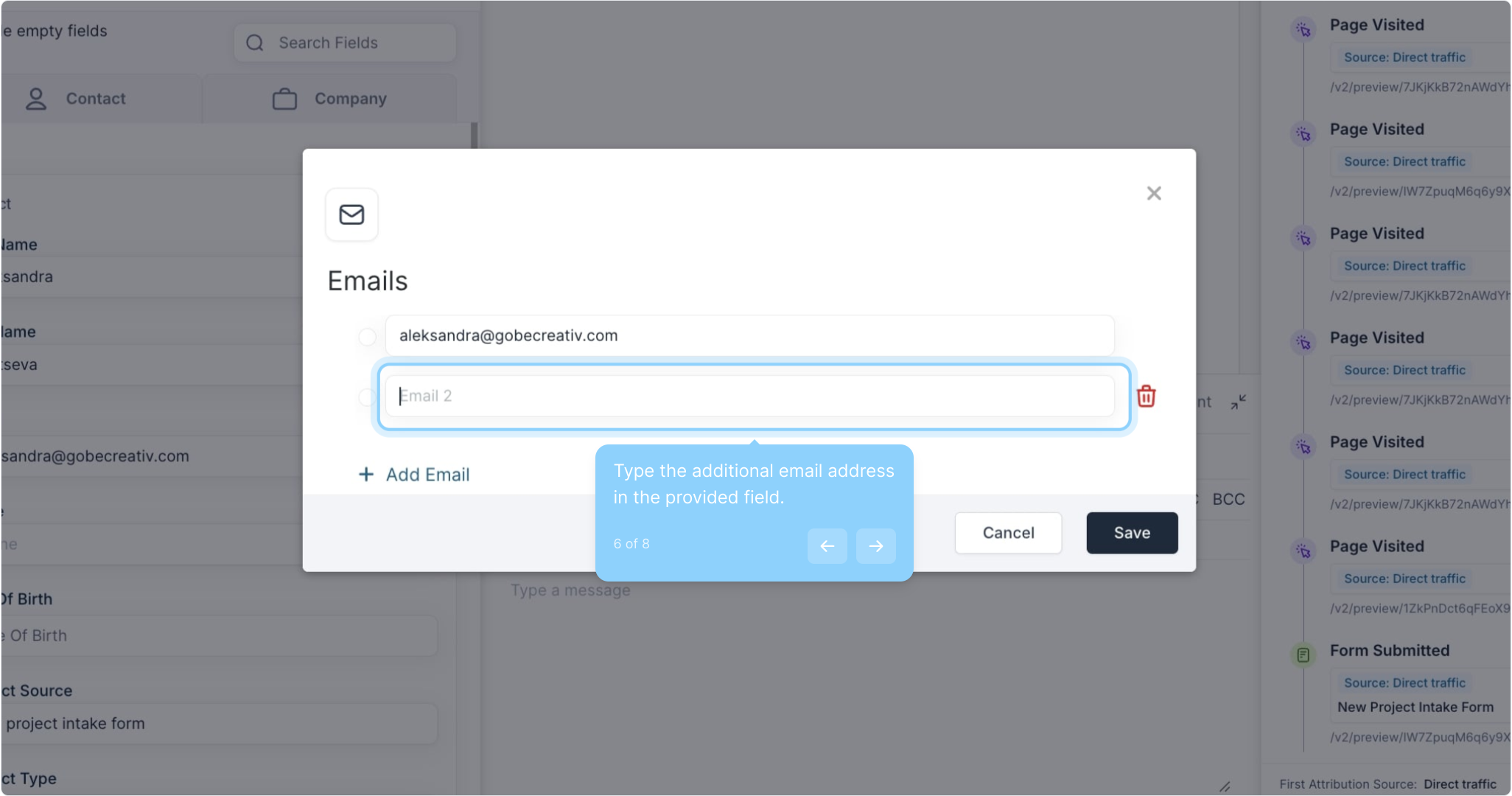
5. After that, click on "Add Email."
6. Type the additional email address in the provided field.
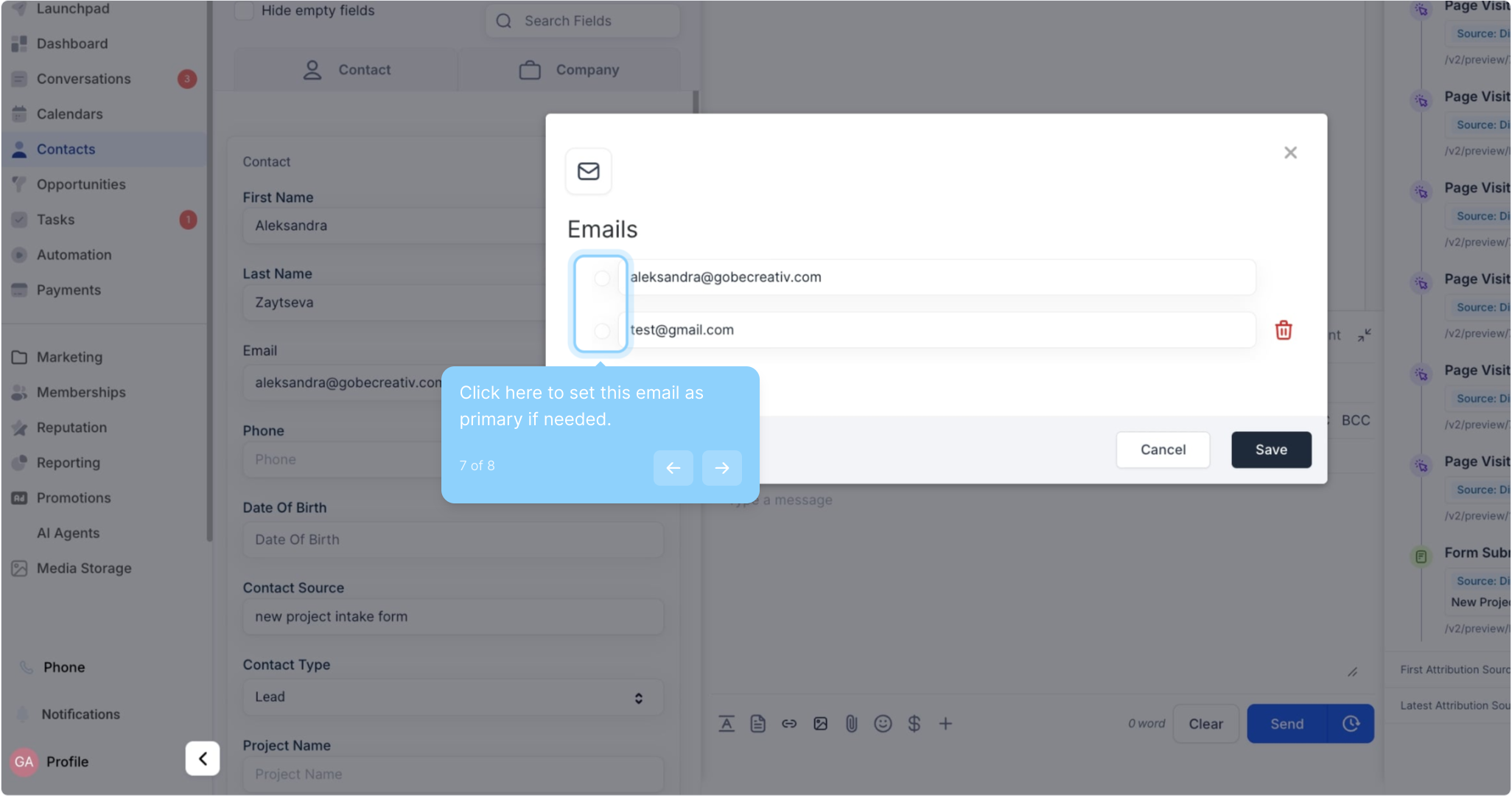
7. Click here to set this email as primary if needed.